
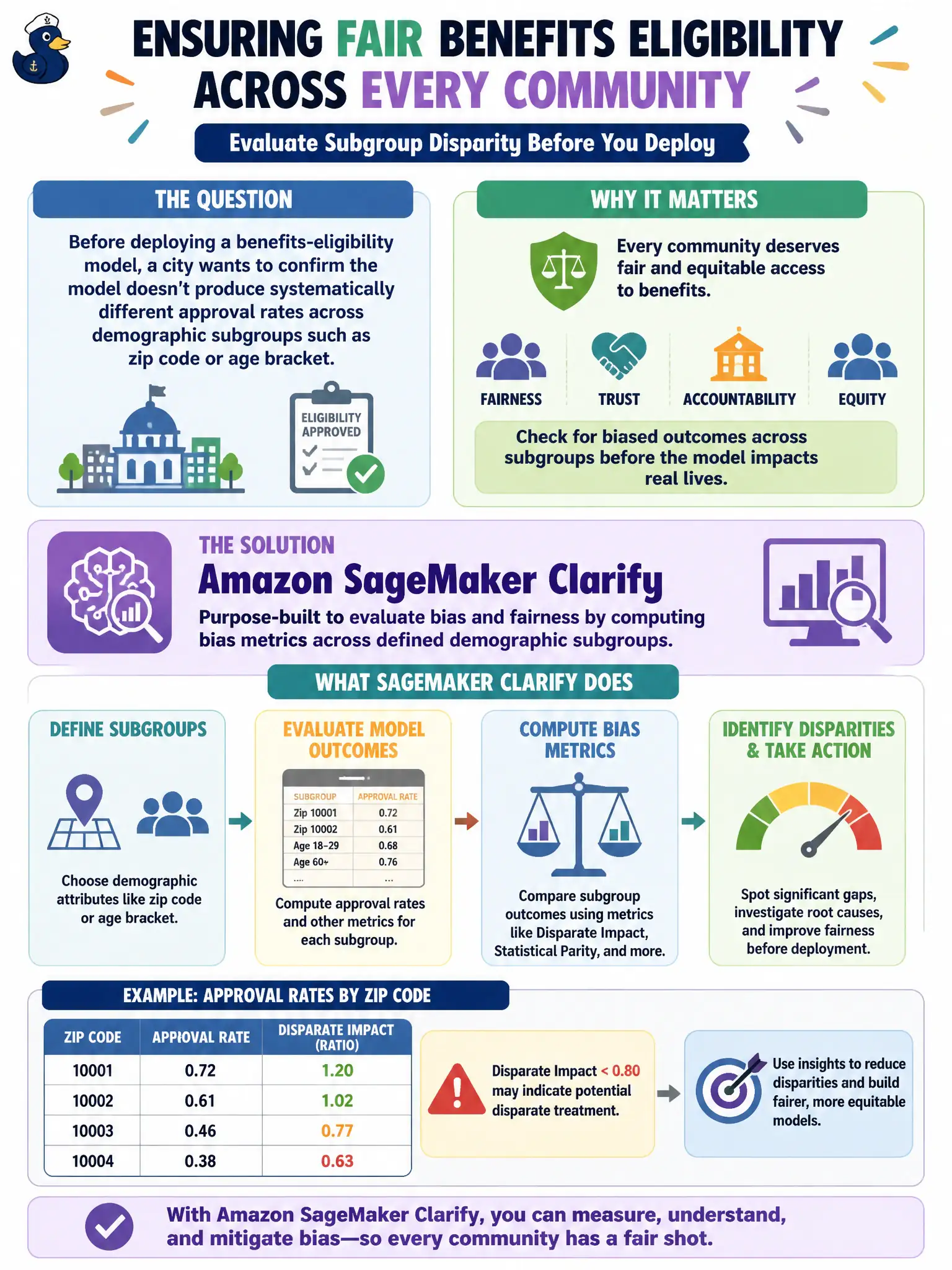
Before deploying a benefits-eligibility model, a city wants to confirm the model doesn't produce systematically different approval rates across demographic subgroups such as zip code or age bracket. Which SageMaker capability is purpose-built for evaluating this kind of subgroup disparity during data preparation and pre-deployment analysis?
Select an answer to reveal the explanation.
Short Explanation
Checking whether one zip code gets approved far less often than another is like auditing a scale to make sure it doesn't quietly favor one side. SageMaker Clarify runs that audit, computing bias metrics across the subgroups you define.
Full Explanation
Mechanism: SageMaker Clarify computes bias metrics, such as disparate impact or difference in approval rates, across demographic subgroups defined by fields like zip code or age bracket, both before training on the raw data and against model predictions, giving the team concrete evidence of whether outcomes differ systematically across those groups. Why the wrong options fail by concept: Feature Store solves feature consistency between training and inference, it has no mechanism for comparing outcome rates across demographic subgroups. Pipelines orchestrates the sequence of steps in a workflow, like a conductor coordinating the order of a performance, it doesn't compute any statistical measure of fairness itself. A standardization transform rescales numeric feature ranges for training stability, it's a preprocessing step unrelated to evaluating whether approval outcomes differ across subgroups. Scope caveat: bias metrics quantify statistical disparity, they don't by themselves establish the legal or causal explanation for why a disparity exists, that interpretation still requires human review and domain judgment. Operational check: review the Clarify bias report for the defined subgroups before deployment and confirm the disparity metrics fall within the thresholds the team has established as acceptable.