
A security engineer is implementing a Bring Your Own Key (BYOK) strategy for an Azure AI Foundry deployment. The customer-managed key is stored in Azure Key Vault. The security team requires that the key must be rotated every 90 days. Which configuration ensures automatic key rotation without service disruption to the AI Foundry workspace?
Select an answer to reveal the explanation.
Short Explanation
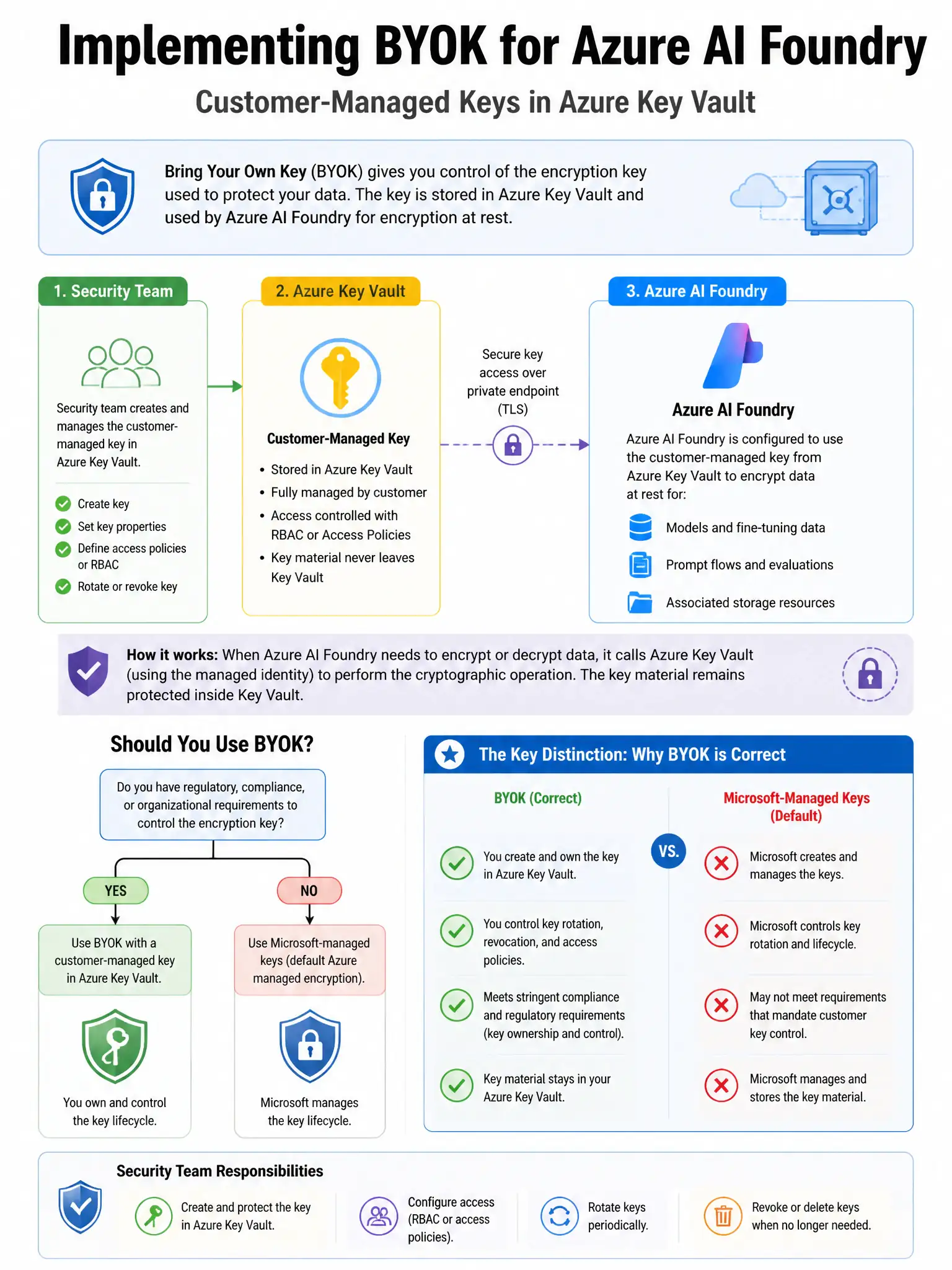
Here's the deal — you want automatic rotation without breaking the workspace, so set an Azure Key Vault 90-day rotation policy and point Azure AI Foundry to the key's 'Latest' version rather than one specific version. That way the service picks up the newest key version after rotation, with no manual reconfiguration or downtime.
Full Explanation
The correct configuration is to set an Azure Key Vault key rotation policy with one 90-day rotation period and configure Azure AI Foundry's customer-managed key reference for the workspace to use the key vault key version 'Latest' rather than one specific version. Azure Key Vault supports automatic key rotation policies that generate one new key version at defined intervals, such as 90 days. When Azure AI Foundry's customer-managed key configuration references the key using the 'Latest' version URI without one specific version suffix, the service automatically uses the newest key version after rotation, ensuring seamless automatic rotation without service disruption or manual intervention. The manual rotation approach is incorrect because manually rotating the key every 90 days and updating the customer-managed key configuration to point to the new key version is operationally risky due to human error and missed rotations, and it requires downtime-sensitive configuration changes; automated rotation is preferable. The Azure Function timer approach is incorrect because using an Azure Function triggered on one 90-day timer to generate one new key and update the customer-managed key configuration adds unnecessary custom code when Key Vault's native key rotation policy achieves the same result without custom development. The key expiration approach is incorrect because enabling Azure Key Vault automatic key expiration at 90 days would make an expired key unavailable, which would cause service disruption; key rotation, which generates one new version, is different from key expiration.