
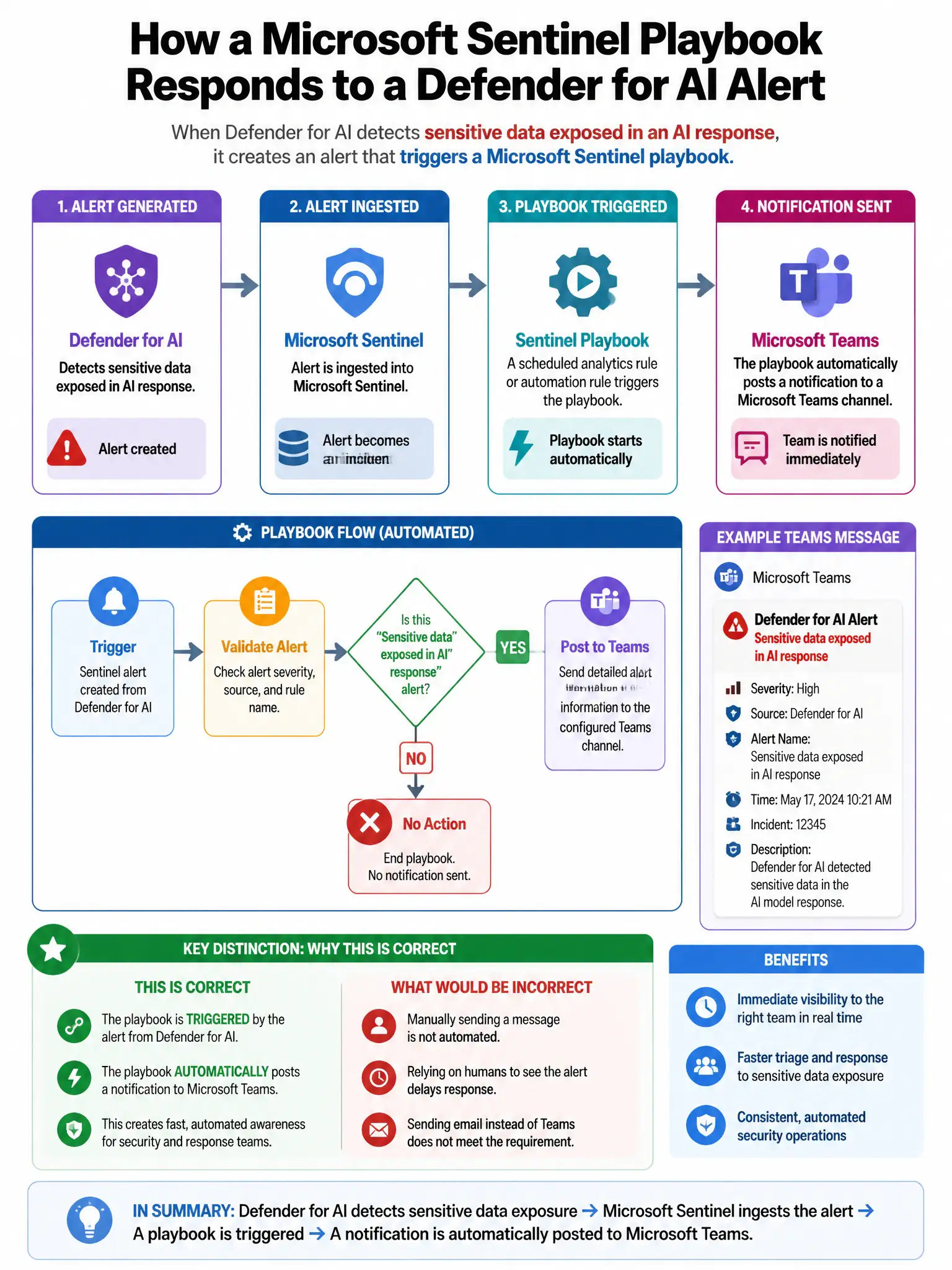
A Microsoft Sentinel playbook is triggered when a Defender for AI alert fires for 'Sensitive data exposed in AI response.' The playbook must automatically post a notification to a Microsoft Teams channel with the alert details. Which Logic App action step is required for this Teams notification?
Select an answer to reveal the explanation.
Short Explanation
Here's the deal — you need the Microsoft Teams connector action 'Post a message in a chat or channel' because it posts alert details straight into the target channel. It's the native, purpose-built way to notify Teams from a Sentinel playbook, and it supports rich card formatting.
Full Explanation
The required step is the Microsoft Teams connector action 'Post a message in a chat or channel', because it directly posts formatted messages to a specified Teams channel. This is the native, purpose-built integration for posting Teams notifications from Logic App playbooks and supports rich formatting with card content. The HTTP connector with a POST request to the Teams webhook URL configured for the target channel is incorrect because, while it is a functional approach, the native Microsoft Teams connector is preferred as it provides better authentication, richer formatting options, and direct channel addressing without requiring webhook URL management. The Office 365 Outlook connector to send an email notification to the Teams channel email address is incorrect because sending email to a Teams channel email address creates a Teams message from email, but this is slower, adds email routing complexity, and does not format as well as native Teams messages. The Azure Service Bus connector to publish a message that a separate Teams application subscribes to is incorrect because it is an unnecessarily complex event-driven architecture when direct Teams connector integration is available.