
A compliance team needs to search across all Microsoft 365 Copilot interaction data for a specific employee's prompts and responses as part of an HR investigation. The investigation requires content from the past 60 days. Which Microsoft tool should be used?
Select an answer to reveal the explanation.
Short Explanation
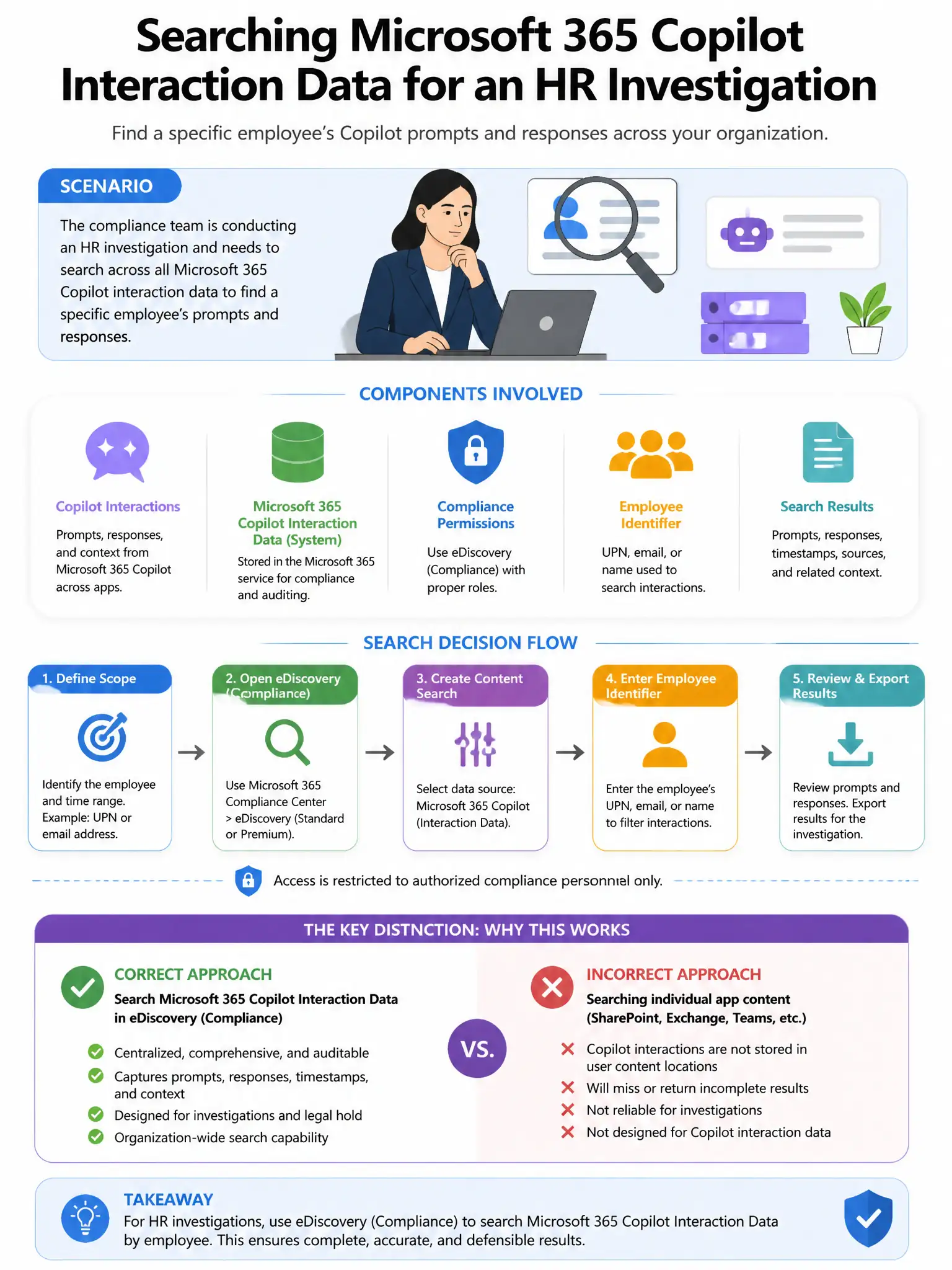
Here's the deal — you need Microsoft Purview eDiscovery (Premium) content search targeting the user's Copilot interaction storage location. It searches the actual Copilot prompts and responses stored in the user's Exchange Online mailbox hidden folder and SharePoint, scoped to that user and the past 60 days, and lets you export the content for review.
Full Explanation
The correct tool is Microsoft Purview eDiscovery (Premium) content search targeting the user's Copilot interaction storage location. Copilot interaction data is stored in the user's Exchange Online mailbox hidden folder and SharePoint, and eDiscovery content search can search that stored content, scope it to a specific user and date range such as the past 60 days, and export the prompts and responses for review. Purview Audit log search filtered for Copilot interaction events for the specific user is not sufficient because Purview Audit logs capture event metadata, such as who did what when, but may not contain the full prompt and response content needed for an HR investigation. Microsoft Viva Insights manager dashboard filtering for the specific employee's Copilot activity is incorrect because Viva Insights provides productivity analytics and does not contain the actual content of Copilot prompts and responses. Microsoft Entra ID audit logs filtered for the user's Copilot service principal authentication events are incorrect because Entra ID audit logs capture authentication events, not Copilot interaction content.