
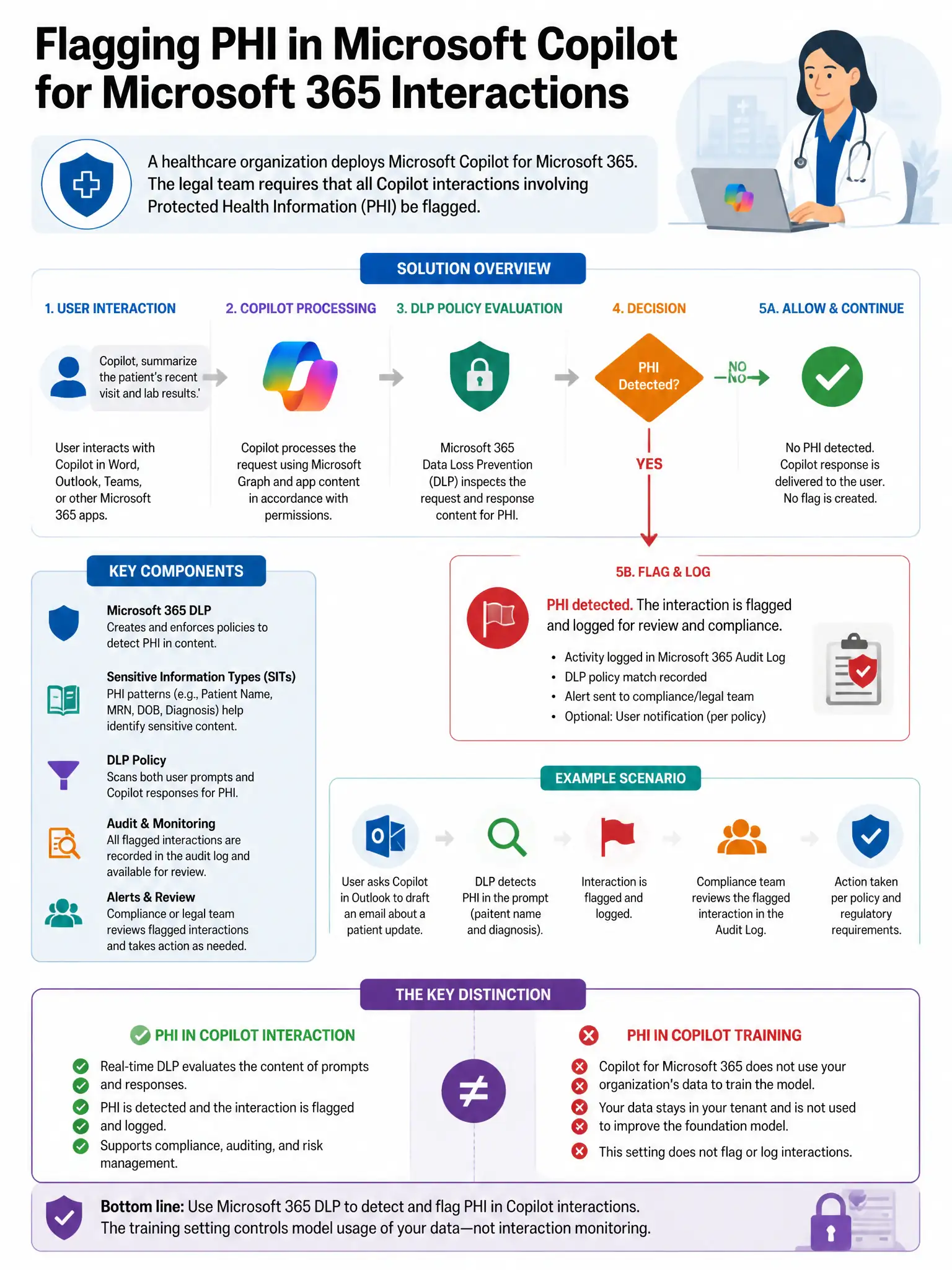
A healthcare organization deploys Microsoft Copilot for Microsoft 365. The legal team requires that all Copilot interactions involving Protected Health Information (PHI) be flagged for legal review before the interaction data can be deleted. Which Microsoft 365 feature achieves this?
Select an answer to reveal the explanation.
Short Explanation
Here's the deal — you need Microsoft Purview Communication Compliance because it can detect Protected Health Information in Copilot interactions, flag them for reviewers, and keep them from being deleted until review is done.
Full Explanation
The correct approach is a Microsoft Purview Communication Compliance policy that flags Protected Health Information-related Copilot interactions for reviewer action before any automated deletion. These policies can be configured to detect Protected Health Information content in Copilot interactions and route them to reviewers. The review workflow ensures that interactions are not deleted, through retention conflicts, until reviewers have assessed them, meeting the legal review requirement. The eDiscovery legal hold option is incorrect because it preserves existing content and prevents deletion but does not provide the flagging and review workflow needed for ongoing Protected Health Information detection in new interactions. The retention policy option is incorrect because it prevents deletion during the retention period but does not provide a review workflow or flag interactions for legal team action. The Conditional Access option is incorrect because it restricts access to Copilot but does not provide a content review workflow for Protected Health Information in interactions.