
A security engineer is configuring Microsoft Copilot for Security to integrate with an on-premises SIEM. The engineer wants Copilot for Security to query on-premises security event data. Which mechanism allows Copilot for Security to access data from a non-Microsoft SIEM?
Select an answer to reveal the explanation.
Short Explanation
Here's the deal — you want the third-party plugin framework because it lets Copilot for Security query and reason over data from a non-Microsoft SIEM. That plugin is the supported way to connect external security data sources.
Full Explanation
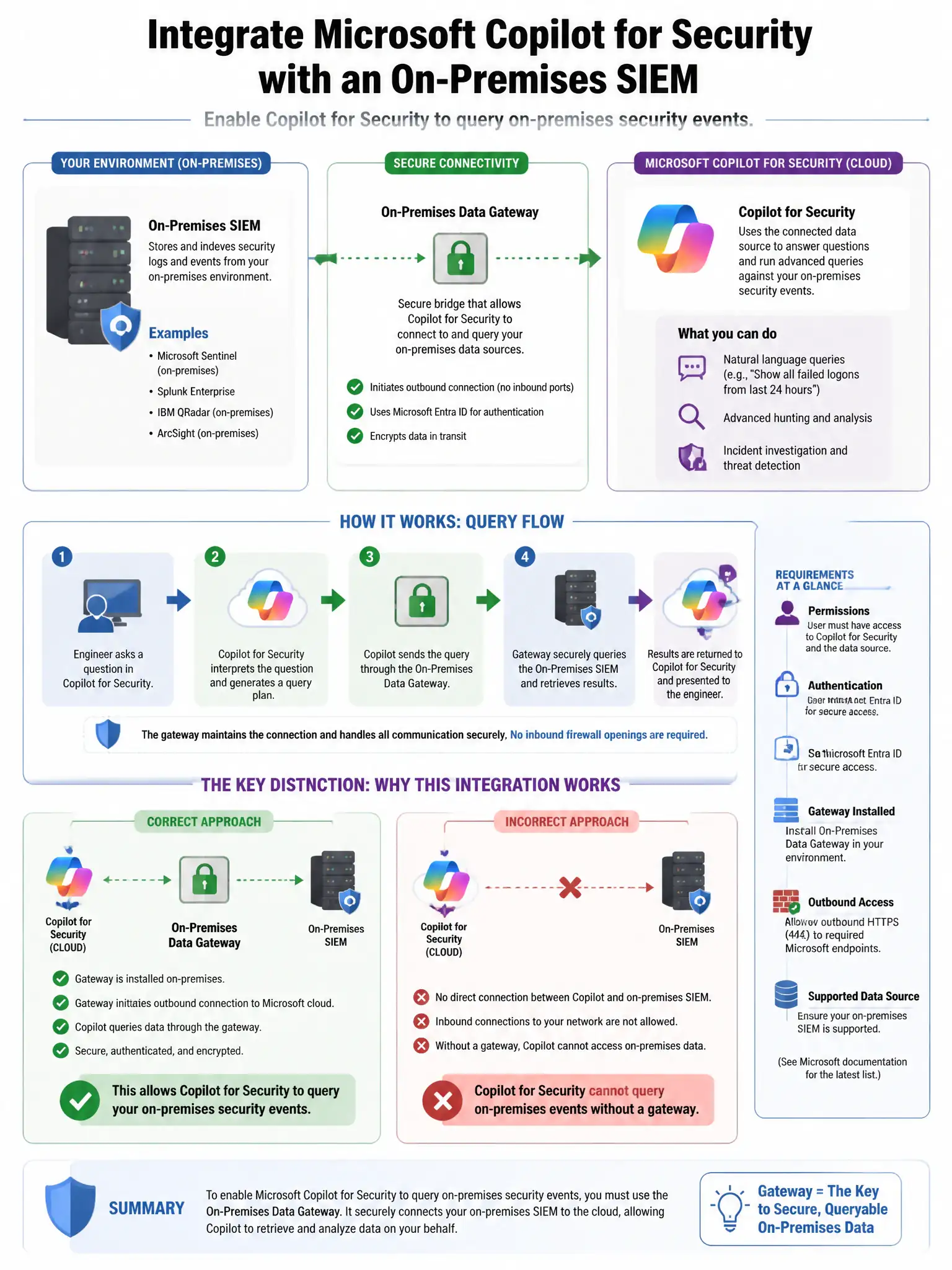
The correct mechanism is deploying a third-party plugin for the SIEM in Copilot for Security using the plugin framework. Microsoft Copilot for Security supports a plugin framework that allows third-party vendors and custom developers to create plugins integrating external data sources, including non-Microsoft SIEMs. These plugins enable Copilot to query and reason over data from connected systems. A Microsoft Sentinel data connector with a custom log source pointing to the on-premises SIEM is incorrect because Sentinel data connectors bring data into Sentinel's workspace, and Copilot then accesses Sentinel; the SIEM data would need to be in Sentinel first, not queried directly. Installing a Copilot for Security agent on the on-premises SIEM server is incorrect because Copilot for Security does not have an agent that installs on external systems. Configuring a Logic App to forward SIEM alerts to Copilot for Security via webhook is incorrect because Logic Apps forwarding alerts to a webhook does not create a queryable interface for Copilot for Security; plugins are the correct integration mechanism.