
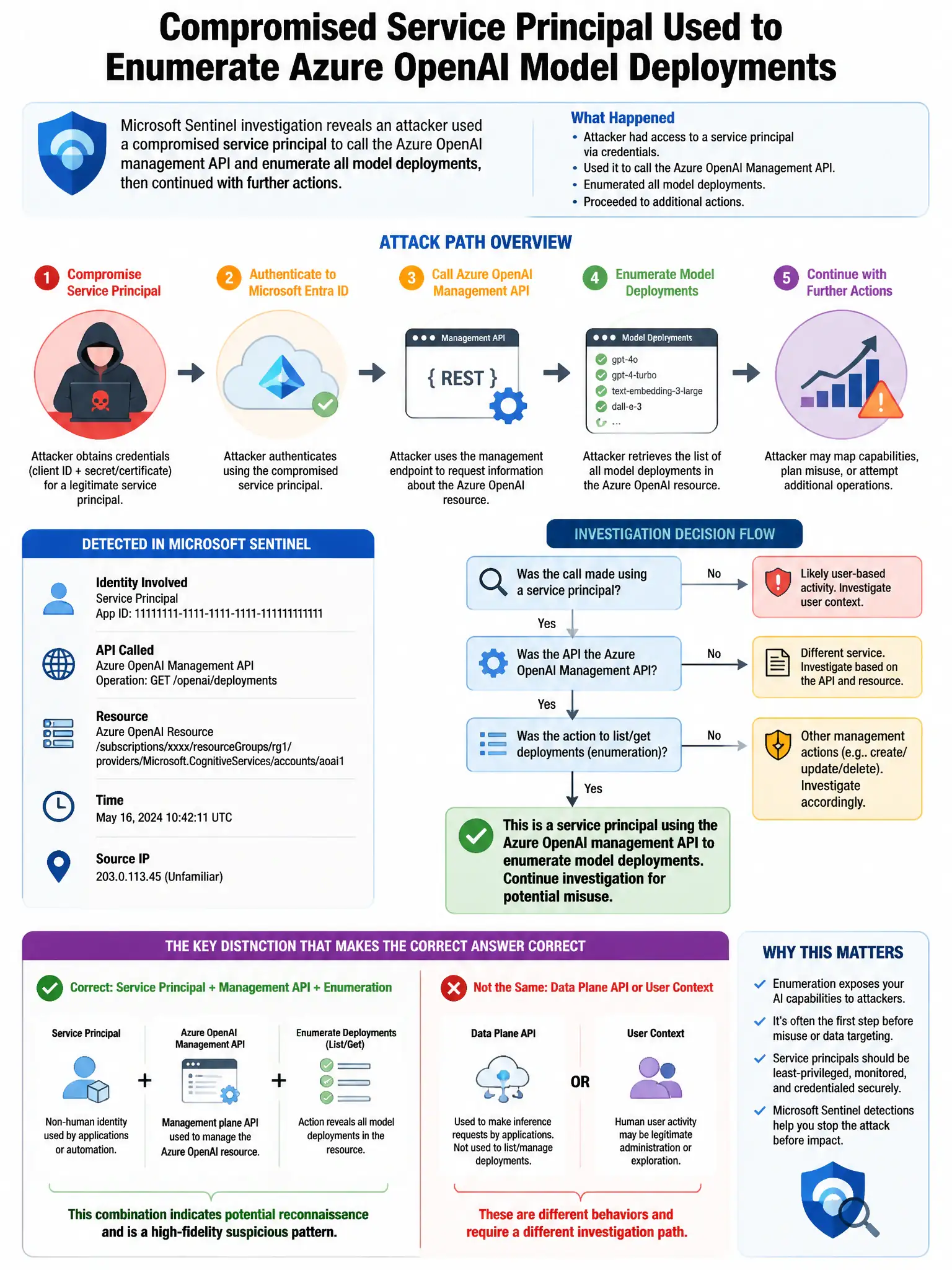
A Microsoft Sentinel investigation reveals that an attacker used a compromised service principal to call the Azure OpenAI management API and enumerate all model deployments, then used that information to target specific gpt-4 deployments for abuse. The analyst wants to investigate the full attack chain using Sentinel's investigation graph. Which Sentinel feature provides this visual attack chain analysis?
Select an answer to reveal the explanation.
Short Explanation
Here's the deal — the Sentinel Incident Investigation graph is the right fit because it gives you a visual map of the entities, alerts, and relationships tied to the incident. You can see the compromised service principal, the Azure OpenAI management API enumeration, and the targeted deployments in one attack-chain view.
Full Explanation
The Sentinel Incident Investigation graph is correct because it's a purpose-built visual tool that displays the entities involved in an incident (accounts, IPs, Azure resources, service principals), the alerts connected to those entities, and the relationships between them. For this attack chain, the investigation graph would show the compromised service principal entity linked to the management API enumeration alert, the targeted Azure OpenAI deployment entities, and the subsequent abuse alerts—providing a visual attack timeline and relationship map. The custom topology diagram in Sentinel Workbooks is wrong because Workbooks are configurable reporting tools for dashboards and visualizations; they don't provide the entity-relationship investigation graph tied to a specific incident. The Microsoft Defender XDR Attack Story visualization is wrong because Defender XDR's Attack Story visualizes endpoint and identity attack chains within the Defender XDR portal; while Azure activity may appear, the primary investigation of Azure OpenAI management API abuse is best conducted in Sentinel where the Azure Activity logs are ingested. The Microsoft Security Exposure Management attack path visualization is wrong because Security Exposure Management attack paths show posture-based attack paths across the environment, not the forensic reconstruction of a specific incident's event chain.