
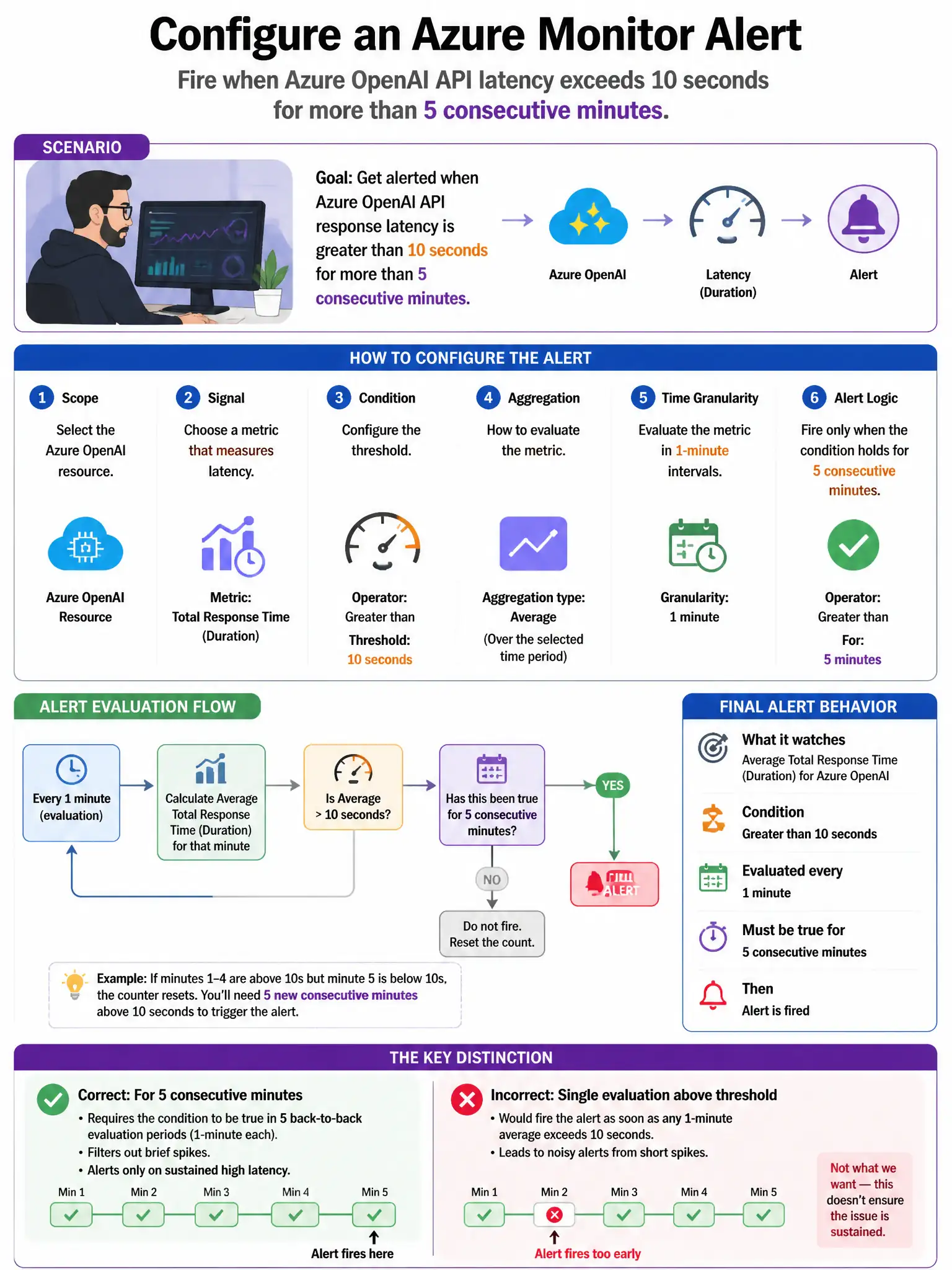
A security engineer wants to configure an Azure Monitor alert that fires whenever the latency of Azure OpenAI API responses exceeds 10 seconds for more than 5 consecutive minutes. This would indicate a potential denial-of-service condition or resource exhaustion. Which Azure Monitor resource provides the Azure OpenAI latency metric?
Select an answer to reveal the explanation.
Short Explanation
Here's the deal — you'll use Azure Monitor Metrics, select the Azure OpenAI resource, and pick the 'Azure OpenAI Requests' metric with a latency dimension. That's where Azure OpenAI emits its own request latency platform metric, so you can alert on more than 10 seconds over 5 minutes.
Full Explanation
The correct choice is the Azure Monitor Metrics option that selects the Azure OpenAI resource and uses the 'Azure OpenAI Requests' metric with a latency dimension. Azure OpenAI Service emits platform metrics to Azure Monitor, including request latency metrics. In Azure Monitor Metrics, selecting the Azure OpenAI resource surfaces metrics such as 'Azure OpenAI Requests' with dimensions including HTTP latency. An alert rule can be configured on this metric with a threshold of more than 10 seconds over a 5-minute aggregation window, providing automated alerting for performance-impacting conditions. The Application Insights option is wrong because Application Insights is configured in the client application and measures end-to-end latency from the application's perspective, not the Azure OpenAI service's own platform metrics; it would also require application code instrumentation. The Azure Service Health option is wrong because Azure Service Health provides notifications about Azure platform incidents and planned maintenance, not real-time metric-based alerting on specific resource latency thresholds. The Microsoft Defender for Cloud option is wrong because Defender for Cloud security metrics focus on security posture and threat detections, not operational performance metrics like API response latency.