
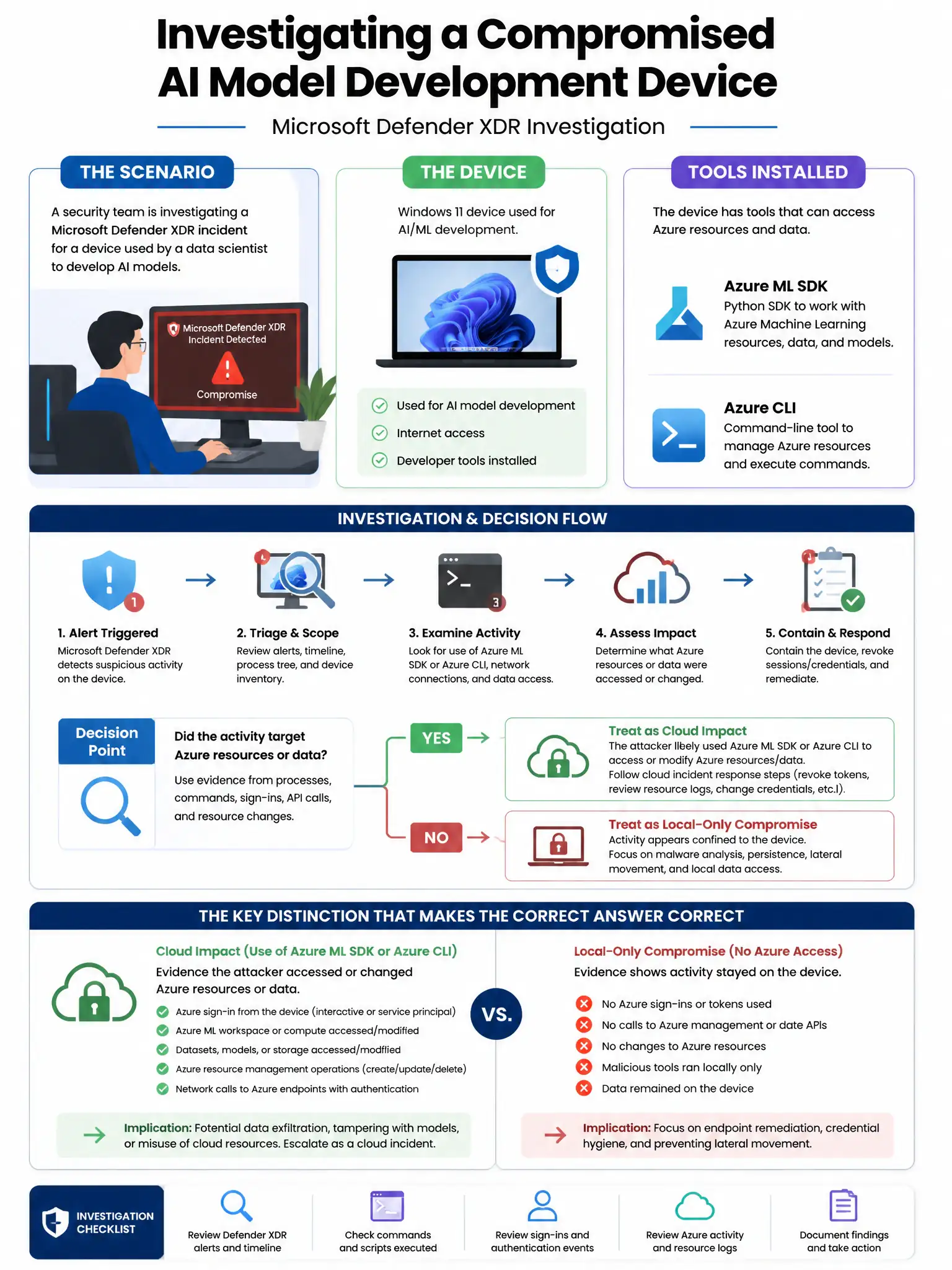
A security team is investigating a Microsoft Defender XDR incident where a device used for AI model development shows signs of compromise. The device has Azure ML SDK and Azure CLI installed. The team is concerned that the attacker may have exfiltrated Azure credentials from the development environment. Which Defender XDR investigation step directly identifies if cached Azure credentials were accessed?
Select an answer to reveal the explanation.
Short Explanation
Here's the deal — review the device's Microsoft Defender for Endpoint process creation events for credential dumping tools accessing the Azure CLI token cache file, because Azure CLI stores tokens locally in '%USERPROFILE%\.azure\msal_token_cache.json'. If an attacker touches that file, Defender records the process and file access events you need.
Full Explanation
Reviewing the device's Microsoft Defender for Endpoint process creation events for credential dumping tools accessing Azure CLI token cache files is correct because Azure CLI stores authentication tokens in a local MSAL token cache file at '%USERPROFILE%\.azure\msal_token_cache.json' (on Windows). If an attacker runs credential dumping tools or file access operations targeting this file, those actions are recorded as process creation and file access events by Microsoft Defender for Endpoint. In Defender XDR, the analyst can query the DeviceFileEvents and DeviceProcessEvents tables in Advanced Hunting to identify accesses to the token cache file by unexpected processes—directly confirming credential theft attempts. Running a Microsoft Sentinel KQL query against AzureActivity logs for the device's IP is wrong because AzureActivity logs record Azure control plane operations; they show what was done with the credentials, not the on-device theft of the credential files. Checking Microsoft Entra ID Sign-in logs for failed authentication attempts from the device is wrong because Entra ID Sign-in logs show where credentials were used to authenticate; failed attempts may indicate the stolen token was invalid, but checking the on-device file access is the more direct investigation step for credential theft. Reviewing Microsoft Purview Audit for Azure CLI commands executed on the device is wrong because Microsoft Purview Audit logs Microsoft 365 service activities, not local device command executions.