
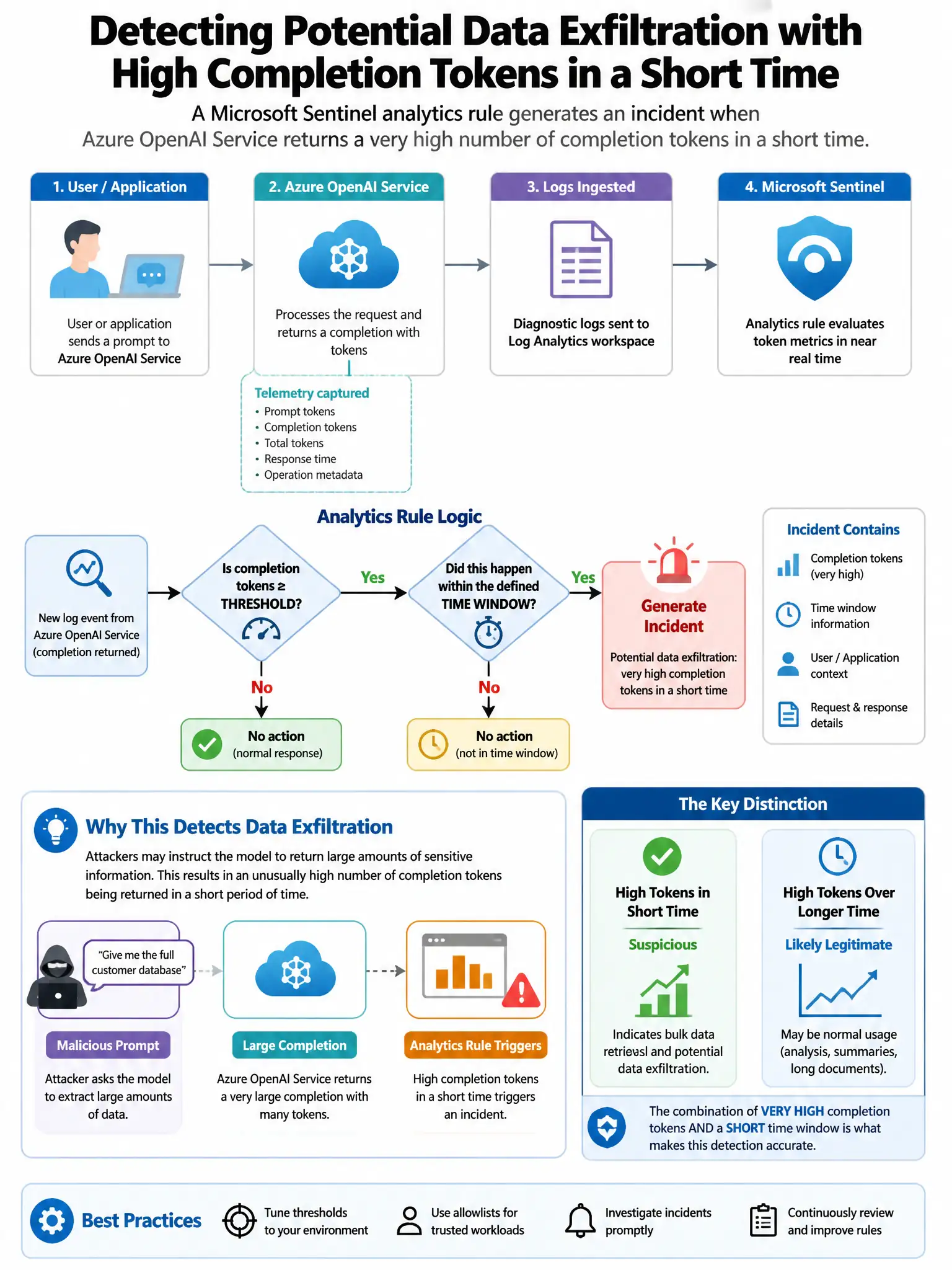
A Microsoft Sentinel analytics rule generates an incident when Azure OpenAI Service returns a very high number of completion tokens in a short time, potentially indicating data exfiltration. The incident response team needs to automatically notify the AI security team via Microsoft Teams when such an incident is created. Which component in the playbook sends the Teams notification?
Select an answer to reveal the explanation.
Short Explanation
Here's the deal — you'll use the Microsoft Teams Logic Apps connector action 'Post a message in a chat or channel' because it's built to send Teams messages from a Sentinel playbook. When the Sentinel alert trigger fires, that action posts incident details to the AI security team's chat or channel.
Full Explanation
The correct component is the Microsoft Teams Logic Apps connector action 'Post a message in a chat or channel' because Logic Apps includes a dedicated Microsoft Teams connector with actions for posting messages to Teams channels or chats. In the Sentinel playbook, after the 'When a response to an Azure Sentinel alert is triggered' trigger fires, the Teams connector action sends an automated notification with incident details, such as title, severity, and description, to the AI security team's Teams channel. This is the built-in, purpose-built connector for this notification use case. The Microsoft Sentinel connector 'Add task to incident' action is wrong because it creates a task within the Sentinel incident for analysts to complete; it does not send external notifications. The Azure Monitor action group with email notification is wrong because Azure Monitor action groups send notifications via email, SMS, or Azure Functions for Azure Monitor alerts; they are not used in Sentinel Logic Apps playbooks for incident-triggered notifications. The Microsoft Graph API call to create a Teams chat is wrong because it is a lower-level approach that requires more complex custom implementation when the Teams connector in Logic Apps already provides this functionality natively.