
A company wants to implement Microsoft Entra Lifecycle Workflows to automatically provision and deprovision access to Azure AI Foundry resources for new hires and terminated employees. Which Lifecycle Workflow trigger and task combination correctly automates this?
Select an answer to reveal the explanation.
Short Explanation
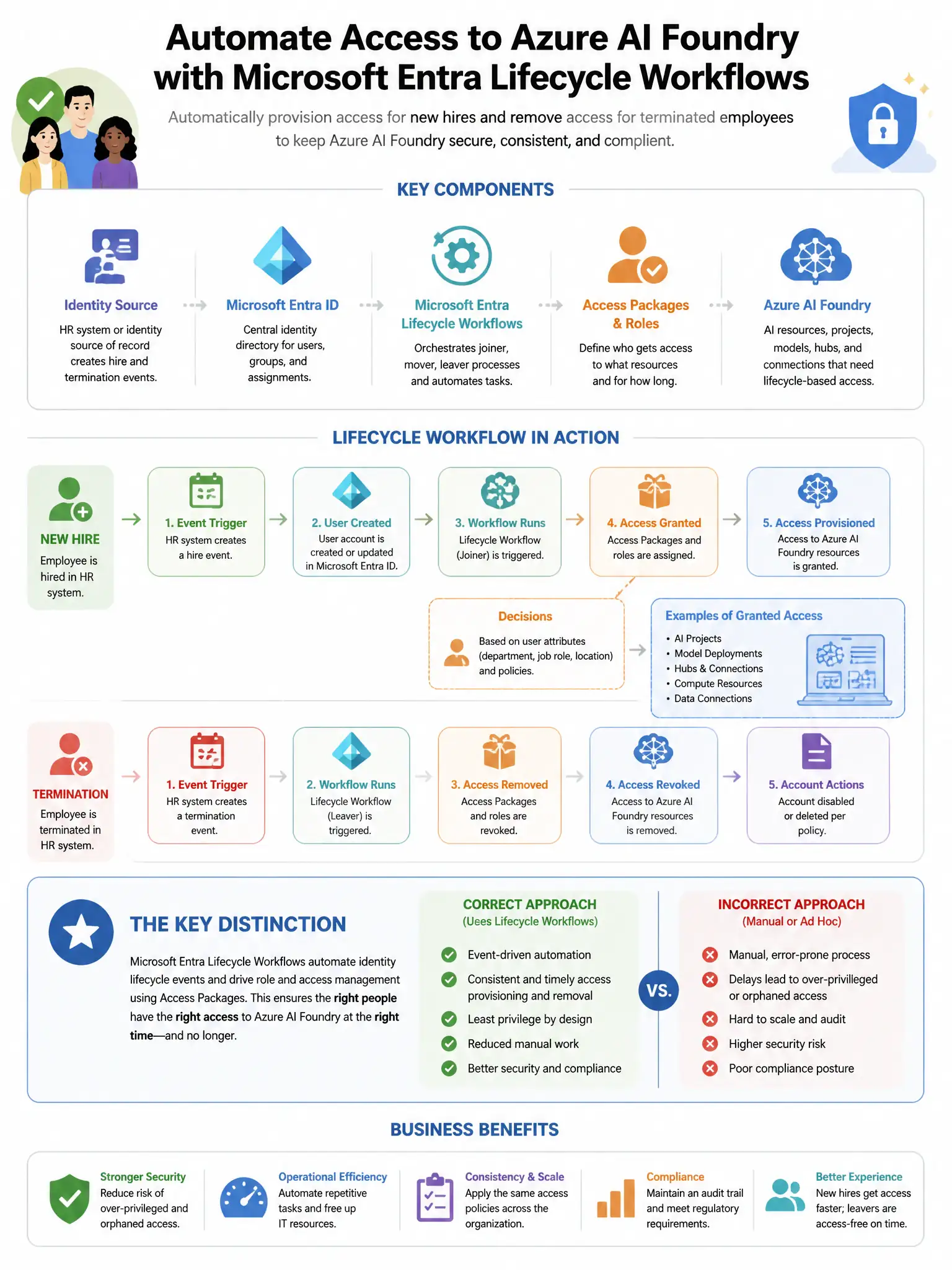
You need the hire and leave workflow pair: employee hire with add to AI-Foundry-Access group, plus employee leave with remove from all groups and disable account. That’s how Lifecycle Workflows automate joiner and leaver access. The other trigger-and-task pairs don’t handle provisioning and deprovisioning.
Full Explanation
The correct combination is the employee hire trigger, either pre-hire or on hire, paired with the task to add the user to the AI-Foundry-Access group, together with the employee leave trigger on termination paired with the task to remove the user from all groups and disable the account. Microsoft Entra ID Governance Lifecycle Workflows support two key workflow categories: Joiner workflows, triggered when an employee is hired, pre-hire, or on their start date, and Leaver workflows, triggered on termination. The Joiner workflow can include a task to add the new employee to the AI-Foundry-Access group, which grants Azure AI Foundry access via RBAC or Entitlement Management. The Leaver workflow includes tasks to remove the user from all groups and disable the account, automatically revoking AI Foundry access. The attribute-change trigger with an email notification task is wrong because it addresses different automation scenarios, not provisioning and deprovisioning. The user-risk-elevated trigger with a force-password-reset task is wrong because user risk elevation is an Entra ID Protection trigger, not a Lifecycle Workflow trigger for hire or termination events. The sign-in-frequency-exceeded trigger with a revoke-sign-in-sessions task is wrong because sign-in frequency and session revocation are Conditional Access and Entra ID controls, not Lifecycle Workflow triggers.