
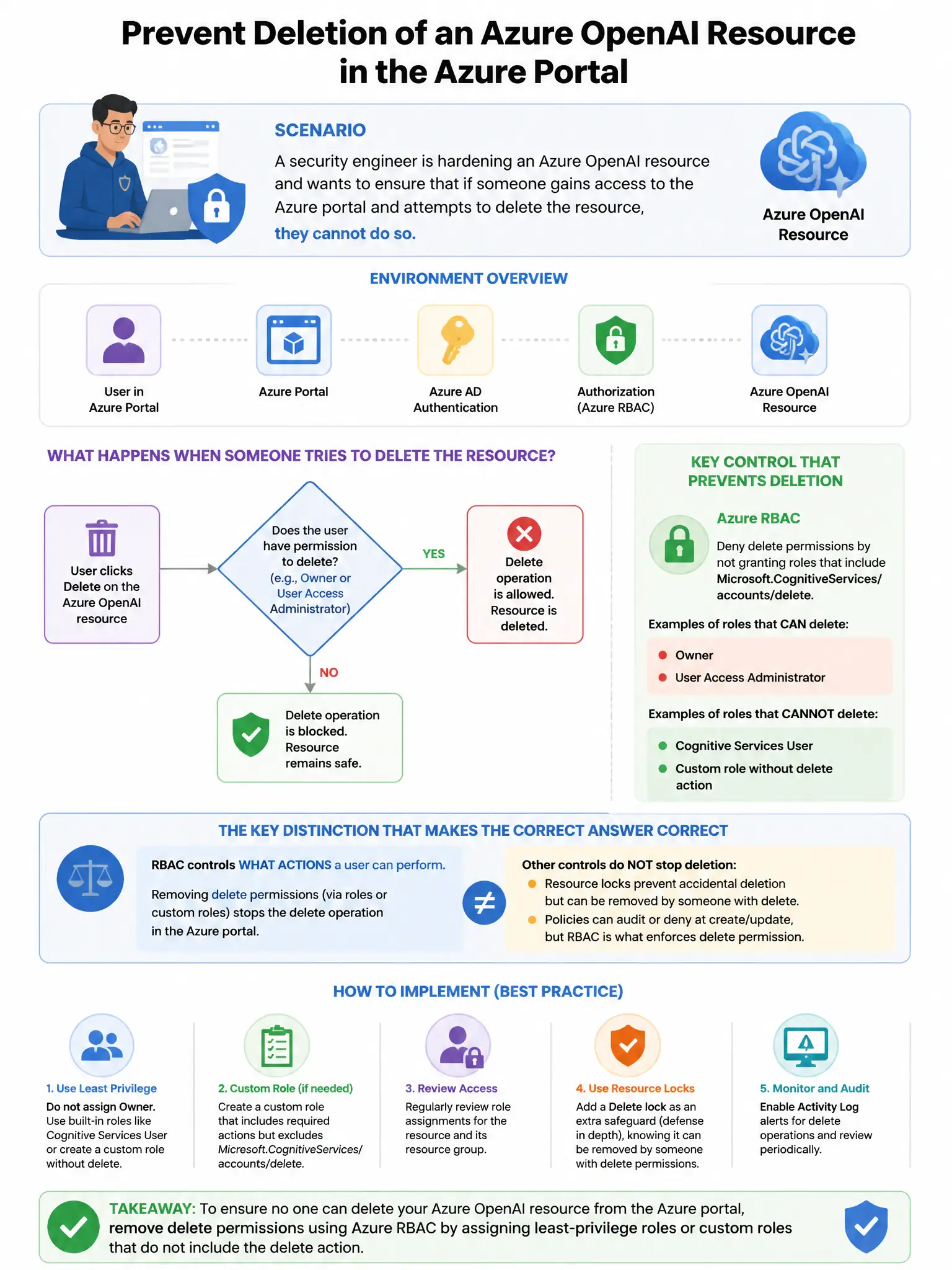
A security engineer is hardening an Azure OpenAI resource and wants to ensure that if someone gains access to the Azure portal and attempts to delete the resource, they cannot do so without additional approval. Which Azure feature prevents accidental or unauthorized deletion?
Select an answer to reveal the explanation.
Short Explanation
Here's the deal — you want a CanNotDelete resource lock on the Azure OpenAI resource. It blocks deletion by anyone, including owners and subscription admins, until the lock is removed. That gives you the extra safeguard you need.
Full Explanation
The Azure Resource Lock (CanNotDelete lock) applied to the Azure OpenAI resource is correct because Azure Resource Locks can be applied at the resource, resource group, or subscription level. The 'CanNotDelete' lock prevents any user—including resource owners and subscription administrators—from deleting the locked resource without first removing the lock. This protects the Azure OpenAI resource from accidental or unauthorized deletion, as removing a lock is an additional privileged action. Azure Policy with a Deny effect for delete operations is wrong because Azure Policy with a Deny effect can prevent resource creation or configuration changes, but cannot block DELETE operations on existing resources (Policy applies to PUT and PATCH operations by default). Microsoft Defender for Resource Manager delete alert is wrong because Defender for Resource Manager generates alerts for suspicious management operations but does not prevent delete operations in real time. Entra ID PIM requiring approval for Cognitive Services Contributor role activation is wrong because PIM controls role activation and limits who can have the Contributor role, but does not add an approval step specifically for delete operations once the role is active.