
An enterprise is implementing Continuous Access Evaluation (CAE) for applications that consume Azure AI services. A user's account is disabled in Microsoft Entra ID while they have an active session with Azure AI services. How does CAE affect the user's session?
Select an answer to reveal the explanation.
Short Explanation
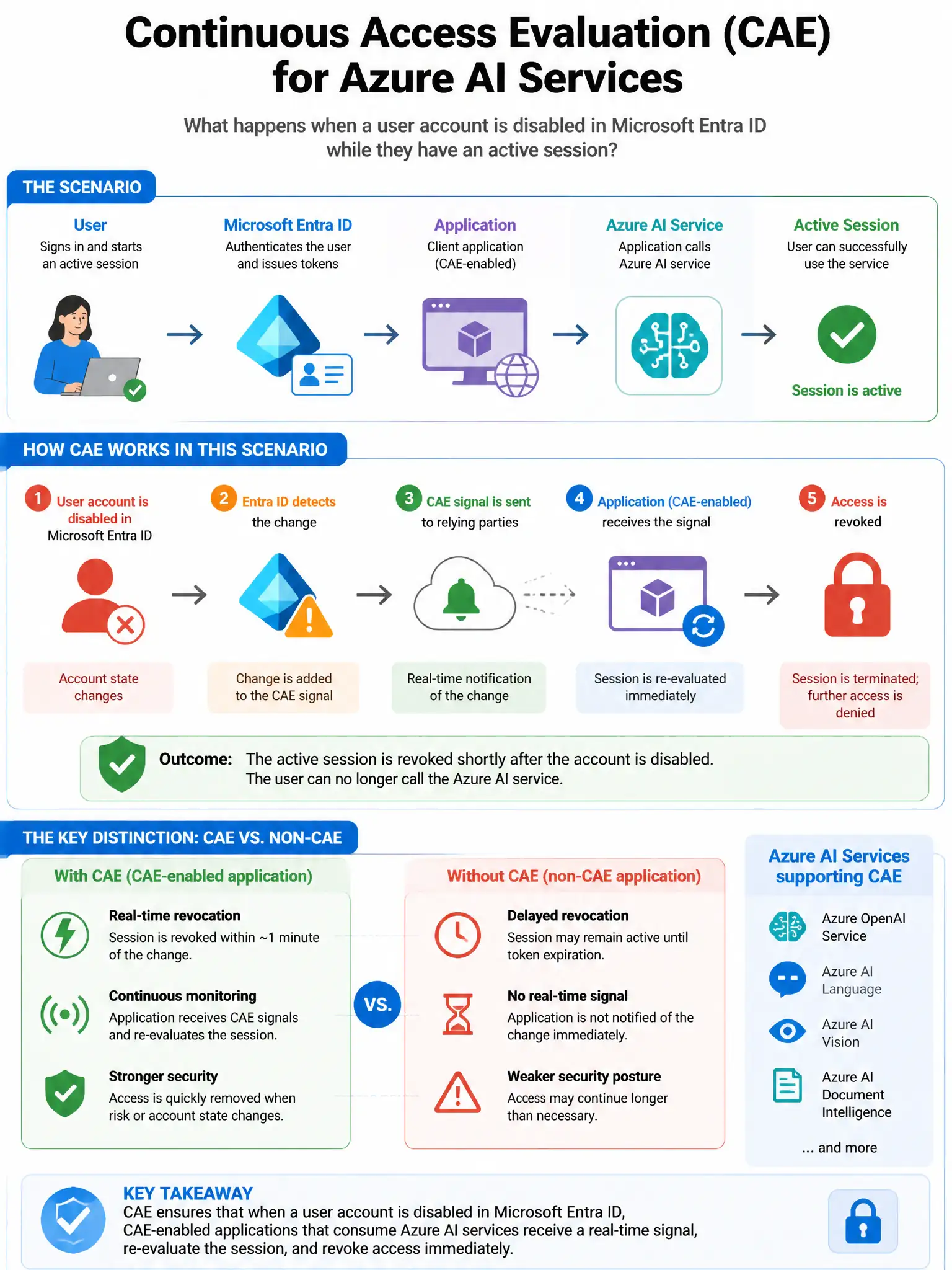
Here's the deal — Continuous Access Evaluation gives Microsoft Entra ID a backchannel to the Azure AI service, so when you disable an account, the service gets a real-time event and terminates the session within seconds to minutes.
Full Explanation
The answer saying CAE enables near-real-time session termination—the Azure AI service receives an event that the account was disabled and rejects the user's token within seconds to minutes—is correct because Continuous Access Evaluation establishes a backchannel between Microsoft Entra ID and CAE-capable resource providers. When a user account is disabled, a critical event, Microsoft Entra ID pushes a real-time notification to the resource provider, such as Azure services that support CAE. The resource provider then rejects the user's access token immediately—well before the normal 60-75 minute expiration—effectively terminating the session within seconds to minutes. The answer saying the user's existing access token remains valid until its standard expiration (typically 60-75 minutes) is wrong because this describes token behavior without CAE; CAE was designed specifically to eliminate this window where a disabled account's token remains valid. The answer saying the user is prompted for MFA again within 24 hours is wrong because prompting for MFA is a step-up authentication action; disabling an account should terminate access, not challenge to MFA. The answer saying CAE revokes the refresh token but allows the current access token to complete its session is wrong because while token revocation normally works via refresh token expiry, CAE enables the resource provider to reject active access tokens for critical events like account disablement.