
A company wants to enforce that Azure AI Content Safety content filtering is enabled and configured to block high-severity content for all Azure OpenAI deployments across the organization. Which approach enforces this at scale?
Select an answer to reveal the explanation.
Short Explanation
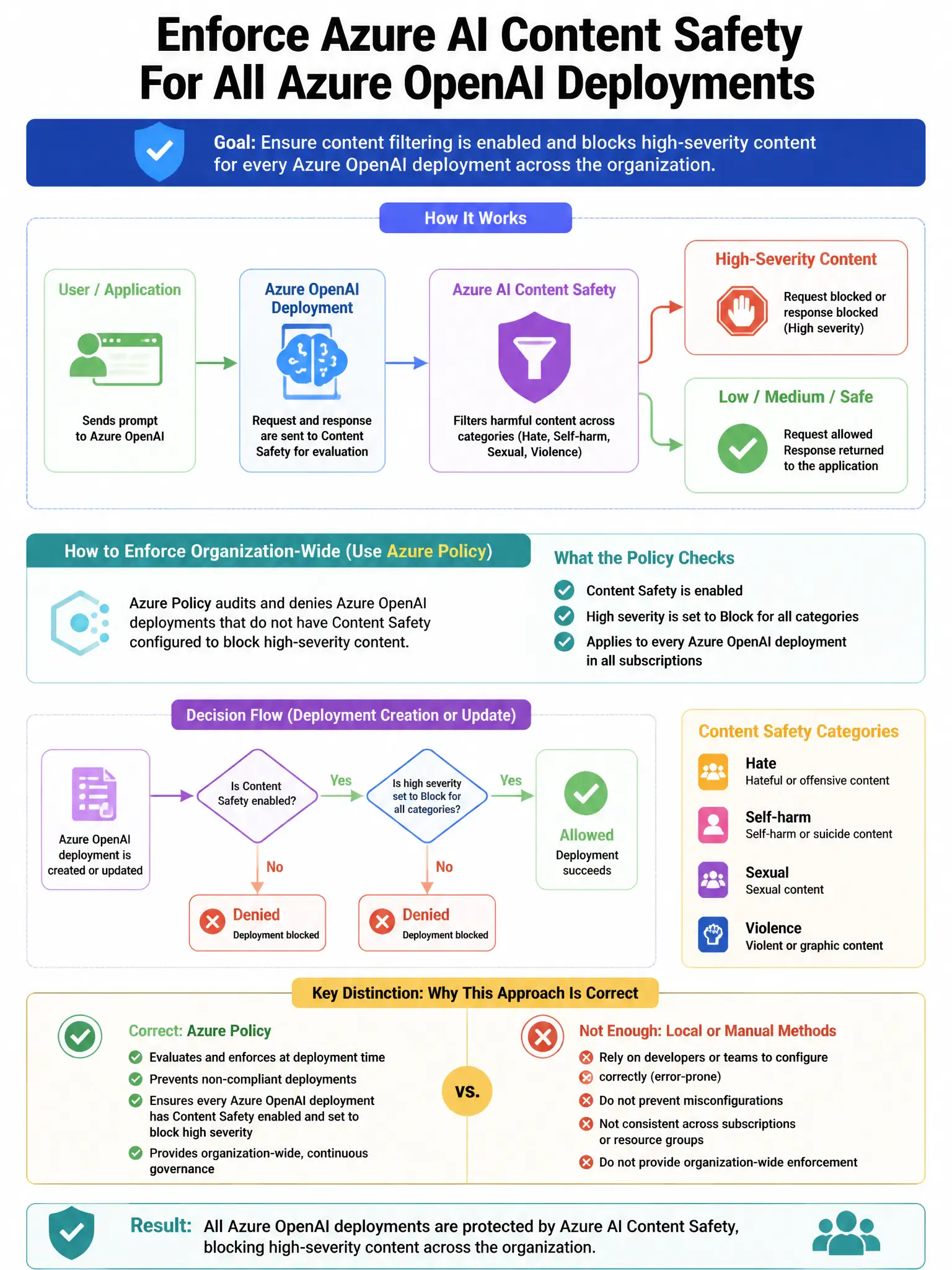
Use Azure Policy to audit and deny Azure OpenAI deployments that don't have the required content filter policy assigned. It enforces blocking high-severity content at deployment time across the organization, so you don't rely on someone remembering to configure each deployment.
Full Explanation
The Azure Policy approach is correct because Azure Policy can audit or deny Azure OpenAI deployments that lack a required content filter policy configuration. Policy assignments with 'deny' or 'deployIfNotExists' effects enforce that content filtering is applied consistently at deployment time across the organization, eliminating human error from manual configuration. Manually configuring content filters on each Azure OpenAI deployment is wrong because it's error-prone, doesn't scale, and doesn't prevent non-compliant deployments from being created. Using Defender for Cloud recommendations to alert when content filters are disabled is wrong because those recommendations generate findings but use an 'audit' effect—they don't prevent non-compliant deployments. Configuring a default content filter in Azure OpenAI Studio portal settings is wrong because it's a portal-level preference that doesn't enforce policy across all deployments or prevent API-based deployment without the filter.