
A healthcare organization needs to prevent Microsoft 365 Copilot from generating responses that include patient health information (PHI) when users ask Copilot to summarize documents. Which Microsoft Purview feature should be configured?
Select an answer to reveal the explanation.
Short Explanation
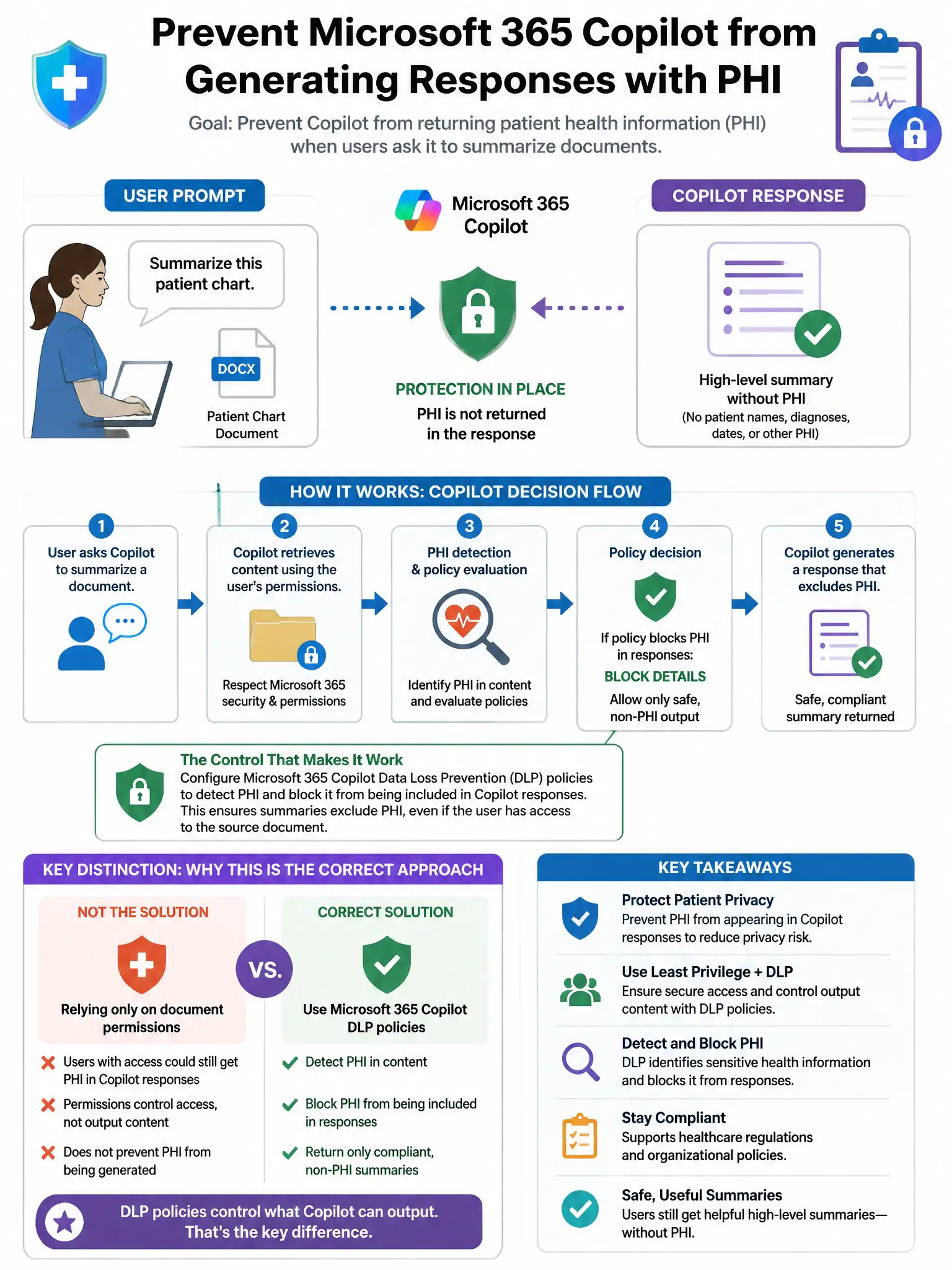
Here's the deal — configure a Data Loss Prevention policy with a rule targeting Copilot interactions for health information types. You can scope Microsoft Purview DLP to Microsoft 365 Copilot, detect PHI in responses, and block or restrict the output before users see it.
Full Explanation
The Data Loss Prevention policy with a rule targeting Copilot interactions for health information types is correct because Microsoft Purview Data Loss Prevention policies can be scoped to Microsoft 365 Copilot as a location. A DLP rule can detect sensitive information types, including PHI-related health information types, in Copilot responses and block or restrict the output, preventing Copilot from surfacing PHI in its generated responses. The sensitivity label auto-classification on documents option is wrong because it labels documents but does not directly block Copilot from generating text containing PHI. The communication compliance policy with adaptive protection option is wrong because communication compliance detects policy violations after the fact for investigation and does not block Copilot responses in real time. The Insider Risk Management policy for data theft option is wrong because insider risk management identifies risky user behaviors for investigation, not for real-time blocking of Copilot outputs.