
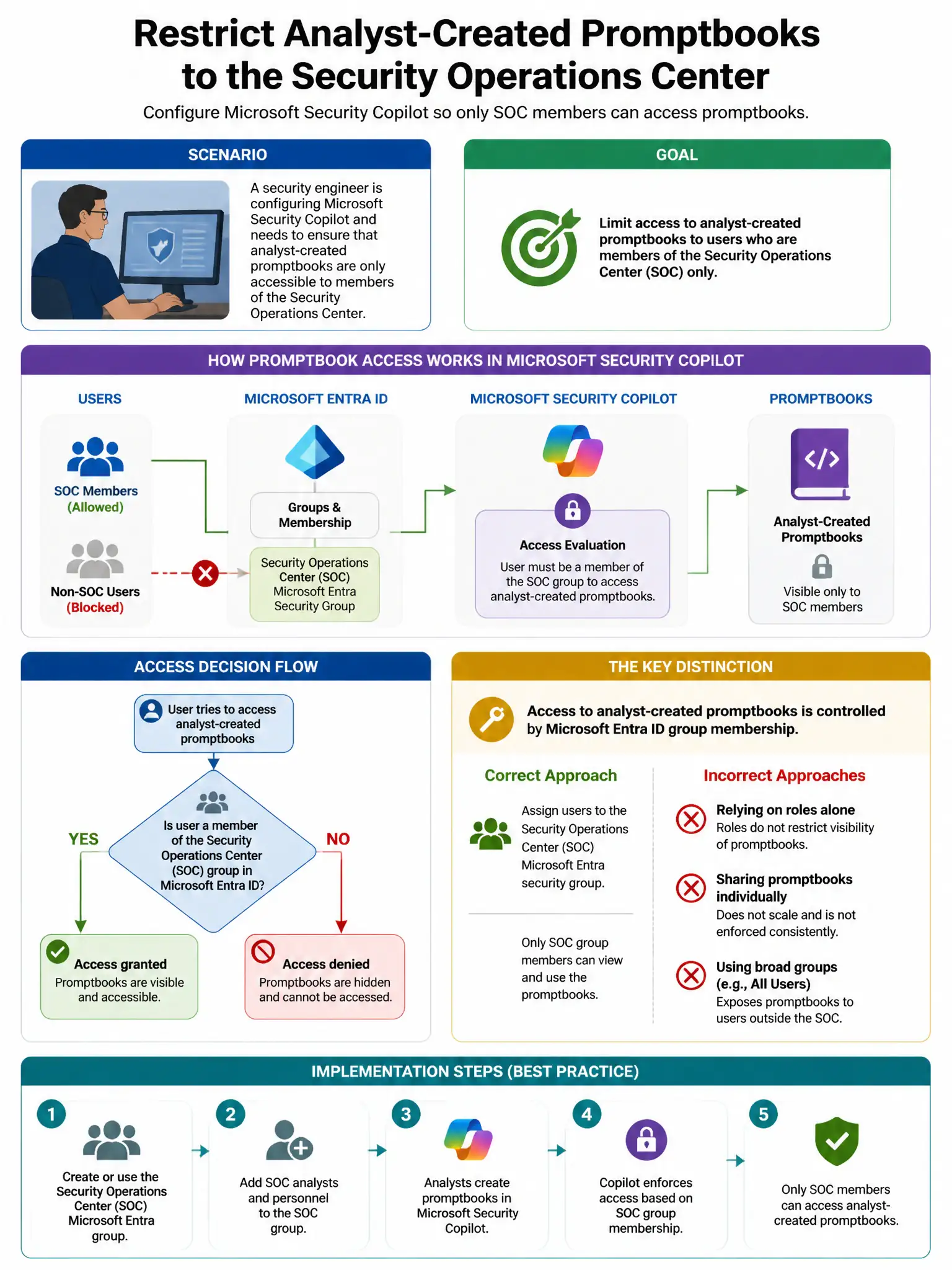
A security engineer is configuring Microsoft Security Copilot and needs to ensure that analyst-created promptbooks are only accessible to members of the Security Operations Center team. Which feature in Security Copilot supports this access control?
Select an answer to reveal the explanation.
Short Explanation
Here's the deal — you need owner-controlled sharing settings on promptbooks because Security Copilot lets the promptbook owner keep it private, share it with specific people, or share it with the organization. That lets you limit promptbooks to the SOC team without changing Entra roles.
Full Explanation
Owner-controlled sharing settings on promptbooks are correct because Microsoft Security Copilot allows promptbook owners to control who can access a promptbook through sharing settings. Promptbooks can be set to private, meaning owner only, shared with specific people, or shared with the organization. This lets you control SOC team access without requiring Microsoft Entra ID role changes. Role assignment in Microsoft Entra ID is wrong because Entra ID roles, such as Copilot owner versus contributor, control administrative access to Security Copilot itself, not individual promptbook sharing. Capacity units are wrong because capacity units control compute allocation for Security Copilot, not content access. Plugin access controls are wrong because plugin access controls determine which data sources are available in Copilot, not who can use specific promptbooks.