
A company wants to use Microsoft Copilot for Security to analyze a suspicious PowerShell script discovered on a server that may have been used to exfiltrate Azure OpenAI API keys. Which Copilot for Security capability allows direct analysis of the script content?
Select an answer to reveal the explanation.
Short Explanation and Infographic
Here's the deal — b is correct because Microsoft Copilot for Security allows analysts to paste code or script content directly into the prompt interface and request analysis. Copilot can explain what the script does, identify malicious behaviors, decode obfuscated code, and assess the threat level, making this the most direct and efficient approach for ad-hoc script analysis.
Full explanation below image
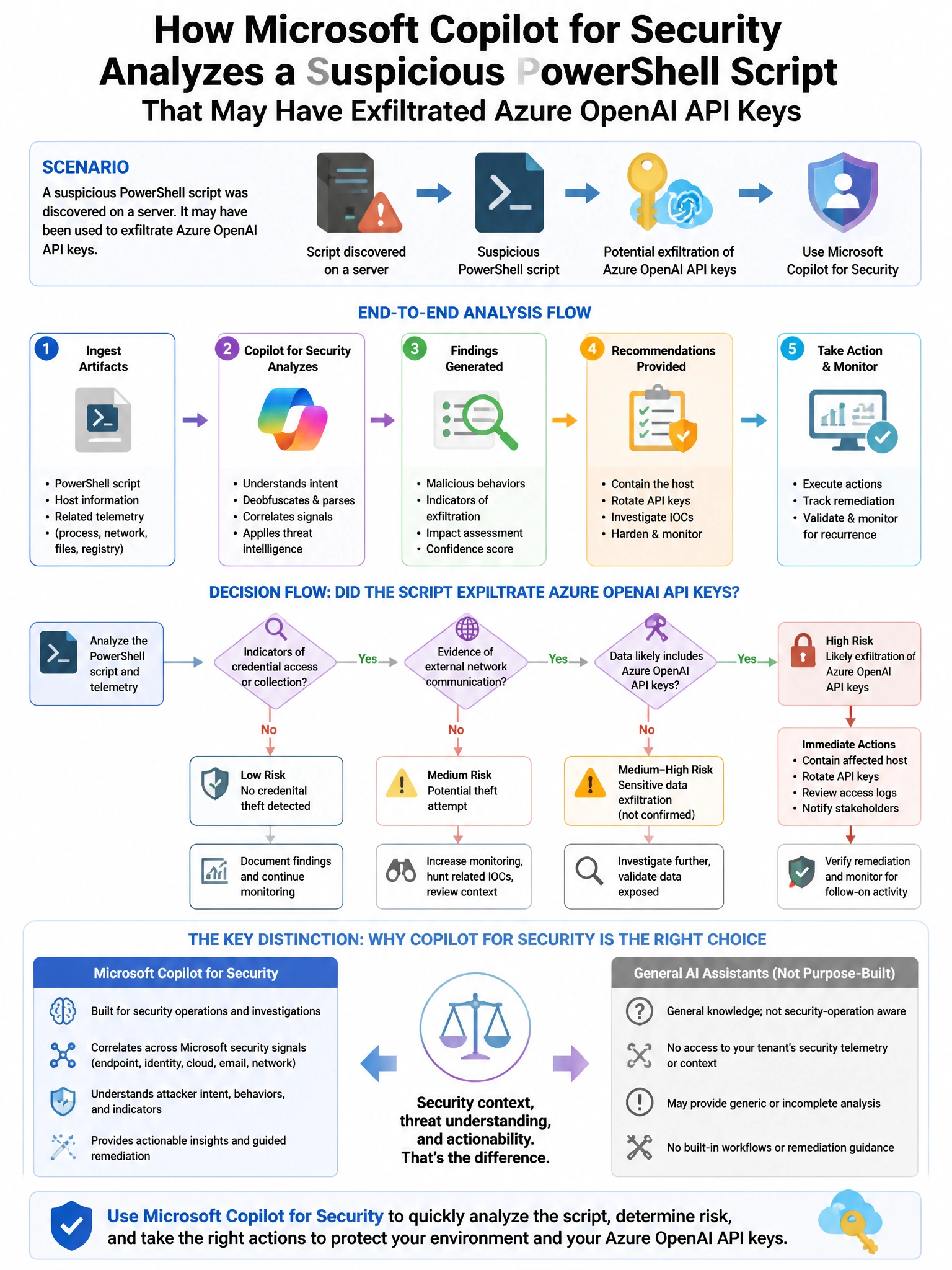
Full Explanation
B is correct because Microsoft Copilot for Security allows analysts to paste code or script content directly into the prompt interface and request analysis. Copilot can explain what the script does, identify malicious behaviors, decode obfuscated code, and assess the threat level, making this the most direct and efficient approach for ad-hoc script analysis. A is incorrect because the Copilot for Security standalone portal does not support uploading files directly for analysis; content must be pasted into the prompt interface or accessed through connected plugins. C is incorrect because using the API for script submission is a programmatic integration approach, not the direct analyst workflow for ad-hoc analysis. D is incorrect because adding the script to Sentinel threat indicators would treat it as an IOC indicator for matching against logs, not for content analysis of the script's malicious behavior.