
A security analyst is threat hunting for potential model inversion attacks against an Azure OpenAI deployment. The analyst wants to find API calls where the request body contains an unusually large number of tokens compared to the average. Which Microsoft Sentinel query approach should be used?
Select an answer to reveal the explanation.
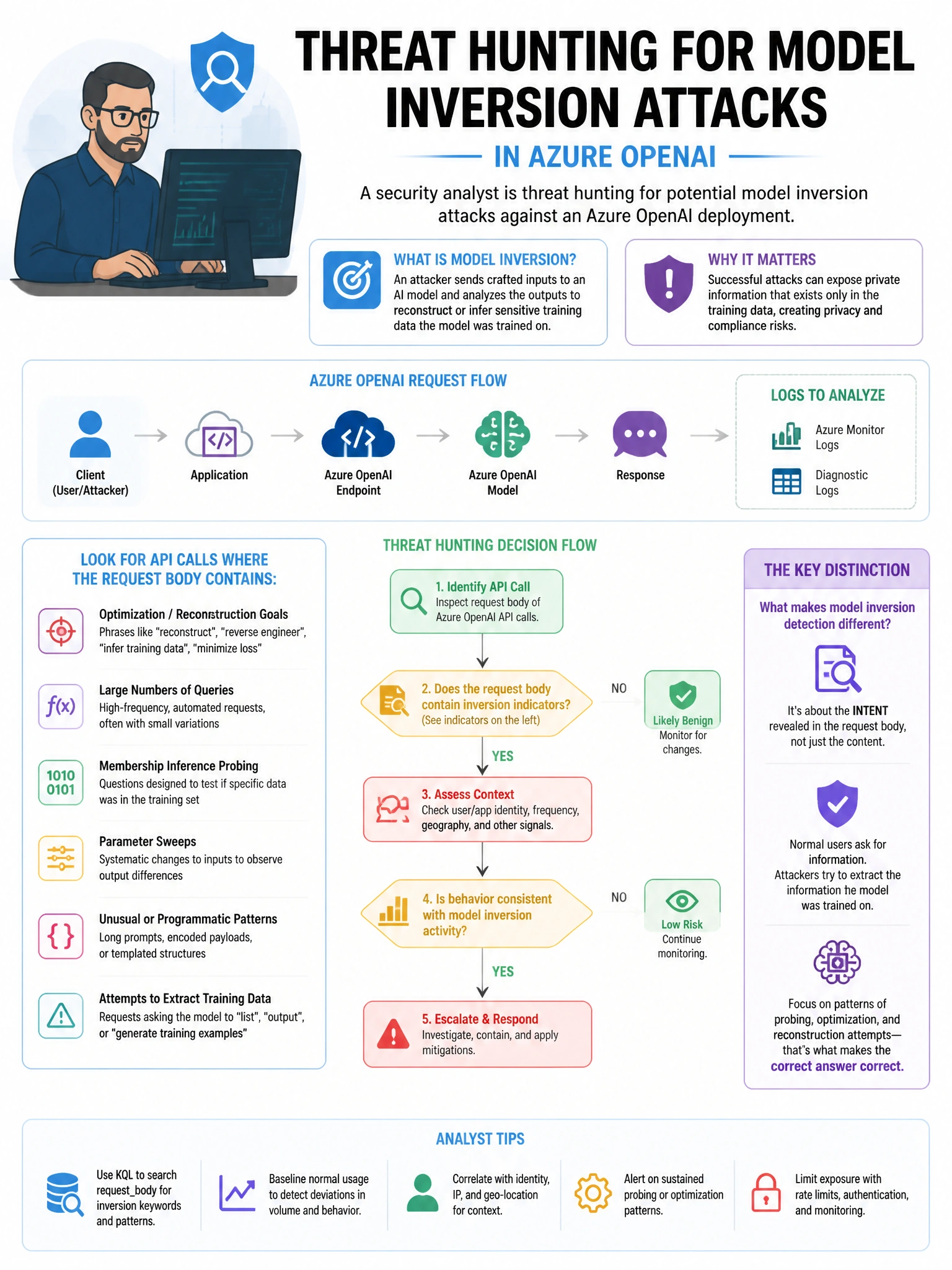
Short Explanation and Infographic
Here's the deal — a is correct because Azure OpenAI diagnostic logs are ingested into the AzureDiagnostics table in Microsoft Sentinel and include token usage metrics per API call. A KQL query can calculate average token counts and identify statistical outliers that may indicate model inversion or data extraction attempts.
Full explanation below image
Full Explanation
A is correct because Azure OpenAI diagnostic logs are ingested into the AzureDiagnostics table in Microsoft Sentinel and include token usage metrics per API call. A KQL query can calculate average token counts and identify statistical outliers that may indicate model inversion or data extraction attempts. B is incorrect because Microsoft Defender for AI does not have a specific 'ModelInversion' alert classification; this requires custom hunting. C is incorrect because Azure OpenAI does not use CEF format logs in CommonSecurityLog; it uses Azure Diagnostics. D is incorrect because AzureActivity logs capture control plane operations, not data plane API calls to Azure OpenAI.