
A company's security team wants to ensure that all Azure AI services in the organization's subscriptions have diagnostic settings configured to send logs to a central Log Analytics workspace. Which Azure tool enforces this requirement across all current and future AI service deployments?
Select an answer to reveal the explanation.
Short Explanation and Infographic
Here's the deal — b is correct because Azure Policy with the 'deployIfNotExists' (DINE) effect automatically deploys a remediation action when a compliant resource is created or when existing resources lack the required configuration. A DINE policy can detect when a new Cognitive Services (Azure AI Services) resource is created without diagnostic settings pointing to the central Log Analytics workspace and automatically configure the diagnostic settings, ensuring consistent log collection for all AI resources without manual intervention.
Full explanation below image
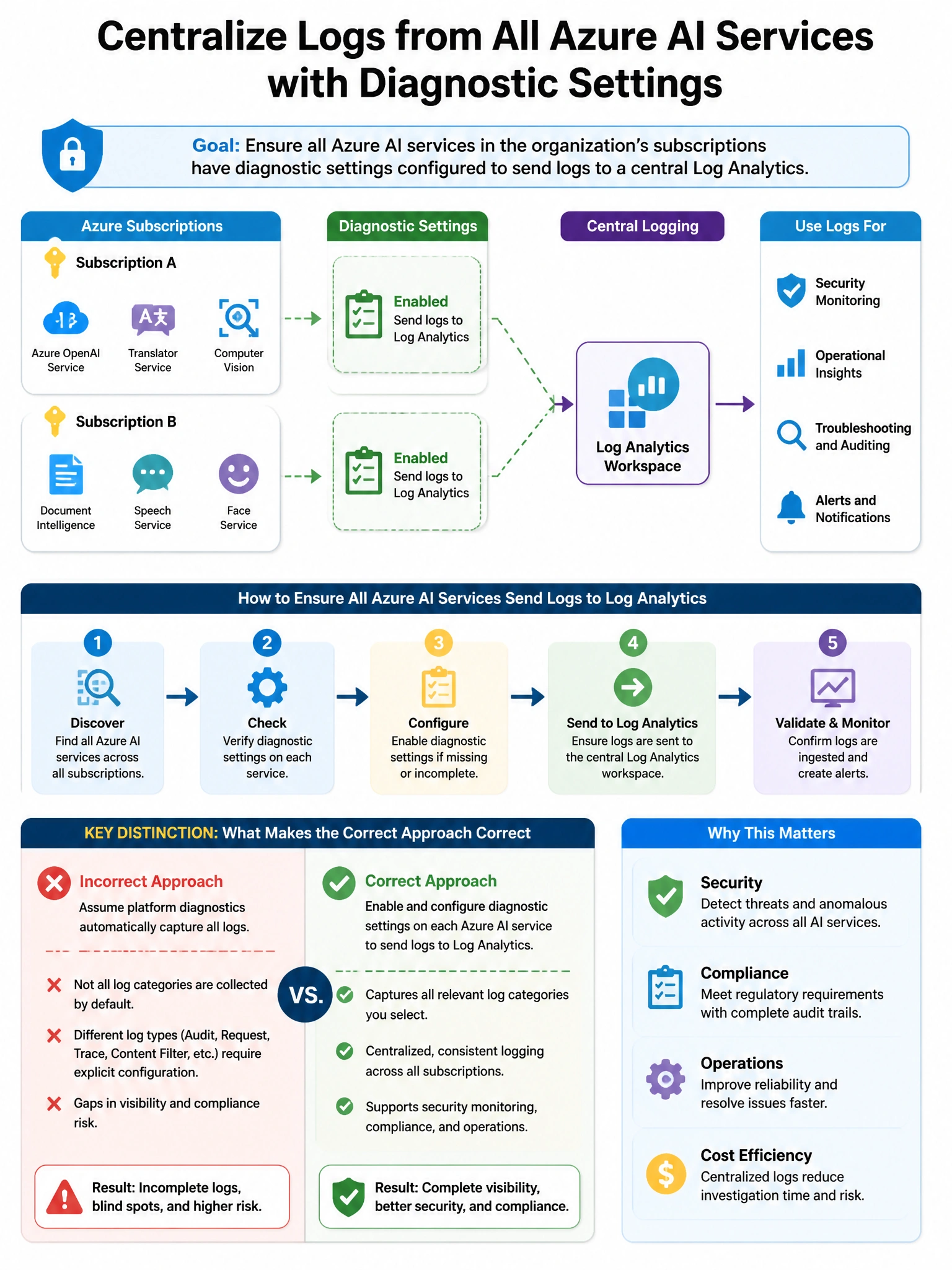
Full Explanation
B is correct because Azure Policy with the 'deployIfNotExists' (DINE) effect automatically deploys a remediation action when a compliant resource is created or when existing resources lack the required configuration. A DINE policy can detect when a new Cognitive Services (Azure AI Services) resource is created without diagnostic settings pointing to the central Log Analytics workspace and automatically configure the diagnostic settings, ensuring consistent log collection for all AI resources without manual intervention. A is wrong because Azure Advisor recommendations are advisory and require manual action; they do not automatically enforce or remediate missing configurations. C is wrong because Defender for Cloud recommendations also require manual remediation; the 'Quick Fix' button can apply the fix but still requires a human to click it per resource. D is wrong because Azure Monitor workbooks provide visibility and reporting, not automated enforcement or remediation of missing configurations.