
A compliance team needs to retrieve all Microsoft 365 Copilot interaction records for a specific user ([email protected]) for the period January 1–January 31, 2025, as part of an HR investigation. Which Microsoft Purview tool and configuration correctly scopes this search?
Select an answer to reveal the explanation.
Short Explanation and Infographic
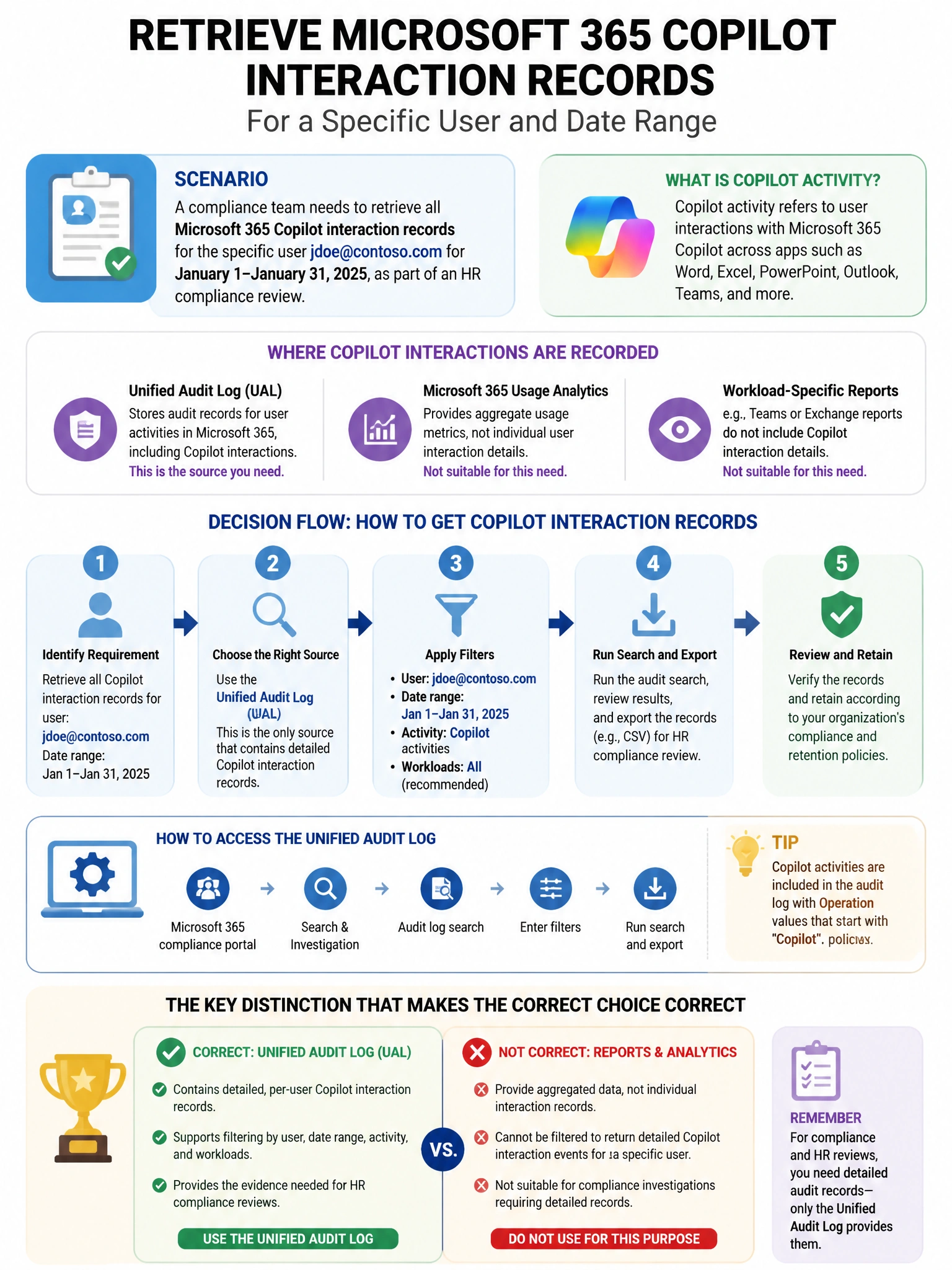
Here's the deal — b is correct because Microsoft Purview Audit (Premium) captures Copilot interaction records under the 'CopilotInteraction' record type in the unified audit log. An audit search filtered by the user ([email protected]), the CopilotInteraction record type, and the January date range returns the audit log entries for that user's Copilot sessions within the specified period.
Full explanation below image
Full Explanation
B is correct because Microsoft Purview Audit (Premium) captures Copilot interaction records under the 'CopilotInteraction' record type in the unified audit log. An audit search filtered by the user ([email protected]), the CopilotInteraction record type, and the January date range returns the audit log entries for that user's Copilot sessions within the specified period. This is the most direct approach for compliance investigations of Copilot activity metadata. A is wrong because while eDiscovery can retrieve Copilot interaction content from Exchange Online mailboxes, searching with a keyword 'CopilotInteraction' would not reliably find interaction content—eDiscovery searches the actual prompt and response text, which is the appropriate approach for content review, not metadata-only records. C is wrong because Defender XDR Advanced Hunting using OfficeActivity tables is available but searching the Purview Audit (Premium) directly is more appropriate for compliance investigations. D is wrong because Entra Sign-in logs record authentication events, not Copilot interaction content.