
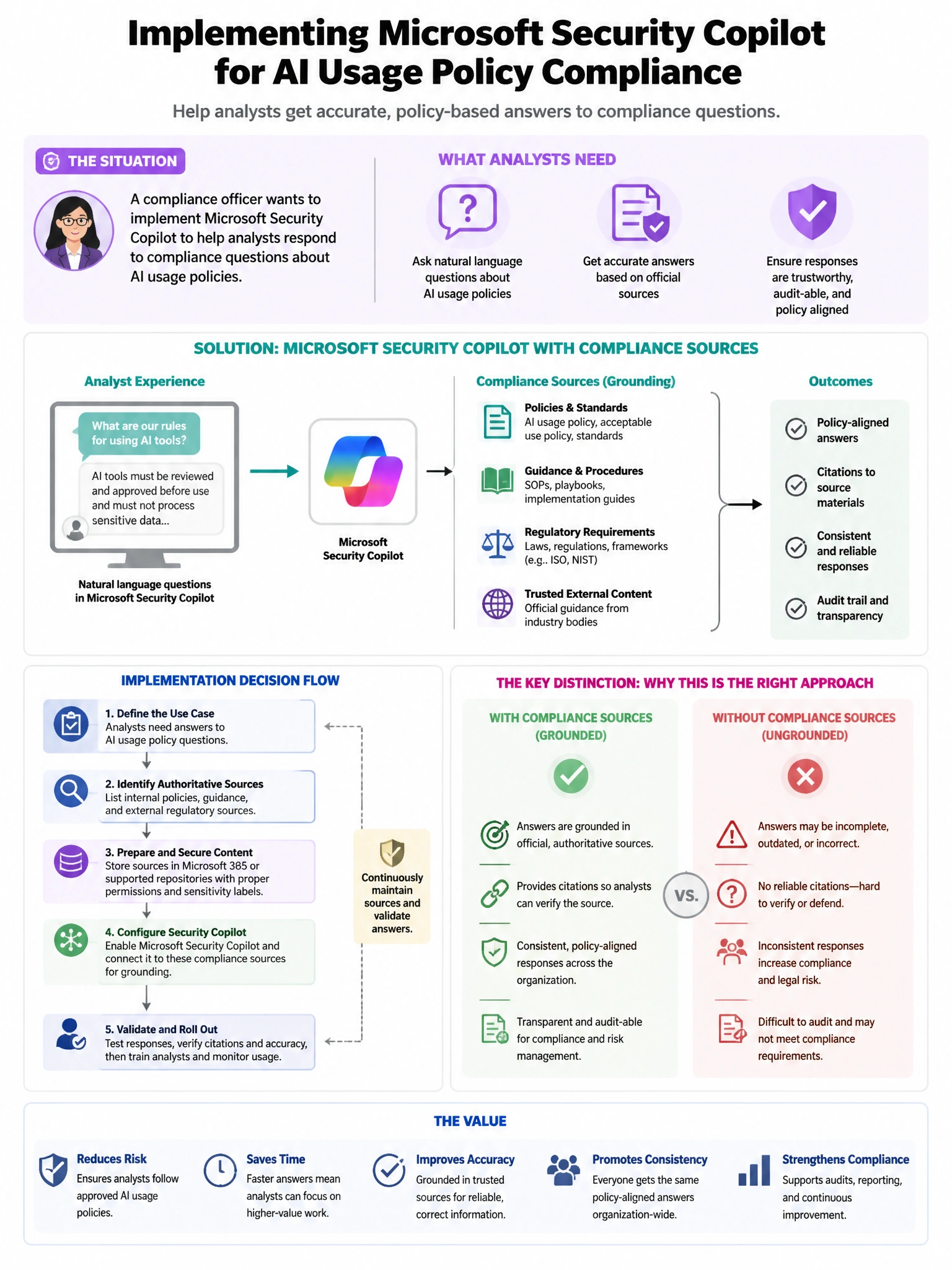
An organization's compliance officer wants to implement Microsoft Security Copilot to help analysts respond to compliance questions about AI usage policies. The officer wants to create a custom promptbook with 5 sequential prompts that walk analysts through an AI compliance review checklist. After creating the promptbook, it should be available to all security analysts. Which sharing option makes the promptbook available organization-wide?
Select an answer to reveal the explanation.
Short Explanation and Infographic
Here's the deal — b is correct because Microsoft Security Copilot promptbooks have sharing options that include 'Private' (owner only), 'Specific people' (named users), and 'Organization' (all Copilot users in the tenant). Setting the sharing to 'Organization' makes the compliance review promptbook accessible to all users with Copilot Contributor or Owner roles in the tenant, enabling all security analysts to find and run it.
Full explanation below image
Full Explanation
B is correct because Microsoft Security Copilot promptbooks have sharing options that include 'Private' (owner only), 'Specific people' (named users), and 'Organization' (all Copilot users in the tenant). Setting the sharing to 'Organization' makes the compliance review promptbook accessible to all users with Copilot Contributor or Owner roles in the tenant, enabling all security analysts to find and run it. A is wrong because private promptbooks are visible only to the owner; sharing a URL does not grant access to a private promptbook. C is wrong because there is no JSON export/import mechanism for Security Copilot promptbooks in the standard product experience. D is wrong because Security Copilot promptbook sharing is not configured through Entra ID security groups; it uses Copilot's own sharing settings.