
An organization wants to detect when Microsoft Purview AI Hub shows that users are sharing sensitive files marked with the 'Confidential' sensitivity label as inputs to Microsoft Copilot for Microsoft 365 prompts with external recipients. Which Purview AI Hub capability surfaces this oversharing risk?
Select an answer to reveal the explanation.
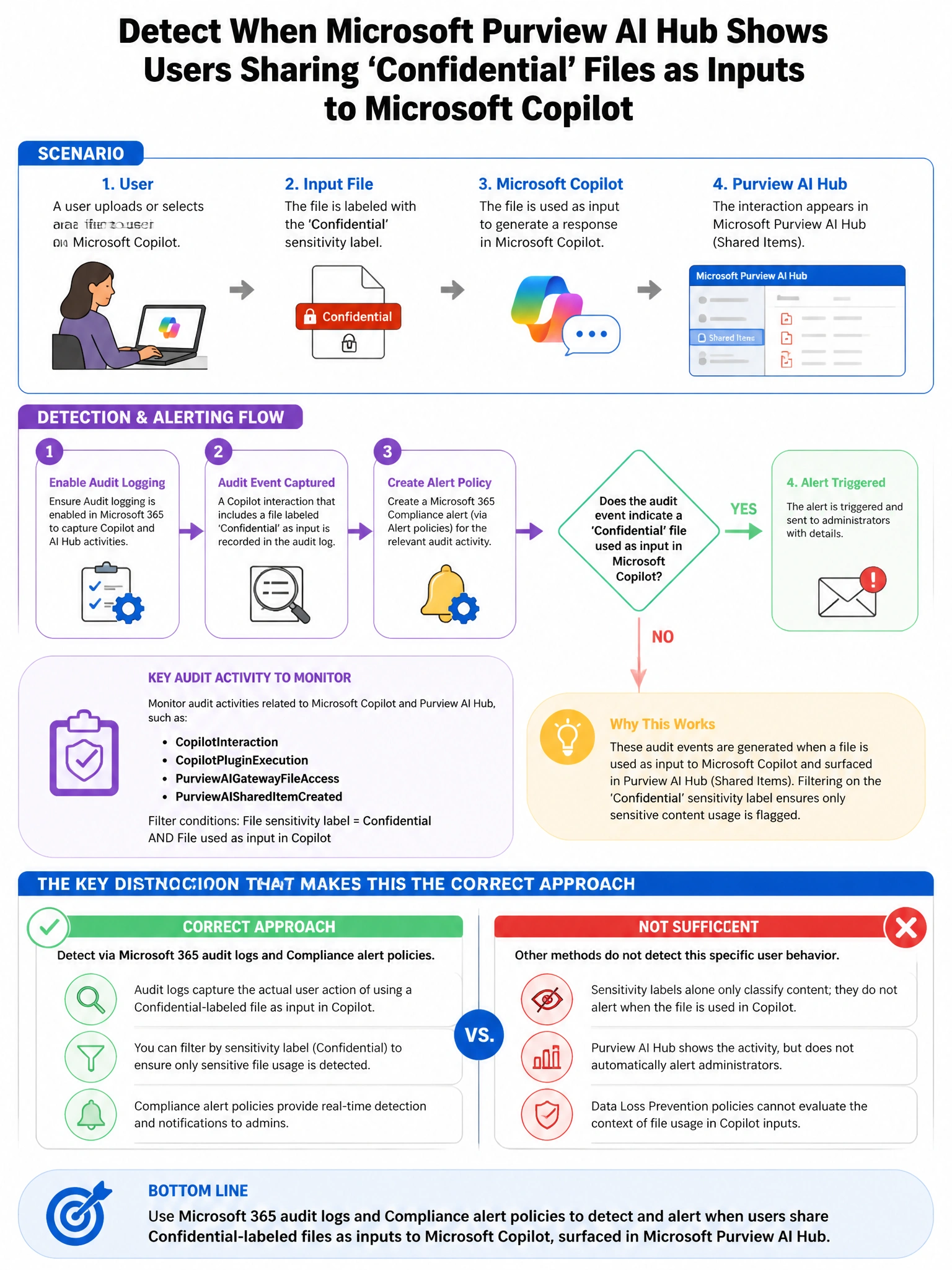
Short Explanation and Infographic
Here's the deal — b is correct because Microsoft Purview AI Hub includes a 'Data security posture for AI' section that specifically surfaces oversharing risks—identifying when users are using files or data labeled with sensitivity labels as inputs to Copilot in ways that could lead to information being accessed by parties who should not see it, including sharing risks with external parties. A is wrong because the sensitive information types detection report shows what SITs appear in prompts (e.g., credit card numbers), not the oversharing of labeled content with external parties.
Full explanation below image
Full Explanation
B is correct because Microsoft Purview AI Hub includes a 'Data security posture for AI' section that specifically surfaces oversharing risks—identifying when users are using files or data labeled with sensitivity labels as inputs to Copilot in ways that could lead to information being accessed by parties who should not see it, including sharing risks with external parties. A is wrong because the sensitive information types detection report shows what SITs appear in prompts (e.g., credit card numbers), not the oversharing of labeled content with external parties. C is wrong because Compliance Manager assesses regulatory control adherence, not real-time oversharing risk. D is wrong because Defender for Cloud Apps detects unsanctioned app usage, not oversharing risks within sanctioned Microsoft Copilot.