
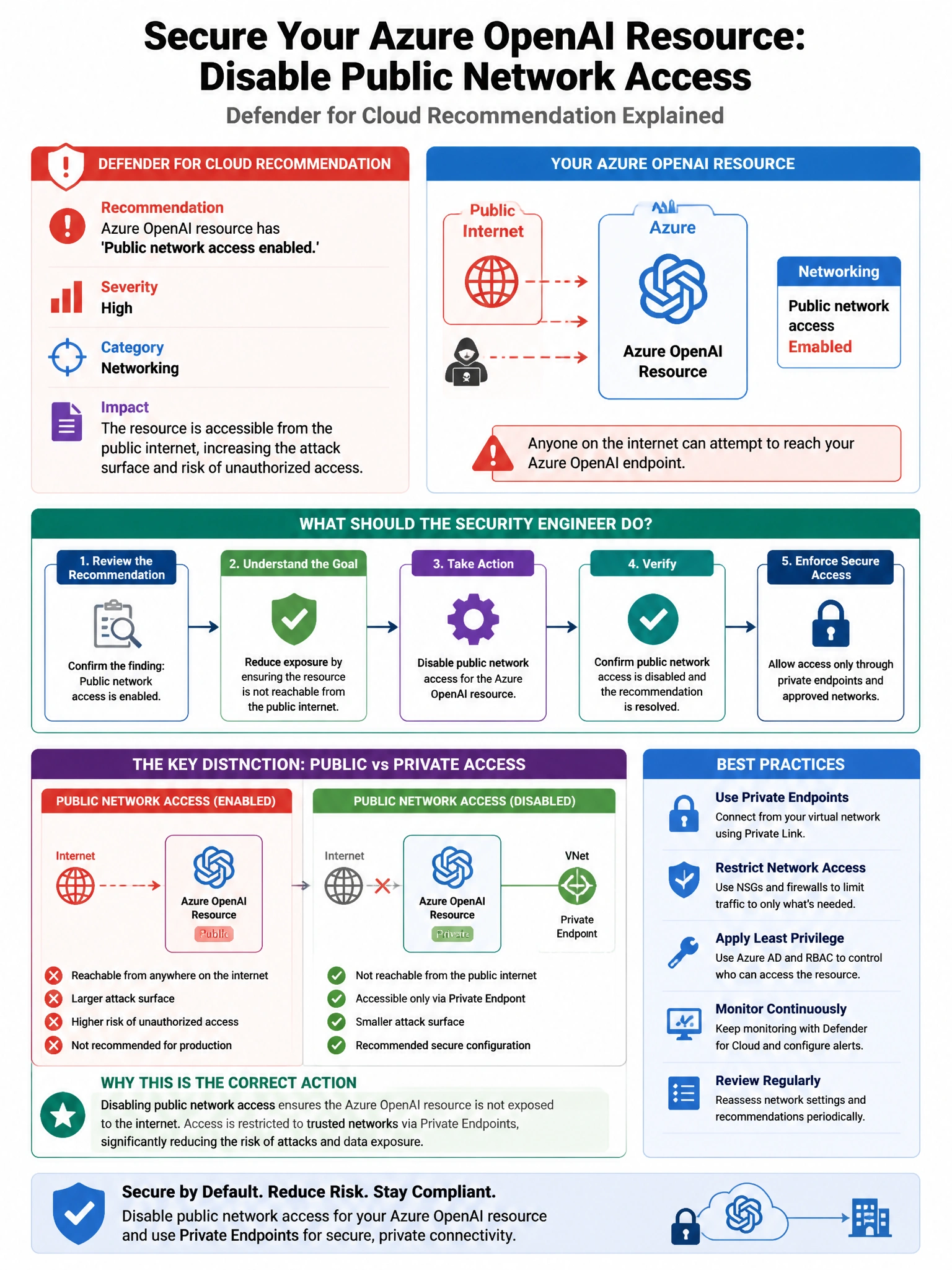
A Defender for Cloud recommendation states that an Azure OpenAI resource has 'Public network access enabled.' The recommendation severity is 'High.' The security engineer wants to understand what specific risk this creates before remediating. Which Defender for Cloud feature provides the contextual risk reasoning for this recommendation?
Select an answer to reveal the explanation.
Short Explanation and Infographic
Here's the deal — b is correct because Defender for Cloud's contextual security posture management enriches recommendations with risk factors—such as exposure to the internet, sensitive data access, and lateral movement potential—and shows associated attack paths that explain how the misconfiguration could be exploited. The 'Attack paths' section visually illustrates how an attacker could leverage public internet exposure to the Azure OpenAI resource to exfiltrate data or abuse AI capabilities.
Full explanation below image
Full Explanation
B is correct because Defender for Cloud's contextual security posture management enriches recommendations with risk factors—such as exposure to the internet, sensitive data access, and lateral movement potential—and shows associated attack paths that explain how the misconfiguration could be exploited. The 'Attack paths' section visually illustrates how an attacker could leverage public internet exposure to the Azure OpenAI resource to exfiltrate data or abuse AI capabilities. A is wrong because the Quick Fix button provides automated remediation, not risk reasoning or context. C is wrong because the Regulatory Compliance dashboard maps controls to standards, but it does not provide contextual risk reasoning for individual resource misconfigurations. D is wrong because the Defender for AI Services alert list shows active threat detections, not the risk context for posture recommendations.