
Public-health API owners want telemetry on SQL-backed endpoints, including traces and queryable logs. Which Azure monitoring pairing should they recommend?
Select an answer to reveal the explanation.
Short Explanation
App Insights plus Log Analytics is the clinic’s flight recorder for SQL APIs—Azure Monitor keeps the traces and lets you query what went wrong.
Full Explanation
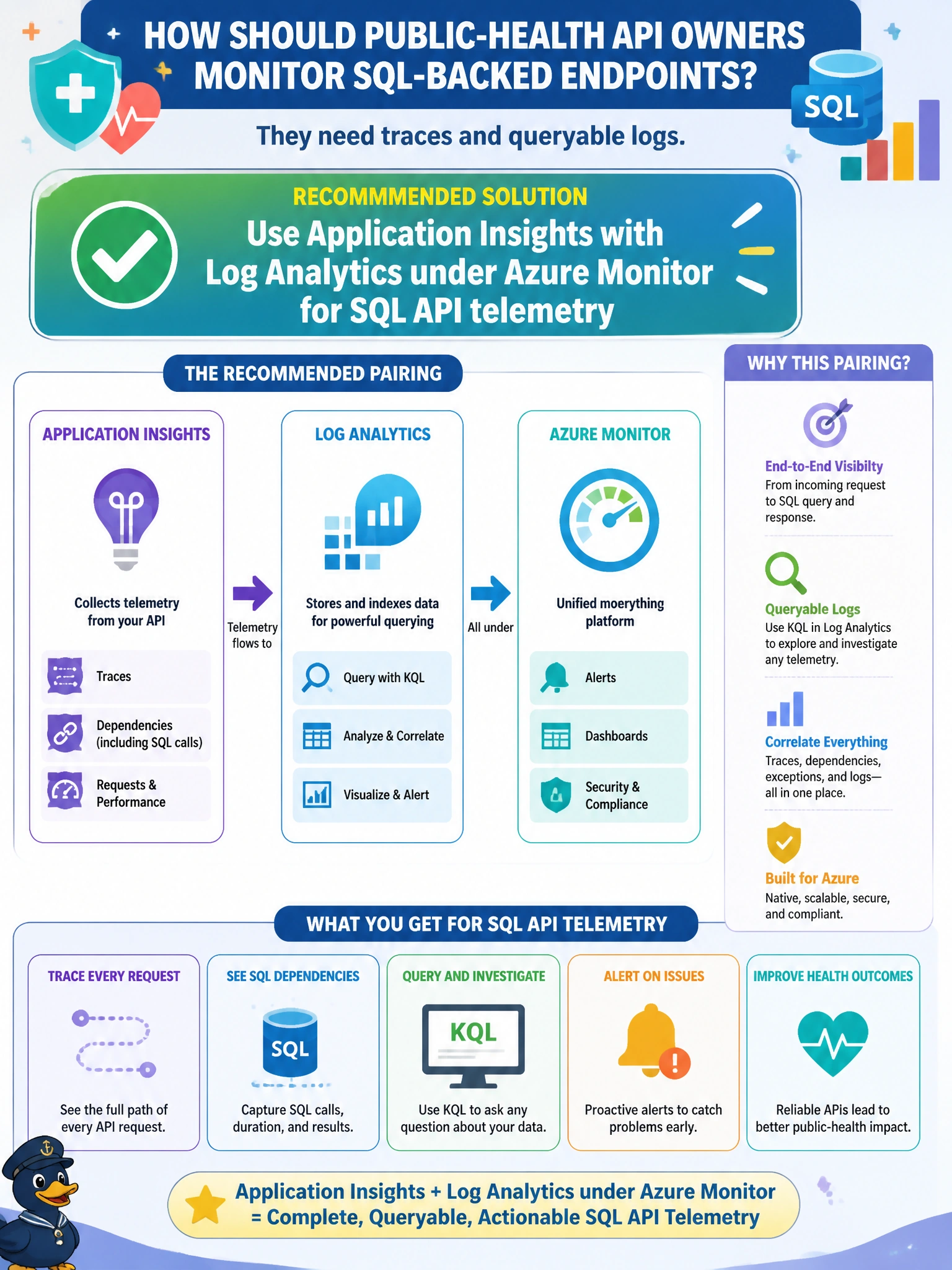
Public-health API owners want telemetry on SQL-backed endpoints, including traces and queryable logs. They should use Application Insights with Log Analytics under Azure Monitor for that SQL API telemetry. This pairing gives municipal clinics distributed tracing, metrics, and Kusto-queryable logs so outages and latency on health APIs can be diagnosed without relying on anecdotal help-desk notes. It matches DP-800 monitoring guidance for Azure-integrated database solutions.
Relying only on sticky notes at the help desk for outage history fails observability—notes are not traces, metrics, or queryable logs. Disabling all telemetry to reduce cloud observability costs to zero fails the requirement and leaves public-health APIs blind during incidents. Storing production passwords in Application Insights custom events for debugging fails security: telemetry must not become a secret store.
Exam caveat: Azure Monitor + Application Insights + Log Analytics is the standard answer shape for traces and queryable logs. Cost-cutting by disabling telemetry or putting secrets into telemetry events are incorrect.
Operational check: enable Application Insights for the public-health API, ship logs to a Log Analytics workspace, generate a test failure, and confirm traces and error logs are queryable. Scan custom events/dimensions to ensure no connection strings or passwords are being telemetered.