
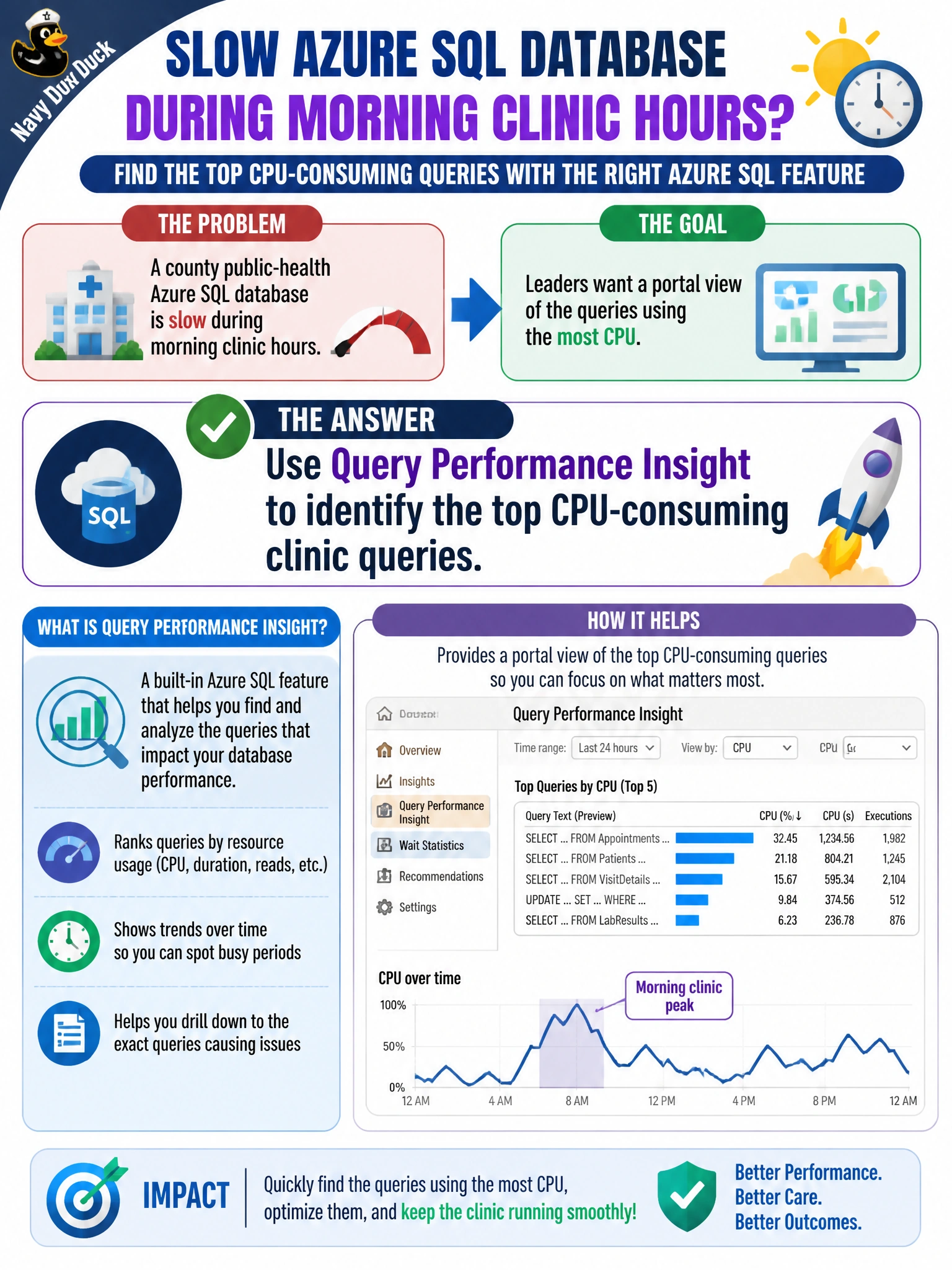
A county public-health Azure SQL database is slow during morning clinic hours, and leaders want a portal view of the queries using the most CPU. Which Azure SQL feature should the SQL AI developer use?
Select an answer to reveal the explanation.
Short Explanation
You can use Query Performance Insight as a clinic triage board: it shows which queries are consuming the most CPU so you can focus tuning where it matters. That gives you evidence from the morning rush instead of guessing from lobby wait times.
Full Explanation
Query Performance Insight (QPI) in Azure SQL Database is the portal view the county public-health team needs to rank clinic queries consuming the most CPU during morning hours. It reads Query Store history and presents top resource consumers, including CPU, duration, and execution counts, so you can find the statements driving clinic delays, review their plans, and prioritize tuning rather than guessing from lobby backlogs. Transparent Data Encryption protects data at rest; its encryption blade does not provide CPU query rankings, so enabling it does not meet the performance-visibility need. Disabling Query Store removes the historical plan and runtime data QPI relies on, so Insight cannot invent reliable CPU rankings without that data. Granting db_owner to every clinic kiosk account violates least privilege and does not create a CPU report; it only increases the damage a compromised kiosk could cause. Exam caveat: QPI availability and depth depend on the Azure SQL offering, and Query Store must be enabled and retain enough history to cover the morning clinic window. Practical check: confirm Query Store is on with adequate retention and capture settings, open the database’s Query Performance Insight for the morning interval, verify the top CPU queries match clinic activity, and compare results during a similar clinic hour after tuning to confirm CPU use dropped.