
After citywide query spikes, a transit DBA needs to tune Azure SQL for better parallel query behavior. Which action fits database configuration recommendations?
Select an answer to reveal the explanation.
Short Explanation
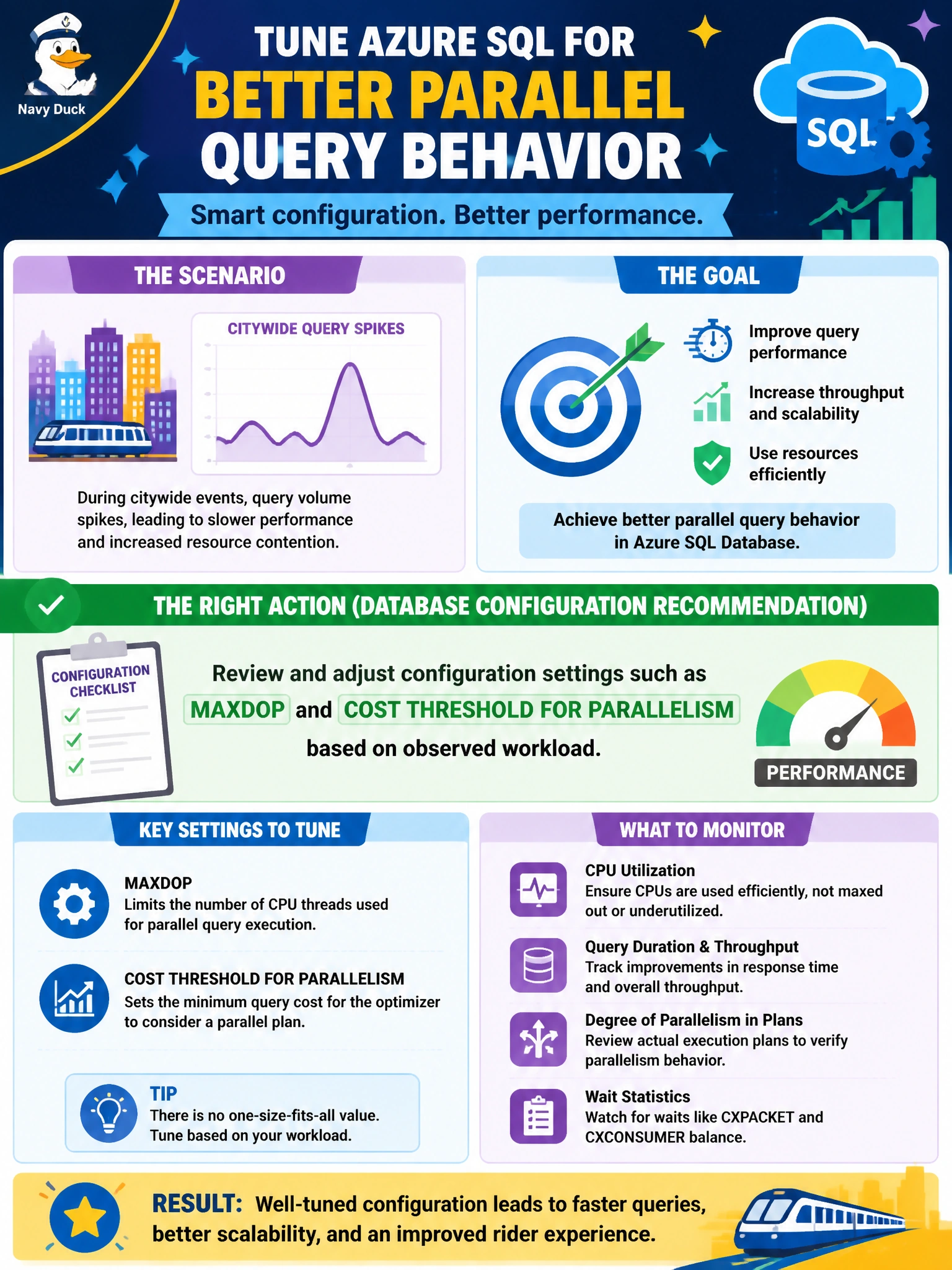
When the transit queries stampede, twiddle the right knobs—MAXDOP and cost threshold—based on what the workload actually shows, not by tossing the gauges overboard.
Full Explanation
Reviewing and adjusting configuration settings such as MAXDOP and cost threshold for parallelism based on observed transit workload is the action that fits database configuration recommendations after citywide query spikes. Parallelism knobs influence whether expensive queries go parallel, how many threads they consume, and whether many concurrent municipal reports starve each other. Measured changes—guided by waits, Query Store, and workload patterns—are the DP-800-aligned tuning approach rather than privilege escalation or blind plan deletion.
Disabling Query Store permanently so configuration changes cannot be measured fails by concept: you remove the feedback loop needed to validate MAXDOP or cost-threshold adjustments. Granting sysadmin to every reporting account instead of tuning configuration confuses authorization with performance engineering and widens security risk without fixing parallelism behavior. Deleting execution plan guides randomly without capturing baseline metrics destroys intentional plan stability and prevents before/after comparison.
Exam caveat: MAXDOP and cost threshold are not one-size-fits-all; OLTP-heavy versus analytic-heavy municipal workloads need different settings, and Azure SQL may expose configuration via database-scoped configurations. Changing knobs without baselines can worsen CXPACKET/THREADPOOL pressure. Pair configuration changes with indexing and query fixes when plans show scans or spills.
Operational check: Capture baseline wait stats and Query Store top consumers during the transit spike window, adjust MAXDOP and cost threshold for parallelism in a controlled change, and compare duration, CPU, and wait profiles afterward. Keep Query Store on. Avoid granting sysadmin as a “performance fix.” Document the settings in the SQL Database Project or runbook so the next spike response starts from known good configuration.