
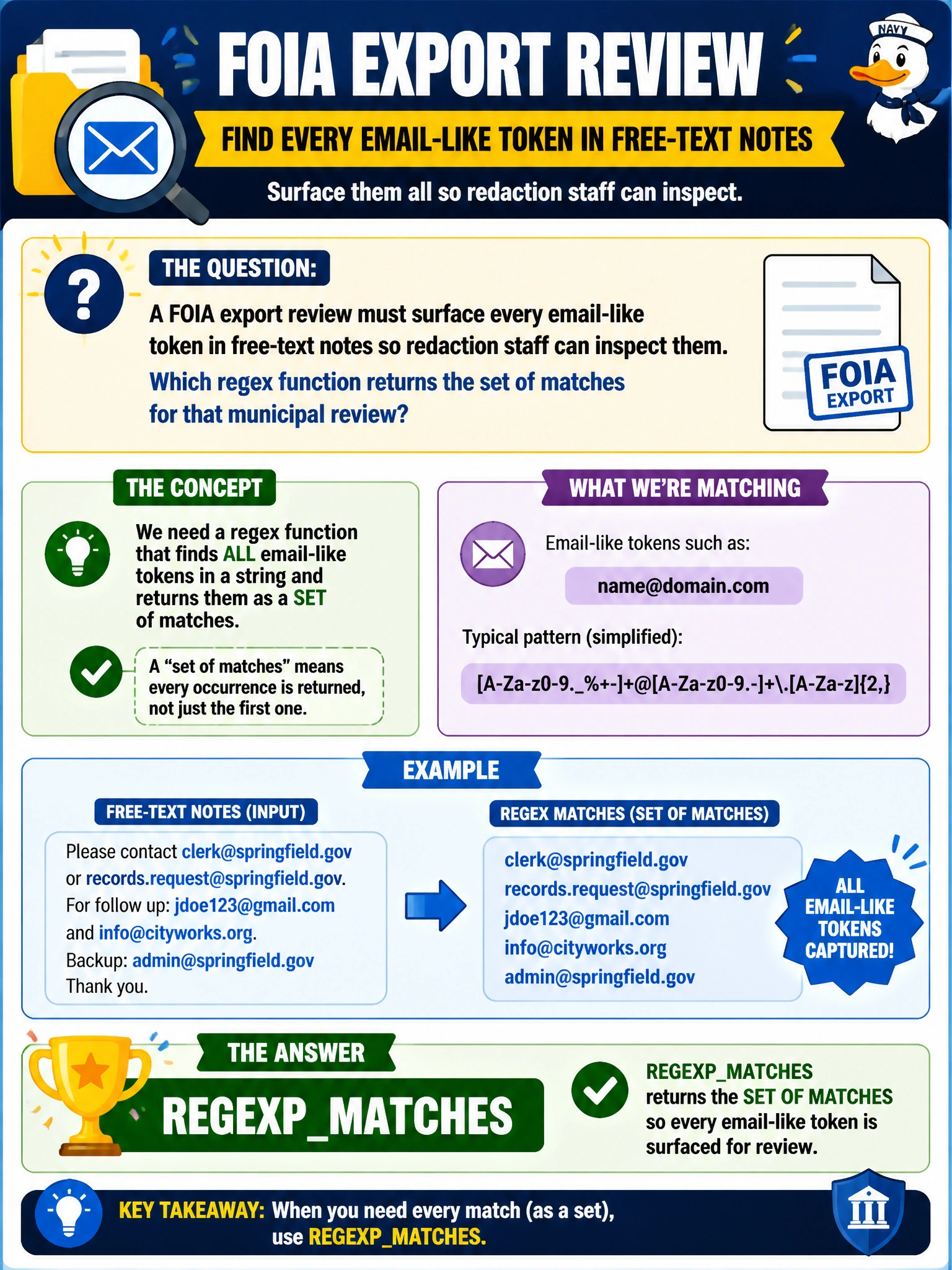
A FOIA export review must surface every email-like token in free-text notes so redaction staff can inspect them. Which regex function returns the set of matches for that municipal review?
Select an answer to reveal the explanation.
Short Explanation
You can treat email-like tokens in FOIA notes like Easter eggs hidden in a long memo: REGEXP_MATCHES returns every matching token for redaction staff to inspect. That gives you the match set the review needs.
Full Explanation
REGEXP_MATCHES is the correct regex function when a FOIA export review must surface every email-like token in free-text notes for redaction staff to inspect. It returns the set of matches for a regular expression against text, making it suitable for finding multiple email-shaped tokens scattered through municipal notes rather than producing a single boolean or count. EDIT_DISTANCE fails by concept because it measures Levenshtein edits between two strings; it does not extract regex matches from free text. JSON_MODIFY fails because it updates values inside JSON documents, while scanning FOIA notes for email tokens is not a JSON mutation task. sp_invoke_external_rest_endpoint fails because it calls an external REST API; the request is for a local regex match set over notes, not an outbound HTTP call. Exam caveat: DP-800 regex helpers can return different kinds of results, such as counts, positions, or match sets. When the stem requires surfacing every matching token for human review, REGEXP_MATCHES fits; do not substitute string-edit, JSON, or API functions. Practical check: run the FOIA regex against sample notes containing planted email addresses and near-misses, confirm that all true tokens appear for redaction review, and tune the pattern to reduce false positives such as version numbers. Ensure matches are logged only within the controlled review workflow, not in unsecured exports.