
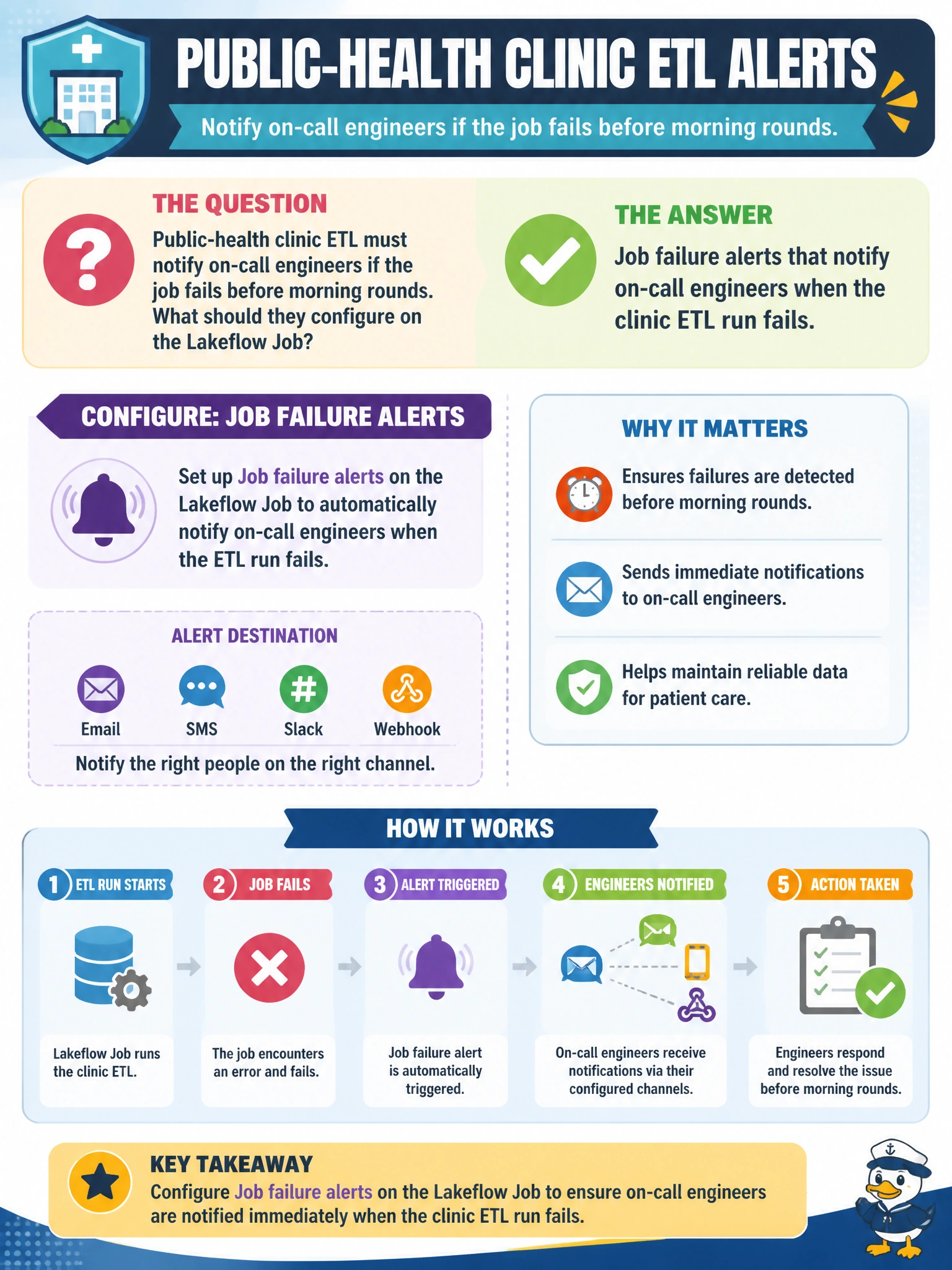
Public-health clinic ETL must notify on-call engineers if the job fails before morning rounds. What should they configure on the Lakeflow Job?
Select an answer to reveal the explanation.
Short Explanation
Configure job failure alerts so the on-call team wakes up and responds before the clinic ETL breaks morning rounds. You don't want a Job pipeline alert that'll never fire for this Job or a Job retry policy that can't page you when you need eyes on it before sunrise. You'll still miss a quick crash if you're waiting on a Job duration alert.
Full Explanation
Public-health clinic ETL must notify on-call engineers immediately when the job fails, ensuring rapid response before morning rounds when clinic staff rely on fresh data for scheduling, resource planning, and patient safety decisions. Lakeflow Job failure alerts (email, Slack, PagerDuty, or webhook) create an automated notification channel that wakes the on-call engineer in real time, enabling root-cause investigation and recovery before the clinic opens.
Job pipeline alerts that notify on-call engineers when the clinic ETL run fails target the wrong object — pipeline alerts monitor Lakeflow Pipelines, not Lakeflow Jobs, so a Job failure would never trigger them and stale or incomplete data would sit in production at dawn with no page to the on-call engineer. Job retry policies that notify on-call engineers when the clinic ETL run fails confuse recovery with notification — retry policies automatically rerun failed tasks but do not send alerts, so silent retries can consume the morning window without paging engineers, and failures discovered hours or days later are too late to recover data for the morning shift. Job duration alerts that notify on-call engineers when the clinic ETL run fails address slowness, not failure — duration alerts fire only when execution exceeds a time threshold, so an ETL that crashes quickly would never trip them, leaving the on-call engineer unaware and critical failures unaddressed for hours.
The clinic's ETL timing is tightly coupled to morning operations, so failure notification latency directly impacts patient care readiness. Configure alerts to fire immediately on job failure, set severity based on SLA impact, and route to a dedicated on-call channel or PagerDuty escalation that guarantees receipt before 06:00 AM.
Operational check: simulate a job failure and verify the on-call team receives a notification within 2 minutes; review recent failure notifications and confirm each one prompted an investigation; check that failure alert history matches the clinic's morning data readiness reports.
Prefer to study offline? Printable PDF study book + test engine ($7.50, unofficial). These questions stay free here.