
A city prefers managed ingest of a SaaS citizen-CRM export into Unity Catalog with less custom notebook glue. What should they choose?
Select an answer to reveal the explanation.
Short Explanation
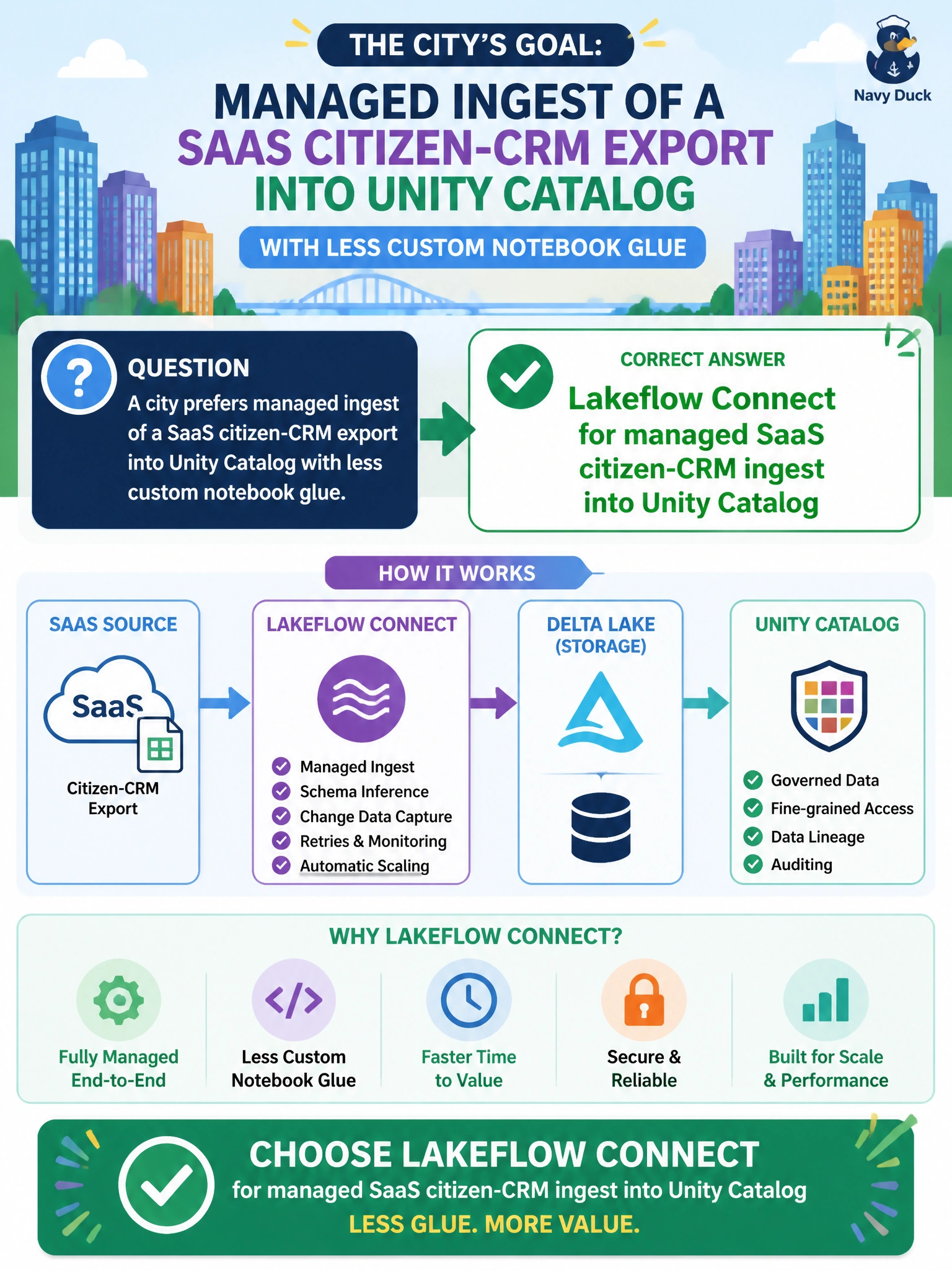
Lakeflow Connect is the managed hose from the citizen CRM into Unity Catalog, so you don't have to stitch together file landings yourself. Auto Loader is for files already in storage, not managed SaaS ingest, and Delta Live Tables only transforms tables already in UC. Lakehouse Federation queries in place instead of ingesting, so it won't load the citizen-CRM export into Unity Catalog tables.
Full Explanation
When a city wants managed ingest of a SaaS citizen-CRM export into Unity Catalog with less custom notebook glue, Lakeflow Connect is the managed connector path. It targets SaaS-to-UC ingest so municipal teams spend less time maintaining brittle file-landing pipelines that only re-pull the same CRM export. Managed ingest fits citizen-service analytics that must stay current under catalog governance without endless custom glue code for each CRM field change.
Auto Loader described for managed SaaS citizen-CRM ingest is inaccurate because it is built for files already landing in cloud storage, not for managed SaaS-to-UC ingest, so it leaves the city with custom glue and no managed connector for the citizen-CRM export. Delta Live Tables described for managed SaaS citizen-CRM ingest is inaccurate because it transforms tables that are already in Unity Catalog, so it doesn't solve the managed SaaS ingest step the city needs. Lakehouse Federation described for managed SaaS citizen-CRM ingest is inaccurate because it queries the CRM in place rather than ingesting it, so it won't load the citizen-CRM export into Unity Catalog tables under catalog governance.
Exam caveat: Lakeflow Connect is for managed connector-style ingest into UC—not a license to skip data contracts, PII controls, schema validation, or reconciliation against the SaaS export counts. Operational check: configure Lakeflow Connect for the citizen-CRM source into Unity Catalog, run an initial sync, confirm tables appear under the intended catalog and schema, validate row counts and key fields against the SaaS export, apply appropriate grants, and retire the file-based landing workaround.
Prefer to study offline? Printable PDF study book + test engine ($7.50, unofficial). These questions stay free here.