
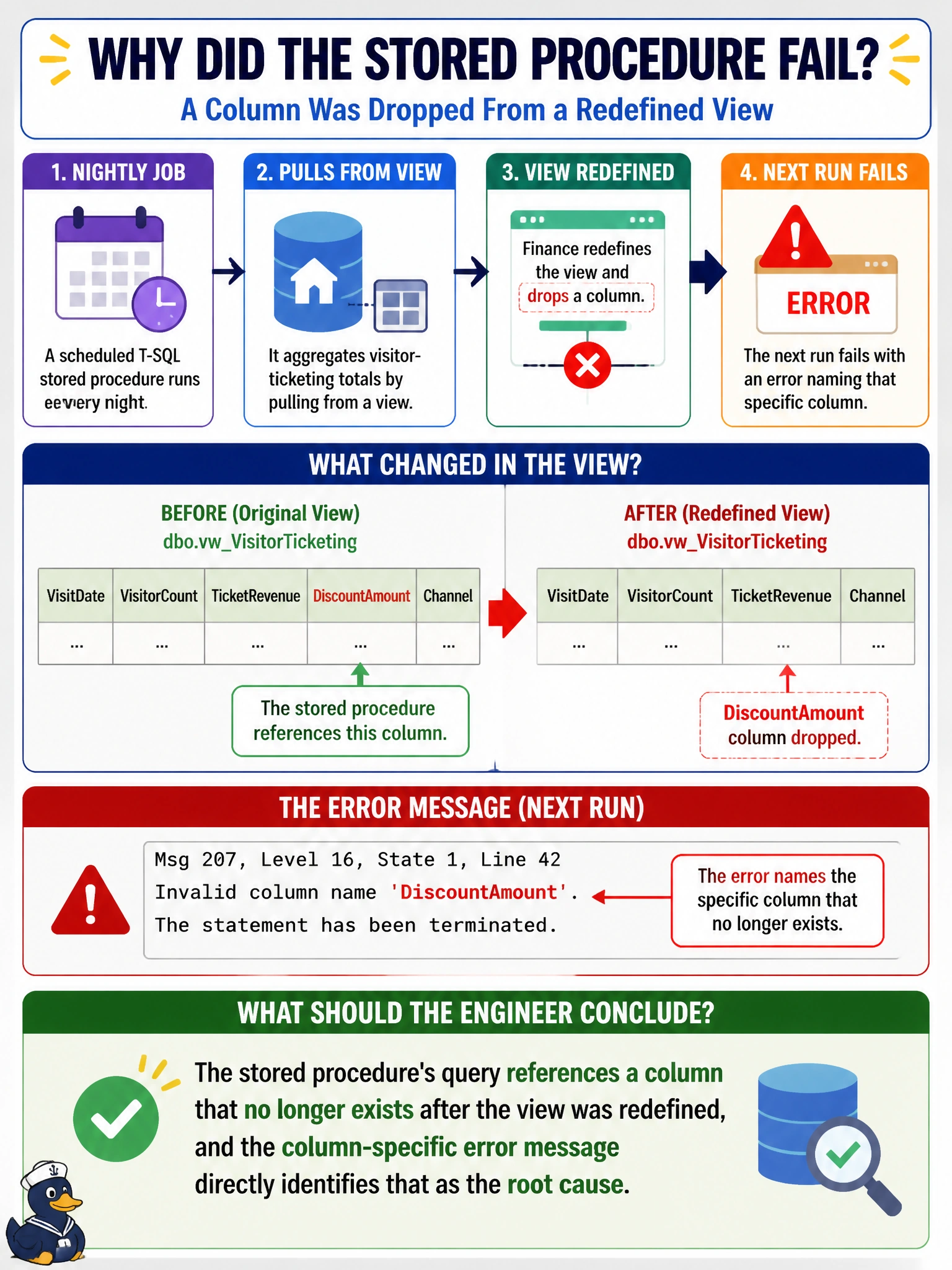
A scheduled T-SQL stored procedure in a Fabric Warehouse aggregates nightly visitor-ticketing totals by pulling from a view that finance recently redefined, dropping a column the procedure references. The next run fails with an error naming that specific column as invalid. What should the engineer conclude?
Select an answer to reveal the explanation.
Short Explanation
When an error names an exact column and says it can't find it, that's about as direct a clue as T-SQL ever gives you. It's not being vague about permissions or capacity — it's pointing right at the one thing that changed: a column the view no longer has.
Full Explanation
T-SQL raises a specific, named error when a query references a column that does not exist in the object it is querying, and that error message is the most direct evidence available for root-causing this failure, since it identifies exactly which column is missing rather than describing a general failure. Given that finance redefined the view and dropped a column, and the procedure's very next run fails naming that column, the causal chain is explicit and does not require further investigation of unrelated systems. A storage capacity issue would typically surface as a failure to write results at the end of execution, with a different class of error describing space rather than an invalid column name. A permissions issue produces an authorization-specific error distinct from an invalid-column error, and would also likely have blocked the procedure from running at all previously if it were a genuine access problem rather than a schema change. Capacity throttling manifests as queued or slow execution, or a resource-governance error, not a message pointing at a specific column identifier. The concrete fix path is to update the stored procedure's query to match the view's new definition, either by adjusting to an available replacement column or coordinating with whoever owns the view about the removed field, then rerun the procedure to confirm the specific error clears.