
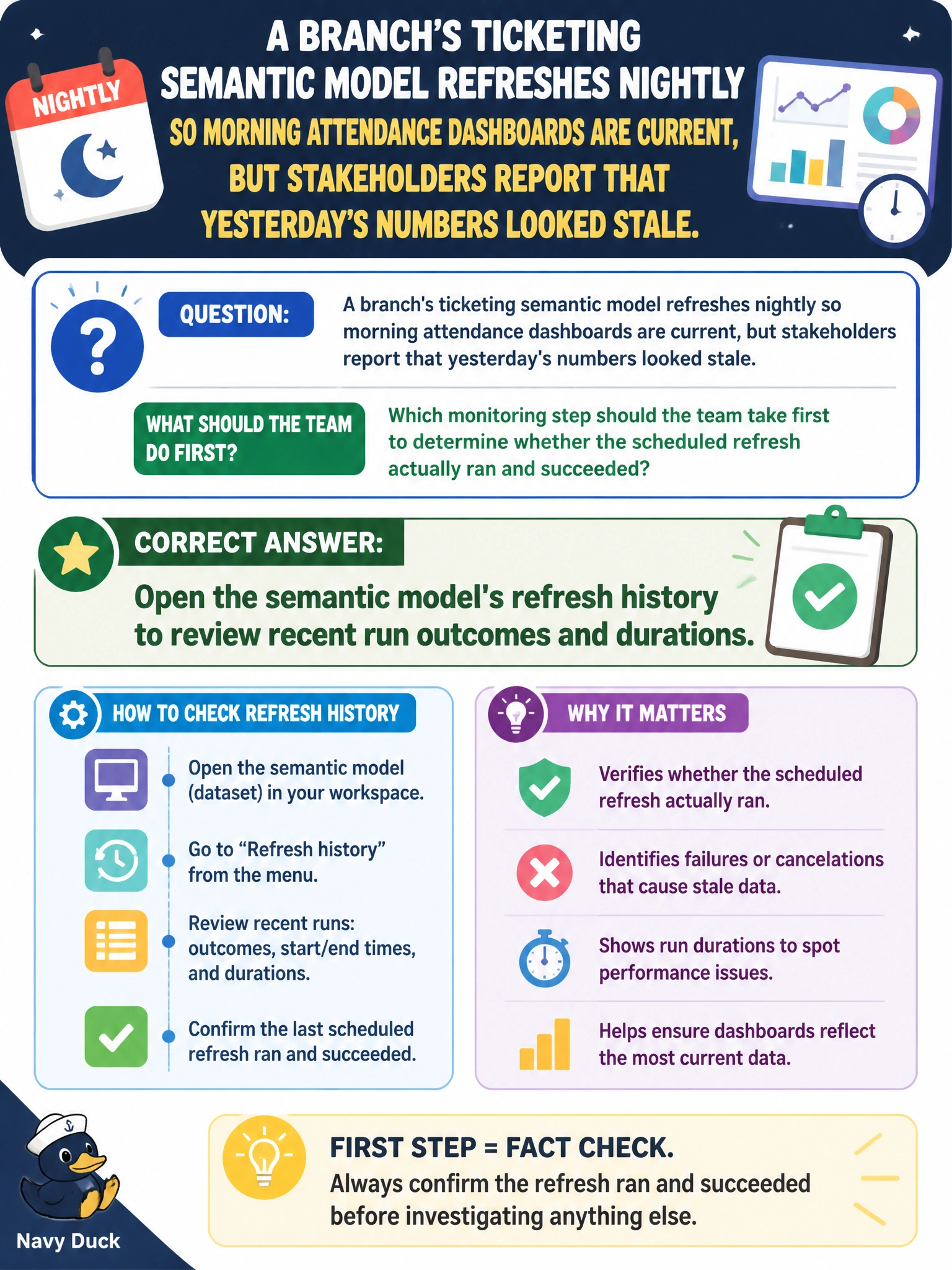
A branch's ticketing semantic model refreshes nightly so morning attendance dashboards are current, but stakeholders report that yesterday's numbers looked stale. Which monitoring step should the team take first to determine whether the scheduled refresh actually ran and succeeded?
Select an answer to reveal the explanation.
Short Explanation
A semantic model's refresh history works like a receipt book for every scheduled refresh. It shows whether last night's run happened at all, how long it took, and whether it failed, which is the fastest way to explain data that looks stale.
Full Explanation
The refresh history for a semantic model records every scheduled and on-demand refresh attempt, including its start time, duration, and success or failure status, so checking it first directly answers whether last night's scheduled refresh ran, ran late, or failed outright, before assuming anything about the upstream data itself. The Git commit log tracks changes to item definitions under version control; a model can fail to refresh with zero commits made that day, so this log would not reveal a refresh problem. Eventhouse ingestion failure records are specific to streaming data landing in a KQL database and have no connection to a Power BI or Direct Lake semantic model's own refresh cycle. Reviewing a pipeline's activity dependency conditions is relevant only if a pipeline orchestrates the refresh as one of its steps; going straight to the semantic model's own refresh history is more direct and doesn't assume a particular orchestration pattern exists. If the history shows a failed run, the failure detail attached to that entry is typically the next thing worth reading, since it usually names the stage that broke.