
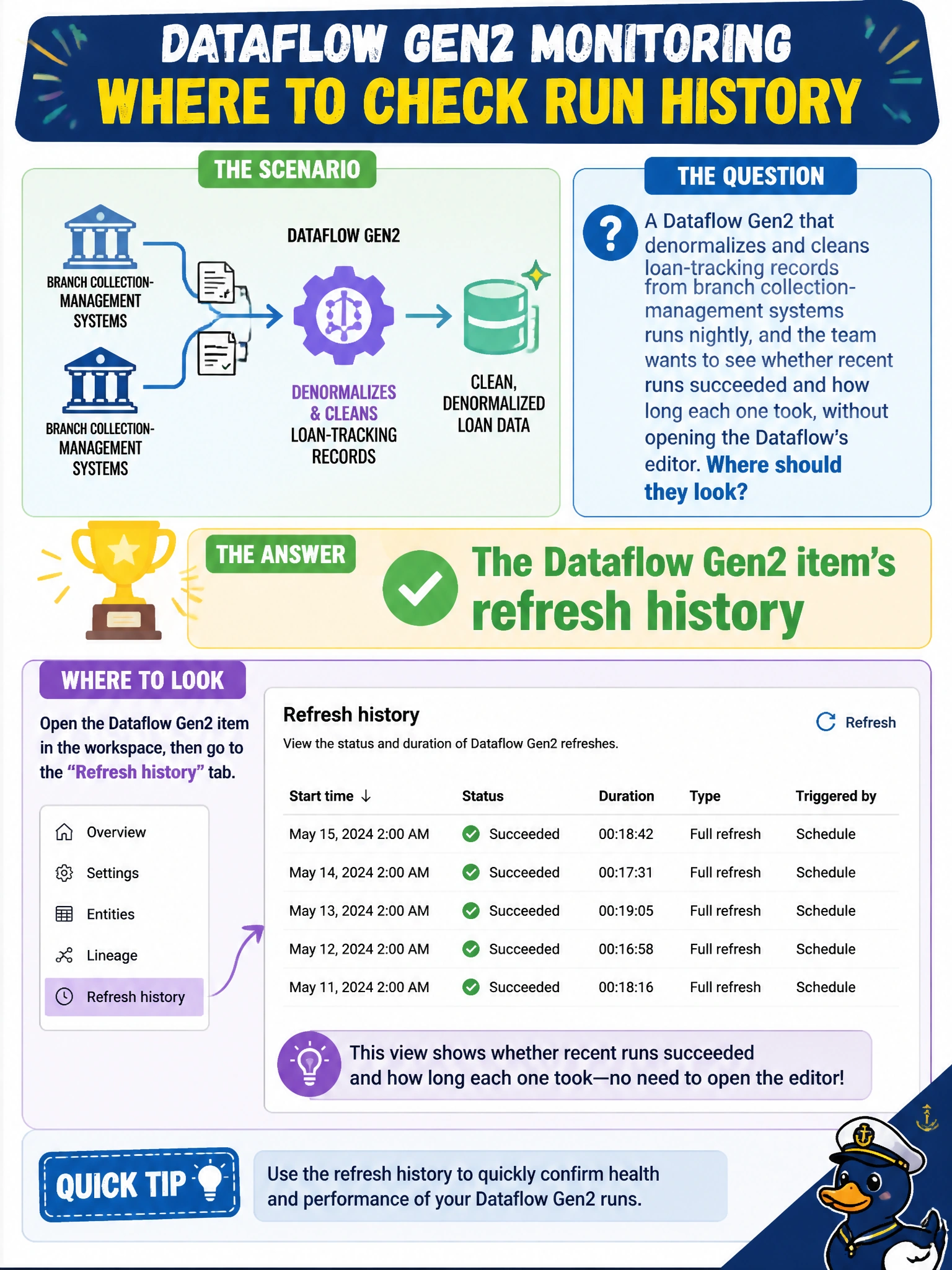
A Dataflow Gen2 that denormalizes and cleans loan-tracking records from branch collection-management systems runs nightly, and the team wants to see whether recent runs succeeded and how long each one took, without opening the Dataflow's editor. Where should they look?
Select an answer to reveal the explanation.
Short Explanation
The refresh history on a Dataflow Gen2 works like a delivery log: each entry shows when a run started, how long it took, and whether it landed clean. That means checking trends doesn't require reopening the editor every time.
Full Explanation
A Dataflow Gen2 item keeps a refresh history that lists each past run with its start time, duration, and outcome, giving the team exactly the succeed-or-fail-and-how-long view they want for the loan-tracking transformation without having to open the query editor and re-run anything. Eventstream's monitoring view is scoped to streaming sources and destinations, not the batch transformation logic inside a Dataflow Gen2, and would show nothing about this item's runs. Domain workspace settings configure organizational grouping and governance boundaries for workspaces; they carry no run-history information for any item. A semantic model's refresh schedule page governs when a Power BI or Direct Lake dataset refreshes and its own run history, a separate item from the Dataflow Gen2 doing the loan-record cleanup. Reviewing several runs' durations side by side in the refresh history is also how the team would first notice a trend, like the loan-tracking volume slowly growing, before it becomes a hard failure.