
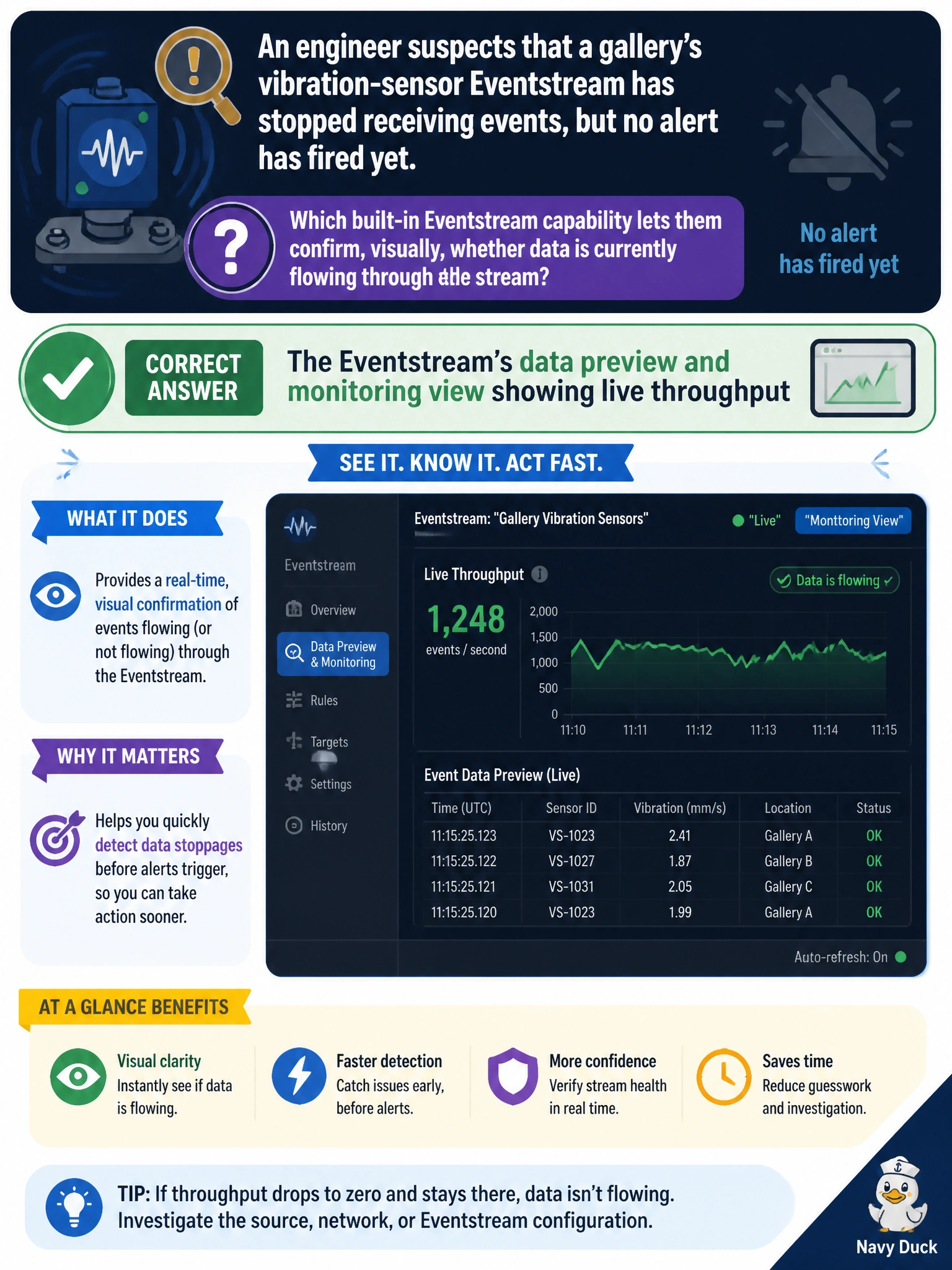
An engineer suspects that a gallery's vibration-sensor Eventstream has stopped receiving events, but no alert has fired yet. Which built-in Eventstream capability lets them confirm, visually, whether data is currently flowing through the stream?
Select an answer to reveal the explanation.
Short Explanation
Think of it like watching a gauge on a pipe: the Eventstream's own monitoring view shows events moving through in near real time. A flat line tells the engineer the tap has stopped before any alert ever fires.
Full Explanation
An Eventstream's canvas includes a monitoring and data-preview experience that shows events arriving and flowing through its sources, transformations, and destinations in near real time, which lets an engineer visually confirm whether a specific stream is actively receiving data right now, independent of whether any alert rule has been configured or triggered. Git integration history tracks changes to item definitions committed to source control over time; it says nothing about whether data is currently moving through a live stream. A semantic model's refresh history belongs to a completely different item type, Power BI or Direct Lake datasets, and has no connection to Eventstream throughput. The Capacity Metrics app's storage view reports OneLake and warehouse storage consumption, not the live event flow inside a specific Eventstream. This kind of visual check is a good first troubleshooting step, because it distinguishes a genuinely silent sensor from a stream that is flowing fine but simply has no alert configured to notice a problem, keeping the two failure modes from being confused.