
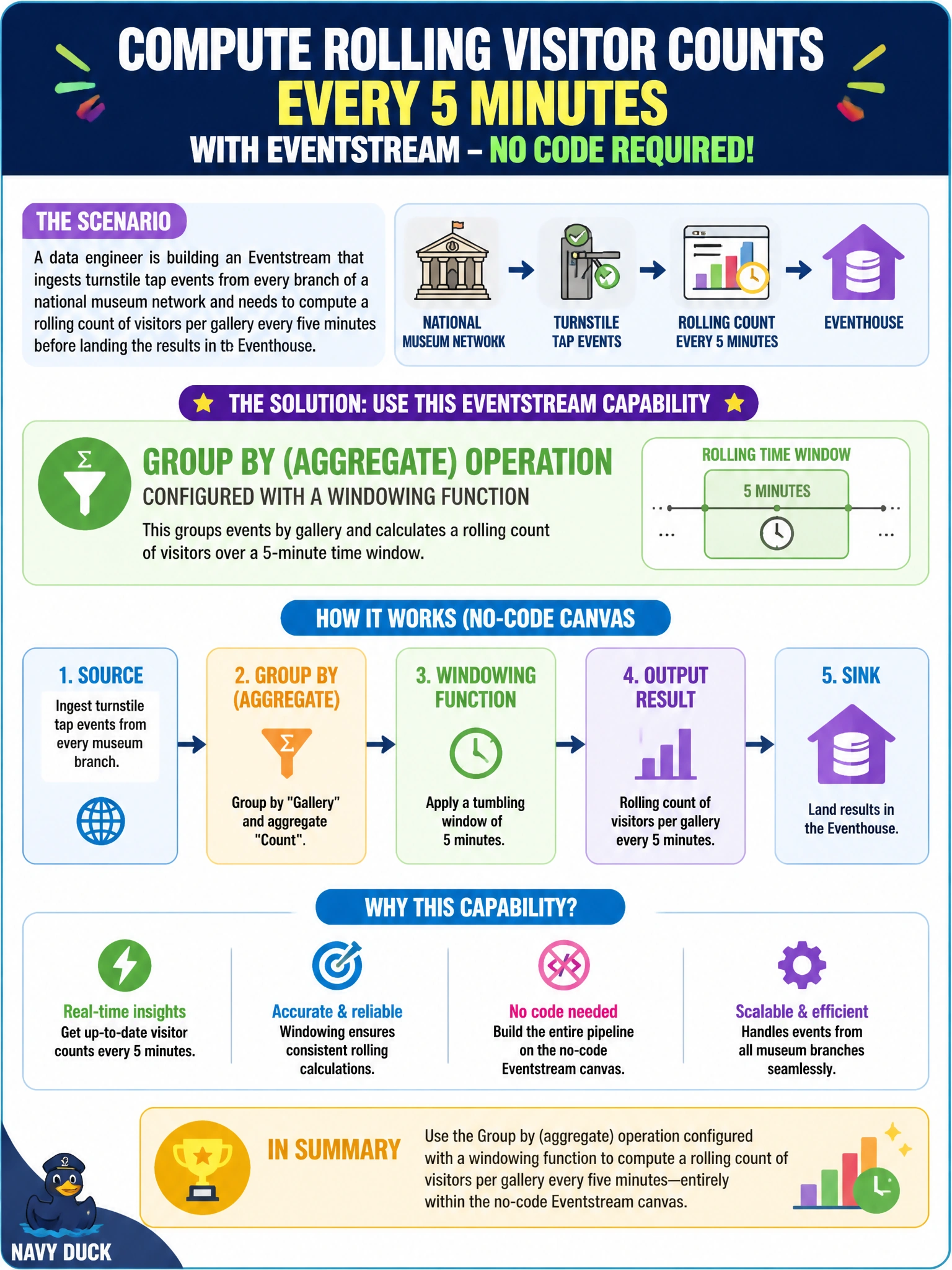
A data engineer is building an Eventstream that ingests turnstile tap events from every branch of a national museum network and needs to compute a rolling count of visitors per gallery every five minutes before landing the results in an Eventhouse. Which Eventstream capability should the engineer use to do this without leaving the no-code canvas?
Select an answer to reveal the explanation.
Short Explanation
Counting visitors over a rolling five-minute chunk is exactly what a windowed aggregation is for. In the Eventstream canvas, that's the Group by operation — pick a window type and interval, and it does the counting for you, no code needed.
Full Explanation
Fabric Eventstream's Group by (aggregate) operation is the built-in mechanism for computing running metrics — counts, sums, averages — over a defined window of time, directly on the no-code canvas. Configuring it with a tumbling window and a five-minute interval produces exactly the rolling per-gallery visitor count the scenario needs, and the aggregated output can then be sent onward to an Eventhouse destination.
Manage fields only renames, drops, or recasts columns; it has no concept of time or aggregation, so it cannot produce a count. Filter removes events that match or fail a condition — useful for excluding closed galleries, but it does not group or count anything, so applying it alone leaves raw, unaggregated tap events. Pointing a custom destination straight at a Lakehouse file path just changes where data lands; it does not touch how the data is shaped, so the five-minute counts would still need to be computed somewhere upstream of that destination.
A caveat worth remembering: the choice of window type inside Group by (tumbling, hopping, sliding, session, or snapshot) changes the result even when the interval is identical, so picking the wrong window type is a common source of miscounted totals. Operationally, verify the output by checking that each gallery emits exactly one row per five-minute tumbling interval in the Eventhouse table.