
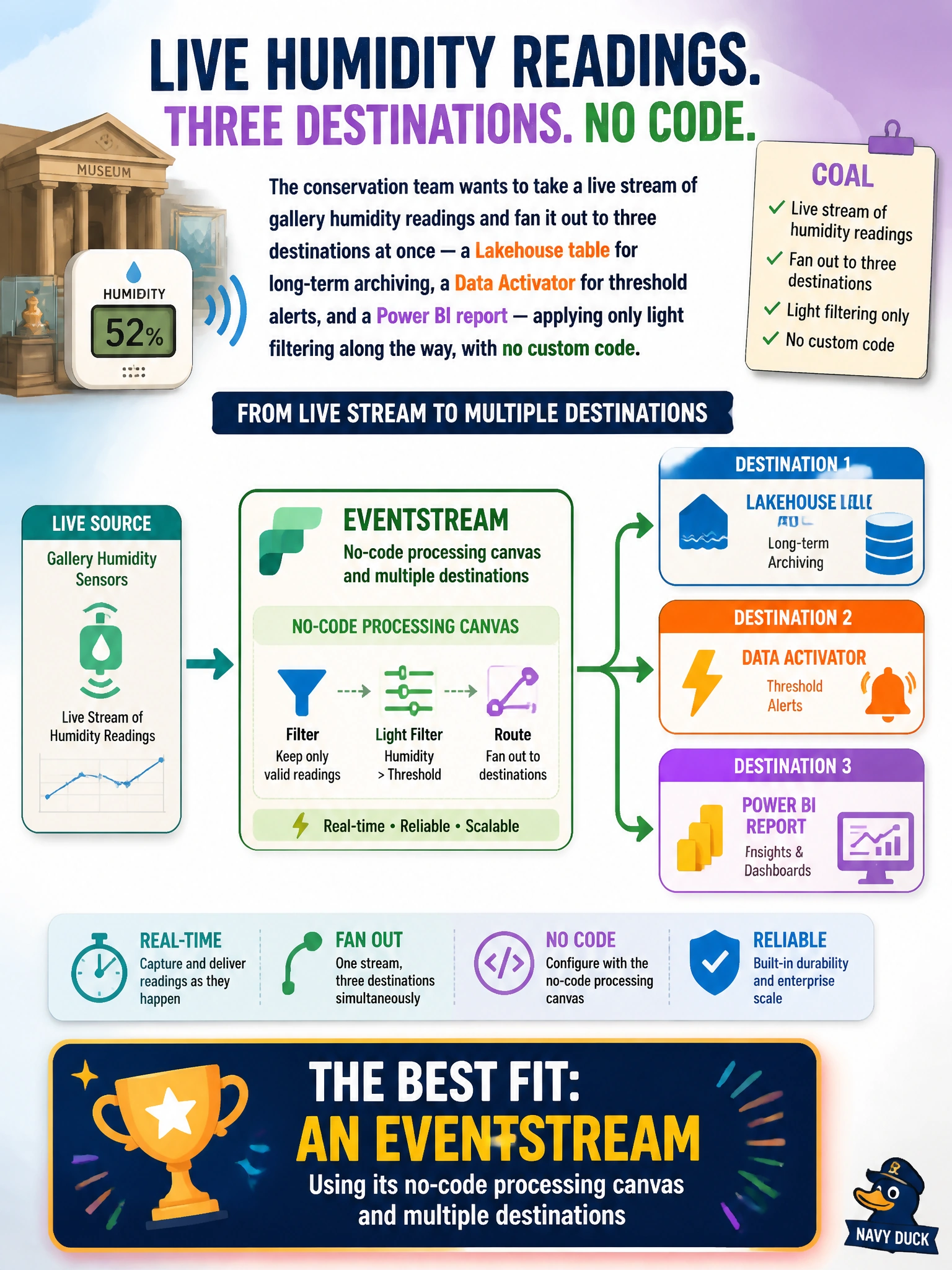
The conservation team at a national museum and archives network wants to take a live stream of gallery humidity readings and fan it out to three destinations at once — a Lakehouse table for long-term archiving, a Data Activator for threshold alerts, and a Power BI report — applying only light filtering along the way, with no custom code. Which Fabric capability best fits this need?
Select an answer to reveal the explanation.
Short Explanation
Think of an Eventstream as a switchboard for live data: it plugs into a source once and fans the same stream out to several destinations, with simple no-code filtering and shaping along the way. You don't need to write Spark or T-SQL for straightforward routing — that's exactly the job the Eventstream canvas is built for.
Full Explanation
An Eventstream is Fabric's no-code entry point for real-time data. It ingests a stream once, applies lightweight processing nodes such as filter, aggregate, or manage-fields, and then routes the result to multiple destinations at the same time — a Lakehouse, an Eventhouse, a Data Activator, or a custom endpoint. That single-canvas fan-out to several destinations is precisely why it fits this scenario better than the alternatives.
A nightly Dataflow Gen2 refresh fails outright because it is a batch construct: it pulls data on a schedule rather than reacting continuously as events arrive, so it cannot satisfy a live-routing requirement. A Spark structured streaming notebook can do continuous, even stateful, processing, but it requires writing and maintaining PySpark code — more than this simple routing task calls for. A T-SQL stored procedure only operates on data already landed in a Warehouse table; it has no way to subscribe to an in-flight stream or push results to several live destinations at once.
One caveat: once processing needs grow beyond filtering and basic aggregation — joining multiple streams with complex windowed logic, for example — teams typically graduate from the Eventstream canvas to a Spark structured streaming job. Operationally, check the Eventstream's monitoring view after publishing to confirm all three destinations are receiving events.