
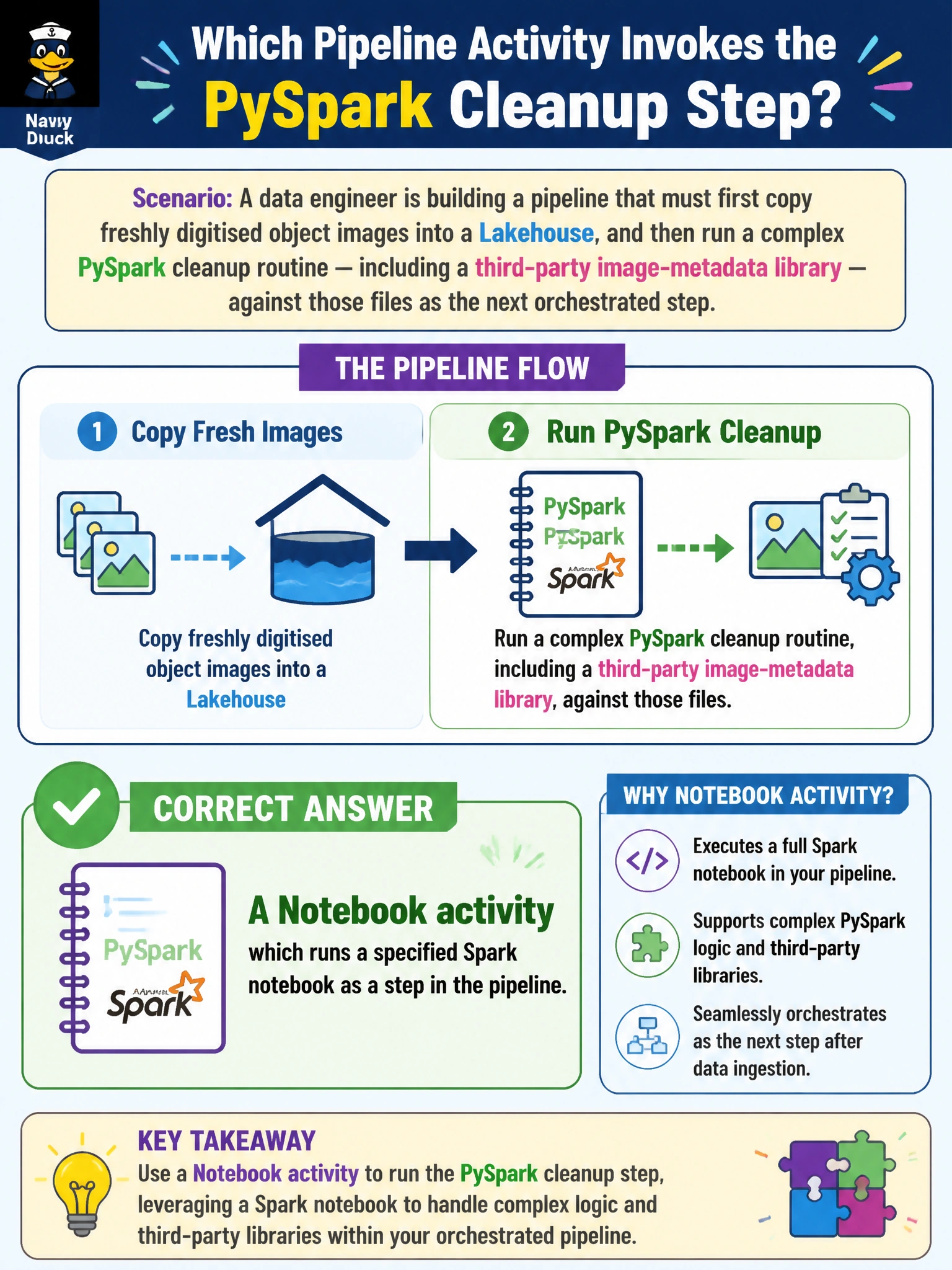
A data engineer is building a pipeline that must first copy freshly digitised object images into a Lakehouse, and then run a complex PySpark cleanup routine — including a third-party image-metadata library — against those files as the next orchestrated step. Which pipeline activity should invoke that PySpark cleanup step?
Select an answer to reveal the explanation.
Short Explanation
Think of the pipeline like a relay race: the first leg carries the baton (the copy step) to the handoff point, and then a specialist runner — the Notebook activity — takes over for the technical leg that needs real code.
Full Explanation
A Notebook activity is the pipeline building block designed to invoke a Fabric notebook, including one written in PySpark, as an orchestrated step; it hands the notebook any needed parameters and waits for it to complete before the pipeline moves on, which is exactly the pattern for running custom Spark logic — like a third-party image-metadata library — after an initial copy step. A Copy Data activity is built to move data between a source and a destination; it doesn't host or execute arbitrary transformation code, so bolting an “inline transformation script” onto it isn't how the activity works. A Web activity calls an external REST endpoint and is meant for lightweight integration tasks like triggering a webhook or checking a status API, not for running a Spark workload — even if some external service happened to run PySpark, invoking it this way sidesteps Fabric's native compute entirely. Chaining a second Copy Data activity doesn't introduce any code-execution capability; copy activities move data, they don't run custom Python. Before wiring the two steps together, confirm the Notebook activity is configured to run after the Copy Data activity completes successfully, so the cleanup never reads a partially-copied set of images.