
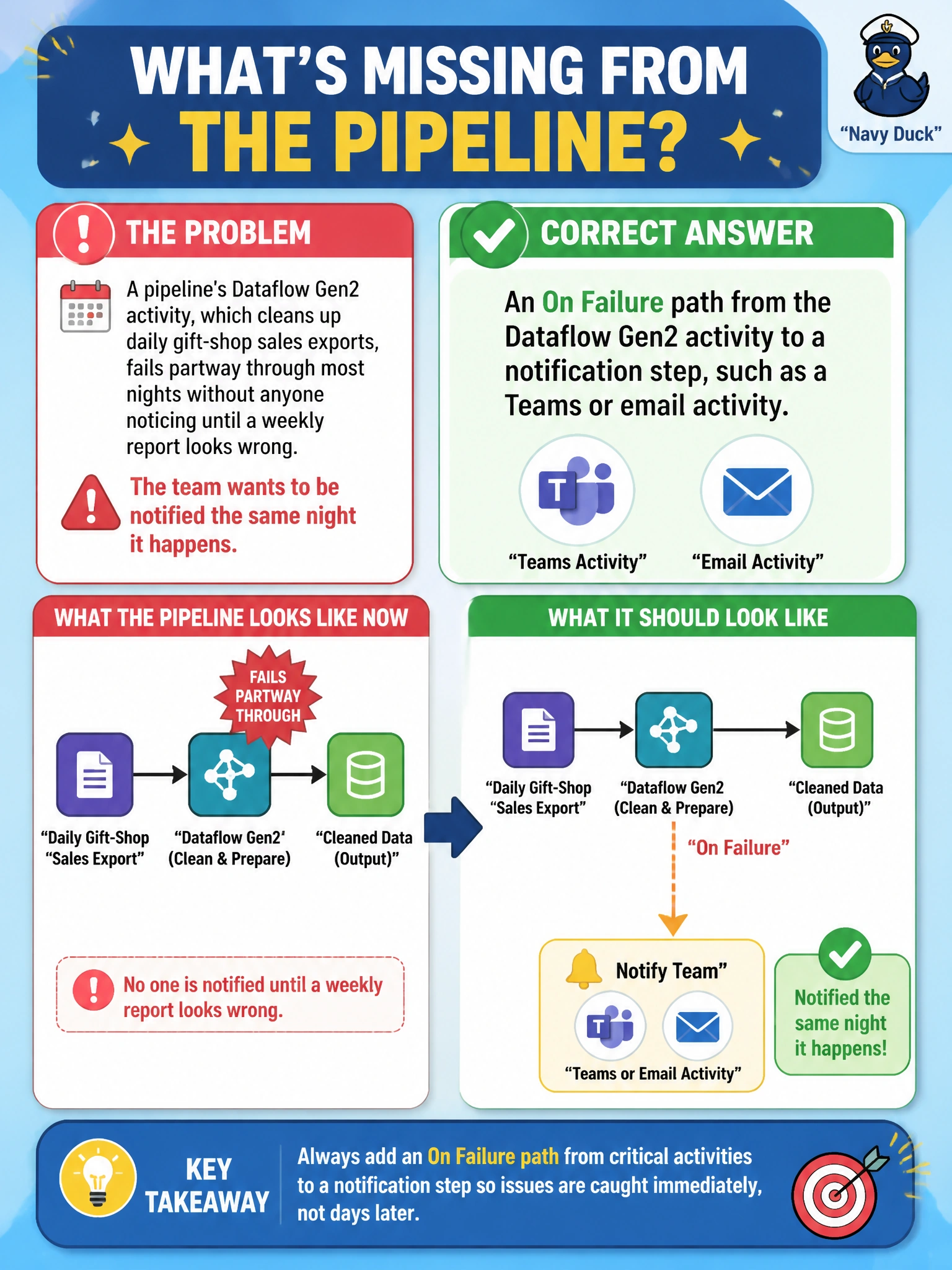
A pipeline's Dataflow Gen2 activity, which cleans up daily gift-shop sales exports, fails partway through most nights without anyone noticing until a weekly report looks wrong. The team wants to be notified the same night it happens. What is missing from the pipeline?
Select an answer to reveal the explanation.
Short Explanation
A failure nobody hears about until the weekly report looks wrong has been sitting there quietly for days. Wire an On Failure path from that Dataflow Gen2 activity to a notification activity, and the team hears about it the same night instead of a week later.
Full Explanation
A dependency condition of Failed on the Dataflow Gen2 activity, routing to a downstream notification activity such as Teams or email, closes exactly the gap described: the moment the cleanup step fails, someone gets told immediately rather than discovering it through a stale weekly report. This is the alerting half of the same branching pattern used elsewhere for copy-then-notebook flows, just applied to a Dataflow Gen2 step instead. Removing the Dataflow Gen2 activity and reviewing raw exports by hand abandons the automated cleanup entirely and trades a notification problem for a much bigger manual-effort problem. Adding a second identical Dataflow Gen2 activity running in parallel as a backup doesn't address visibility at all — if the underlying data or logic issue causes one to fail, the duplicate will likely fail the same way, and nobody would be alerted regardless. Extending the pipeline's timeout only helps if the failure is a matter of running out of time; it does nothing for the actual root cause of failure and still leaves the team uninformed on the night it happens. The caveat: the notification activity's message should carry enough context, such as the pipeline run ID and the failed activity name, to actually be actionable rather than a bare alert. A concrete check: intentionally fail the Dataflow Gen2 activity in a test run and confirm the notification arrives that same night.