
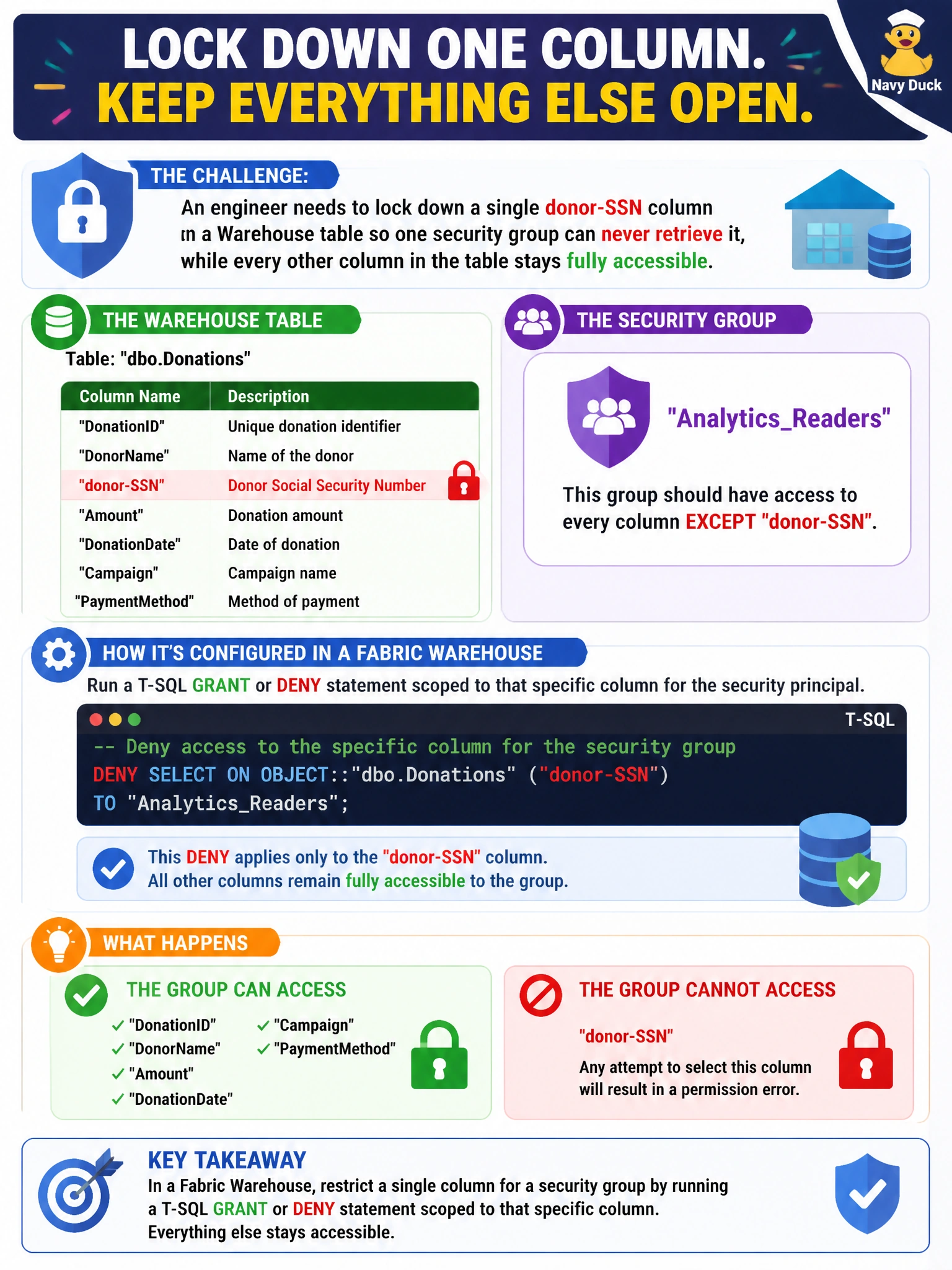
An engineer needs to lock down a single donor-SSN column on a Warehouse table so one security group can never retrieve it, while every other column in the table stays fully accessible to that group. How is this restriction actually configured in a Fabric Warehouse?
Select an answer to reveal the explanation.
Short Explanation
Column-level security is set the same way a database administrator has always locked down a column: with a T-SQL DENY statement aimed at exactly that one column and that one group, not a portal toggle.
Full Explanation
Column-level security in a Fabric Warehouse is configured through T-SQL, using GRANT or DENY statements scoped to a named column for a specific security principal (a user or, more commonly, a security group) — there's no separate portal switch for it. Running a DENY SELECT on the SSN column for the group leaves every other column's existing grants untouched, satisfying the requirement precisely. Sharing the table as a separate item with fewer columns is a workaround that duplicates the object and creates a maintenance burden (two definitions of the same table drifting apart) rather than applying column security to the original. A sensitivity label classifies the item for governance and can drive export-time protections, but it does not enforce a query-time denial on one column — a labeled column can still be selected by anyone who otherwise has table access. There is no column-visibility toggle in the Fabric portal UI for this purpose; assuming one exists is the kind of invented UI path to avoid. An operational check: after applying the DENY, an engineer should run a SELECT ssn FROM ... as a member of the restricted group and confirm it returns a permission error while a SELECT * excluding that column still succeeds.