
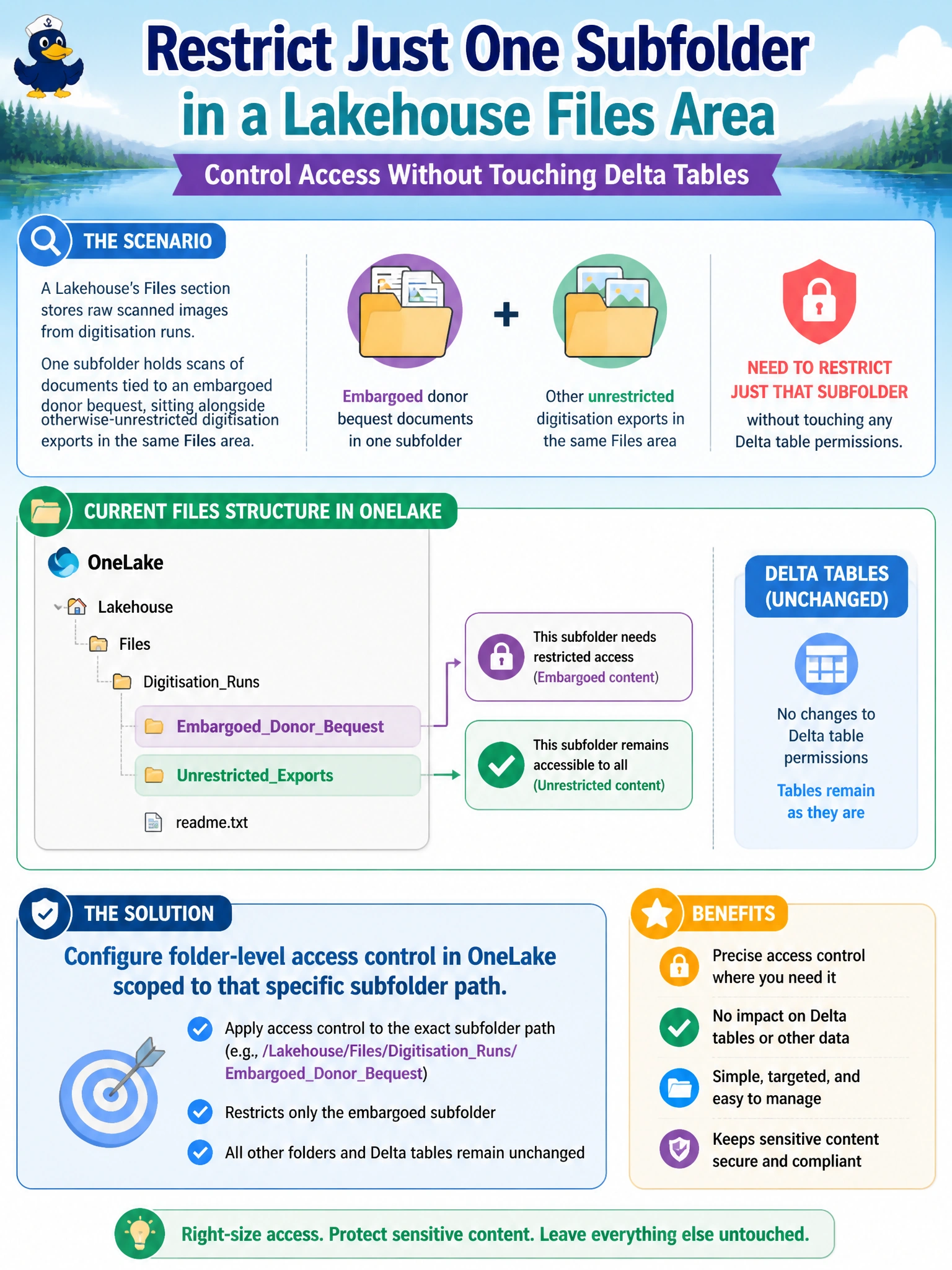
A Lakehouse's Files section stores raw scanned images from digitisation runs. One subfolder holds scans of documents tied to an embargoed donor bequest, sitting alongside otherwise-unrestricted digitisation exports in the same Files area. The team needs to restrict just that subfolder, without touching any Delta table permissions. What should they configure?
Select an answer to reveal the explanation.
Short Explanation
OneLake's folder-level controls work like a locked cabinet inside an otherwise open archive shelf: the shelf stays browsable, but that one embargoed drawer needs its own key, no matter what's happening with the catalogued records next to it.
Full Explanation
OneLake supports access control down to the folder and file level within a Lakehouse's Files section, letting an engineer scope a restriction to one specific path — such as the embargoed-bequest subfolder — while leaving sibling folders in the same Files area untouched. This is a distinct mechanism from table-level security, because unstructured files in the Files section aren't governed by the Delta-table security model at all. Row-level security is a Delta-table (and Warehouse) concept operating on structured rows; it has no effect on raw image files sitting in the Files hierarchy. Dynamic data masking rewrites column values in query results — it doesn't apply to files and can't restrict folder visibility. Certifying the Lakehouse is an endorsement signal about trustworthiness and quality; it grants no access control at all and would, if anything, invite more use of the item, not less. To verify, an engineer should sign in as an account without the folder grant and confirm the embargoed subfolder is absent from that account's Files browse view while sibling folders remain visible.