
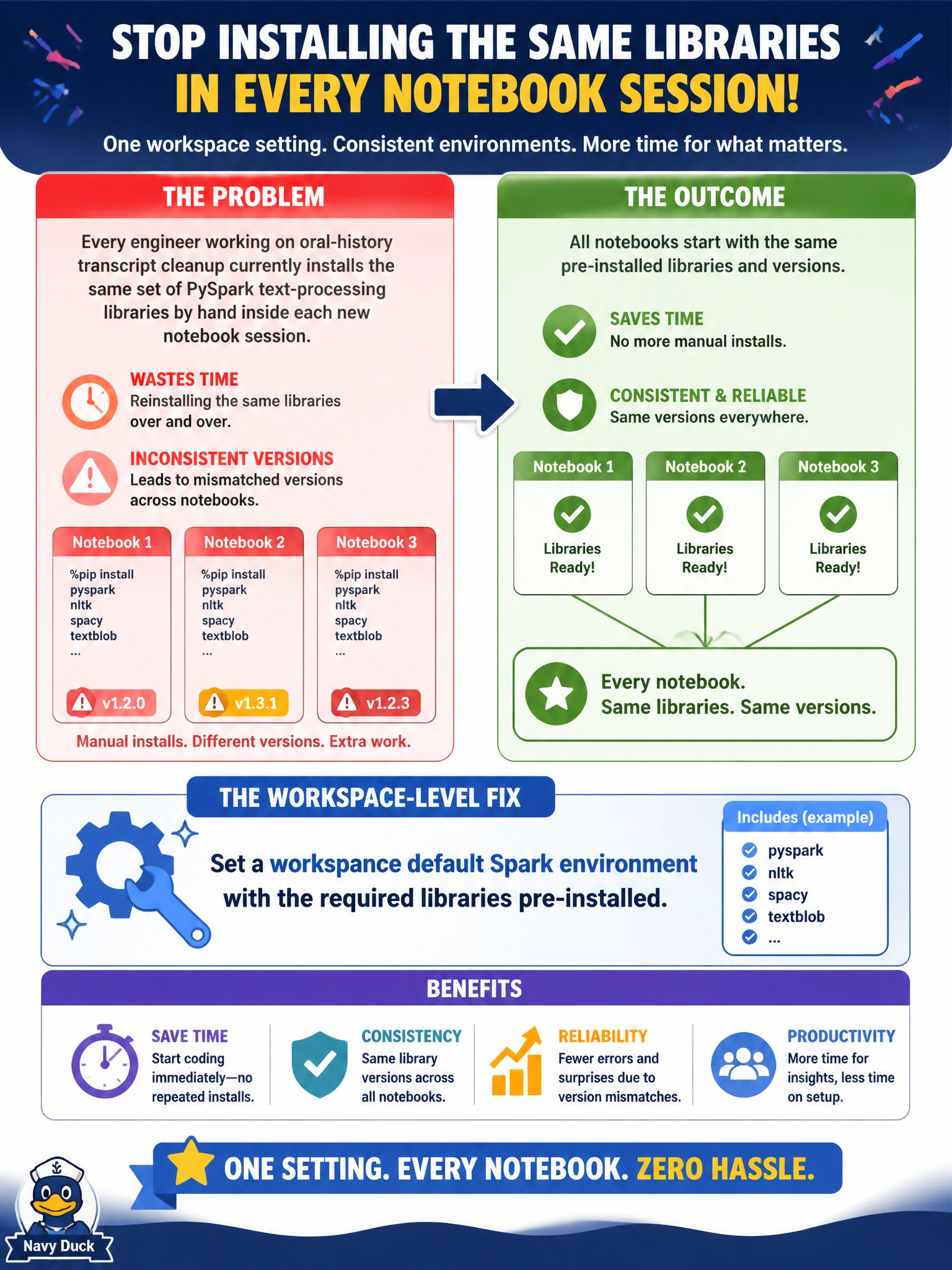
Every engineer working on oral-history transcript cleanup currently installs the same set of PySpark text-processing libraries by hand inside each new notebook session, which wastes time and occasionally produces mismatched versions across notebooks. What workspace-level Spark setting fixes this?
Select an answer to reveal the explanation.
Short Explanation
A default Spark environment is like a pre-stocked toolbox that's already sitting on the workbench when you arrive -- every new notebook in the workspace opens with the right libraries already installed, instead of everyone digging out and installing the same tools by hand each time.
Full Explanation
A workspace default Spark environment lets an admin pre-configure a set of libraries once, and every new notebook session in that workspace picks up that environment automatically, eliminating the repeated manual installs and the version drift that comes from different engineers installing slightly different versions by hand. Continuing to install libraries inline in every session is the exact wasteful, inconsistent pattern the team wants to eliminate -- it doesn't scale and invites mismatches. Requesting a larger capacity SKU increases the compute ceiling available, but it does nothing about which libraries are installed in a given session. Enabling Apache Airflow provisions a DAG-orchestration environment unrelated to Spark notebook library management. A scope note: a default environment sets what's available when a session starts, but a notebook can still override it with session-scoped libraries for a one-off need without changing the workspace default. Confirm the fix by starting a fresh notebook session and checking the required libraries are already present without any manual install step.