
At the end of the quarter, the archives network needs extra Spark compute for a backlog of PySpark jobs cleaning up scanned-document OCR output on the digitization Lakehouse, and wants to reduce spend again once the backlog clears, without moving any workspace to a different capacity. What should be done?
Select an answer to reveal the explanation.
Short Explanation
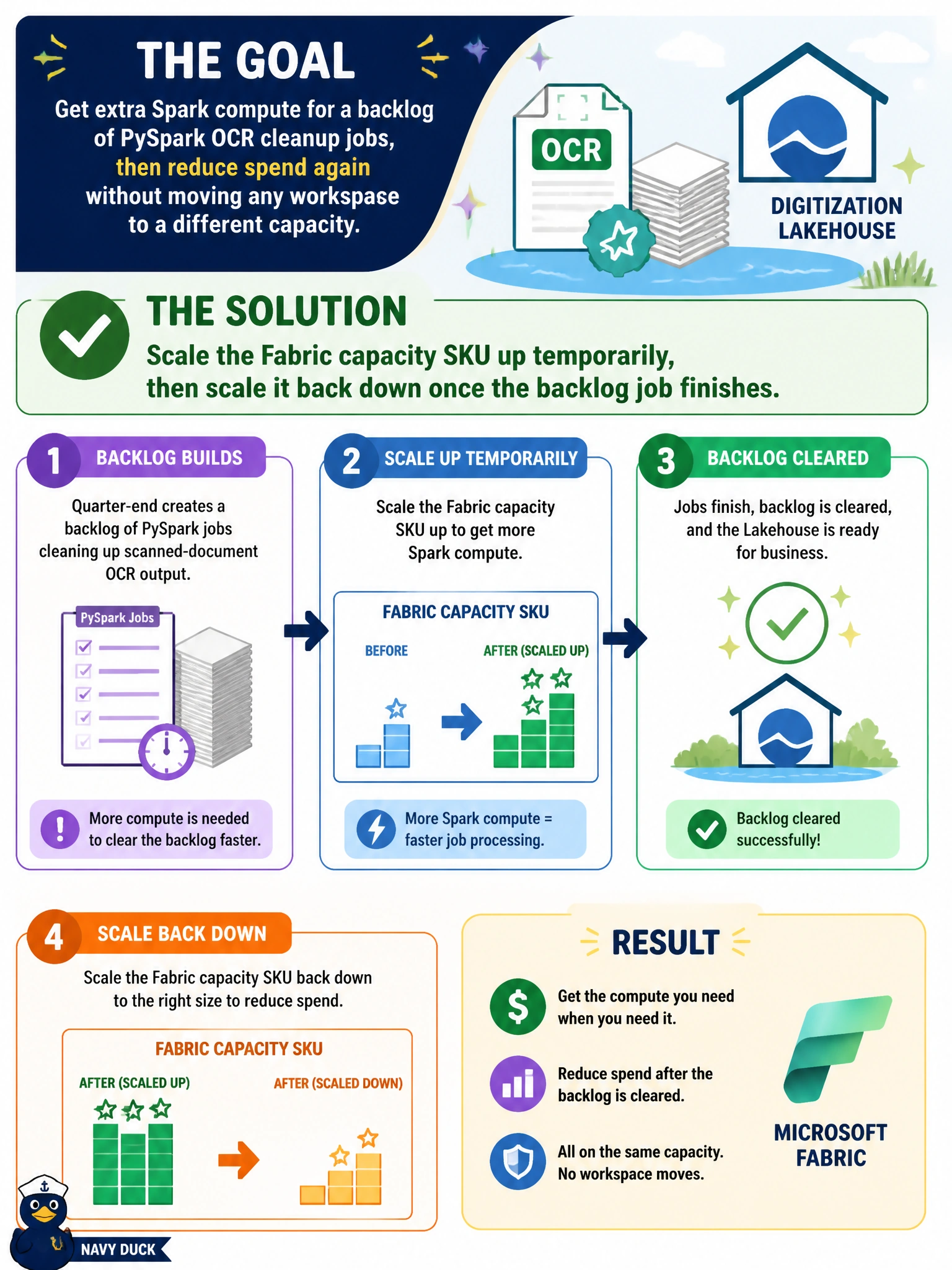
Scaling a capacity's SKU is like temporarily upgrading a subscription plan for a busy month, then dropping back down once the rush is over -- the same workspaces stay right where they are, but the compute ceiling flexes with demand instead of staying fixed at one size.
Full Explanation
Scaling a Fabric capacity's SKU up and back down lets the compute ceiling flex to match a temporary demand spike, like a backlog of OCR-cleanup jobs, without moving any workspace off the capacity it's already assigned to -- matching the requirement exactly. Reassigning every affected workspace to a brand-new capacity accomplishes a similar compute increase but does so by relocating workspaces entirely, which is more disruptive and unnecessary when the simpler option is adjusting the existing capacity's SKU. Disabling OneLake shortcut caching affects read latency and storage footprint for shortcut-linked data, not the total Spark compute ceiling available for a backlog of jobs. Enabling Apache Airflow provisions a separate DAG-orchestration environment; it doesn't add general-purpose Spark worker capacity to the backlog job. A caveat: scaling a capacity SKU up increases cost while it's scaled up, so it should be scaled back down promptly once the backlog clears to avoid ongoing overspend. Confirm the change by checking the capacity metrics app shows the higher SKU active during the backlog window and reverted afterward.