
An engineer wants to build and test changes to a digitization-pipeline Lakehouse notebook without touching the content that's live in the shared production workspace, which is connected to the main Git branch. What is the recommended approach?
Select an answer to reveal the explanation.
Short Explanation
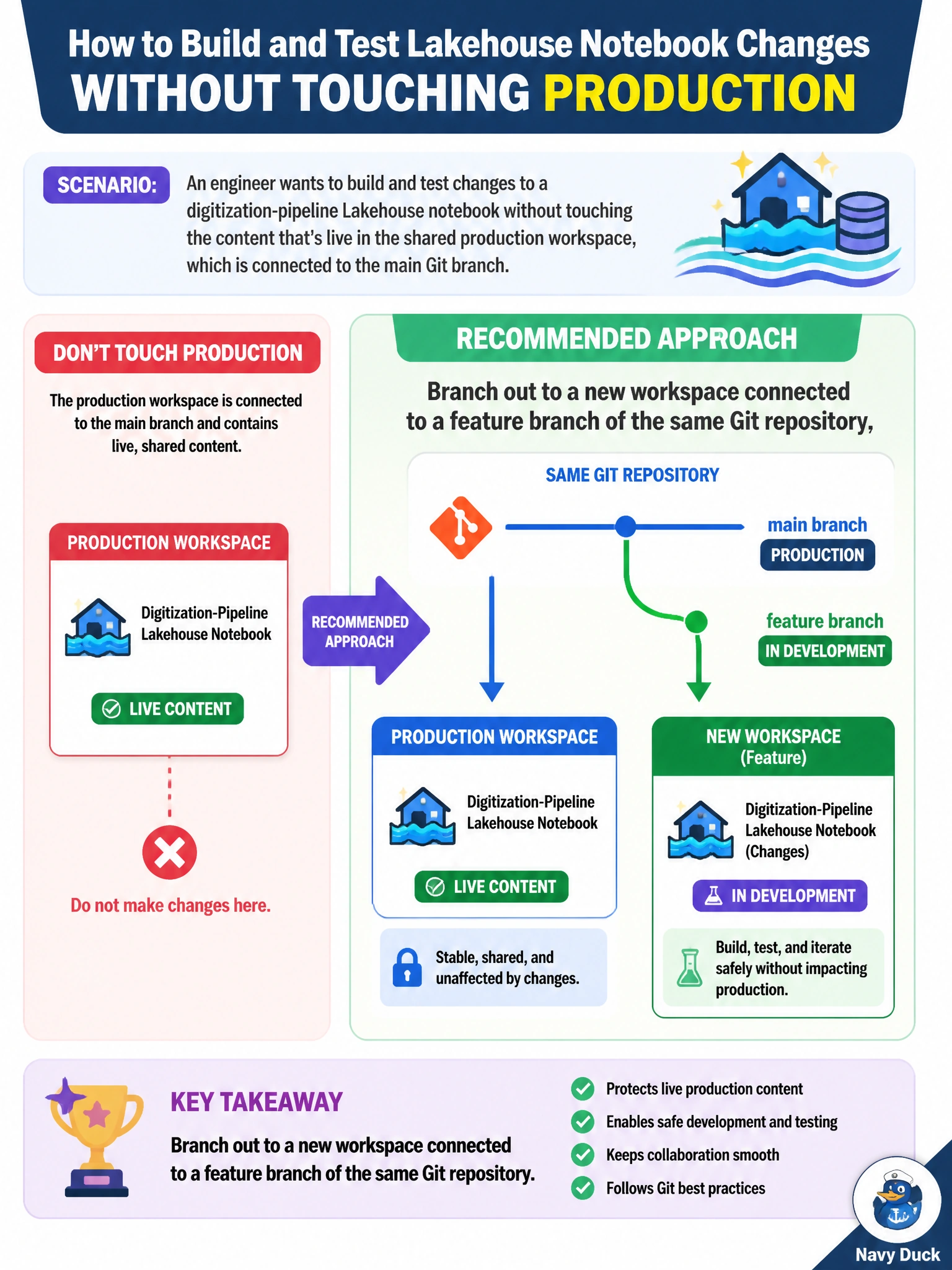
Branching out is like getting your own sandbox that's still plugged into the same shared toolbox -- the engineer gets an isolated workspace tied to a feature branch, so changes stay contained until they're ready to merge back, instead of experimenting directly on the production content everyone else depends on.
Full Explanation
Branching out to a new workspace connected to a feature branch of the same Git repository is the mechanism designed for exactly this: it gives the engineer an isolated copy of the content wired to its own branch, so changes can be built and tested without ever touching what's deployed in the shared production workspace. Duplicating items by hand inside production and renaming them still edits within the live workspace, risking accidental exposure of half-finished work and defeating the point of isolation. Requesting an exception to skip database-project source control removes a safeguard rather than providing isolation, and doesn't address the actual need here. Creating a second deployment pipeline aimed at the same production workspace manages promotion between lifecycle stages, not isolated development -- it doesn't give the engineer a separate place to experiment safely. A caveat: work in the branched-out workspace still needs to be committed and eventually merged back into the main branch before it can be promoted forward. Confirm the setup by checking the new workspace's Source control pane shows it connected to the correct feature branch.