
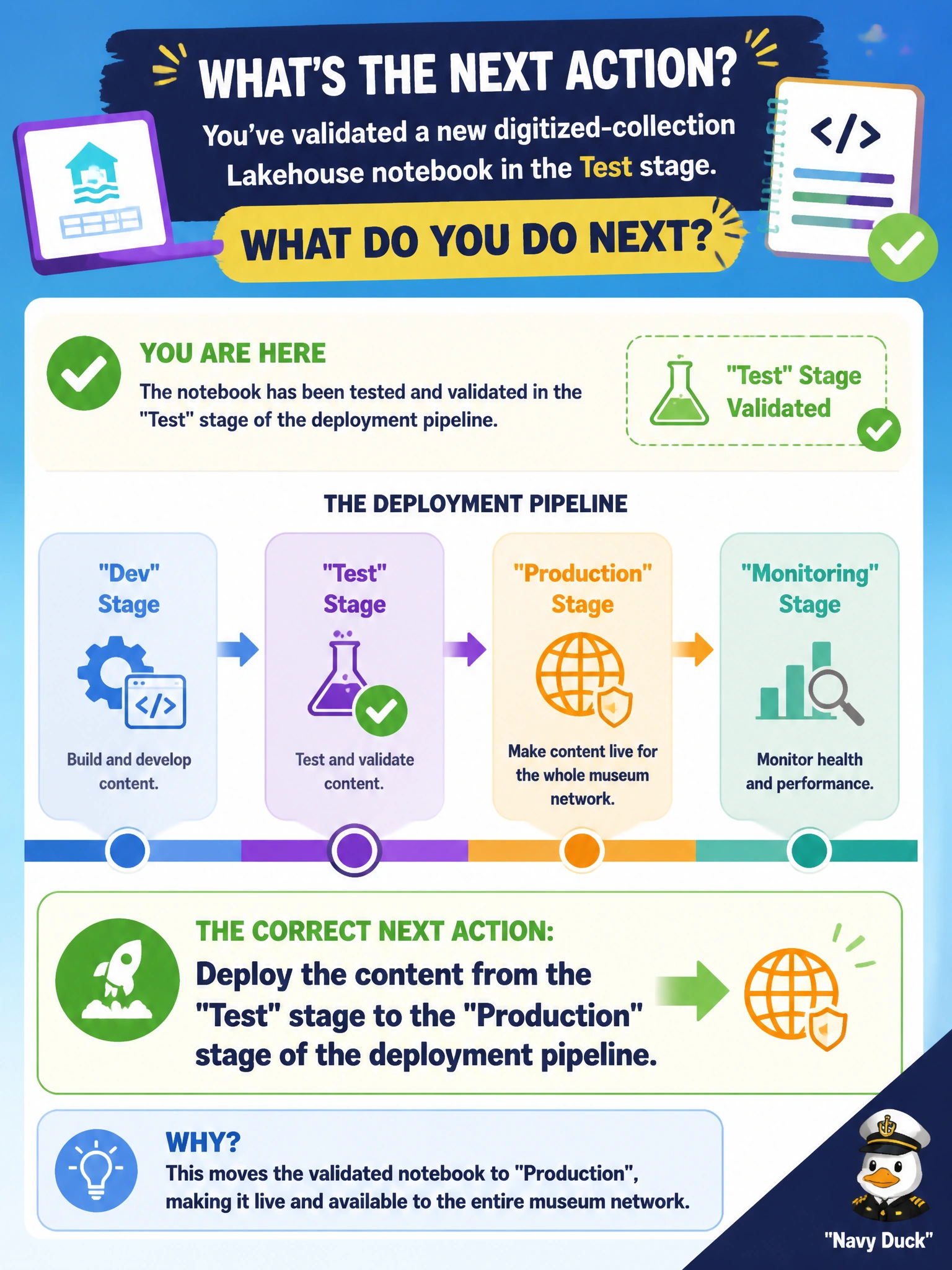
After validating a new digitized-collection Lakehouse notebook in the Test stage of a deployment pipeline, the team is ready to make it live for the whole museum network. What is the correct next action?
Select an answer to reveal the explanation.
Short Explanation
A deployment pipeline is like a conveyor belt with clearly marked stops: dev, test, production. Once something passes inspection at Test, you don't lift it off the belt and carry it by hand -- you deploy it forward to Production the same way it got to Test.
Full Explanation
A Fabric deployment pipeline is built exactly for this: once content is validated in one stage, the Deploy action promotes it forward to the next stage -- here, from Test to Production -- carrying the item definitions along in a controlled, repeatable way. Manually copying the notebook file into the Production workspace bypasses the pipeline's tracking and comparison entirely, reintroducing the risk of missed dependencies or configuration drift that the pipeline exists to prevent. Disconnecting Git from Test and reconnecting it to Production conflates source control with lifecycle promotion; Git integration and deployment pipelines are separate mechanisms, and swapping connections does not move content between stages. Rebuilding a database project addresses schema source control for warehouses, not moving a Lakehouse notebook between pipeline stages. One caveat: any stage-specific values, like which Lakehouse the notebook points to, should be handled with deployment rules so the notebook binds to Production's own resources after the move. Confirm the promotion succeeded by checking the Production stage's last-deployed timestamp and item list.