
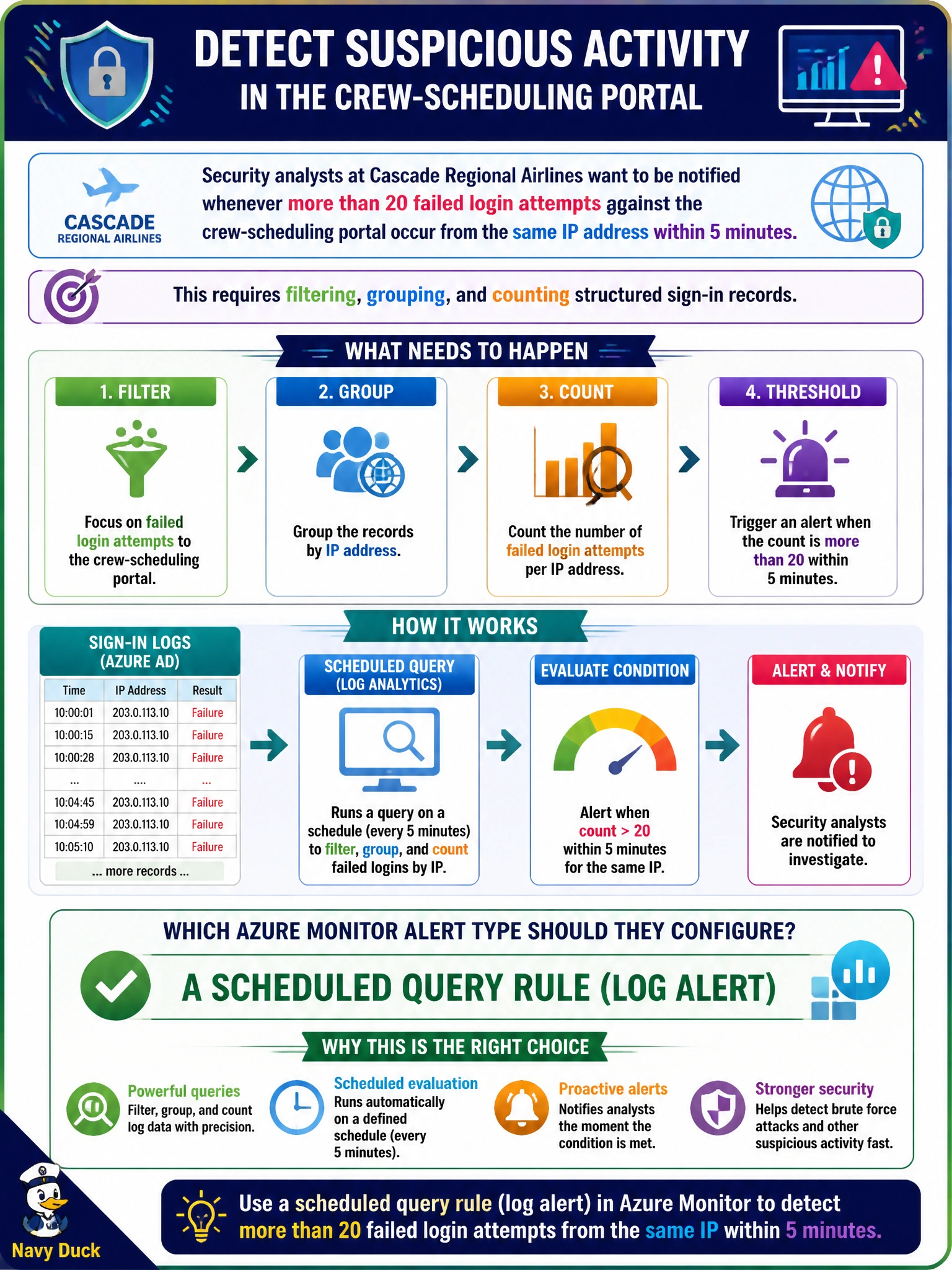
Security analysts at Cascade Regional Airlines want to be notified whenever more than 20 failed login attempts against the crew-scheduling portal occur from the same IP address within 5 minutes. This requires filtering, grouping, and counting structured sign-in records. Which Azure Monitor alert type should they configure?
Select an answer to reveal the explanation.
Short Explanation
Counting and grouping like this needs a real question asked of the data, not just a single number watched over time. A scheduled query rule runs a Kusto query on a timer and fires when the query's results say the condition is met.
Full Explanation
A scheduled query rule, also called a log alert, periodically runs a Kusto query against a Log Analytics workspace and triggers based on the query's results, which makes it the right fit whenever the alert condition involves filtering, grouping, or counting structured records, such as failed sign-ins grouped by source IP within a time window. A metric alert, even with dynamic thresholds, only evaluates a single numeric time series and has no mechanism to group by an arbitrary field like source IP or count discrete log events. An activity log alert reacts only to Azure Resource Manager control-plane events, such as a resource being created, and would never see application-level sign-in records at all. An action group is not an alert type; it is the notification destination that any of these alert rules can call once triggered, so it plays no role in detecting the condition itself. Because scheduled query rules run on an interval rather than continuously, the operational tradeoff is a small detection delay, so the team should set the evaluation frequency short enough to meet their response-time goal and verify by checking the rule's query results tab after a deliberate test.