
During a compliance audit, Cascade Regional Airlines' security team tries to query sign-in log records from 120 days ago in their Log Analytics workspace and gets no results, even though the servers were sending data the whole time. The workspace was never customized. What is the most likely explanation?
Select an answer to reveal the explanation.
Short Explanation
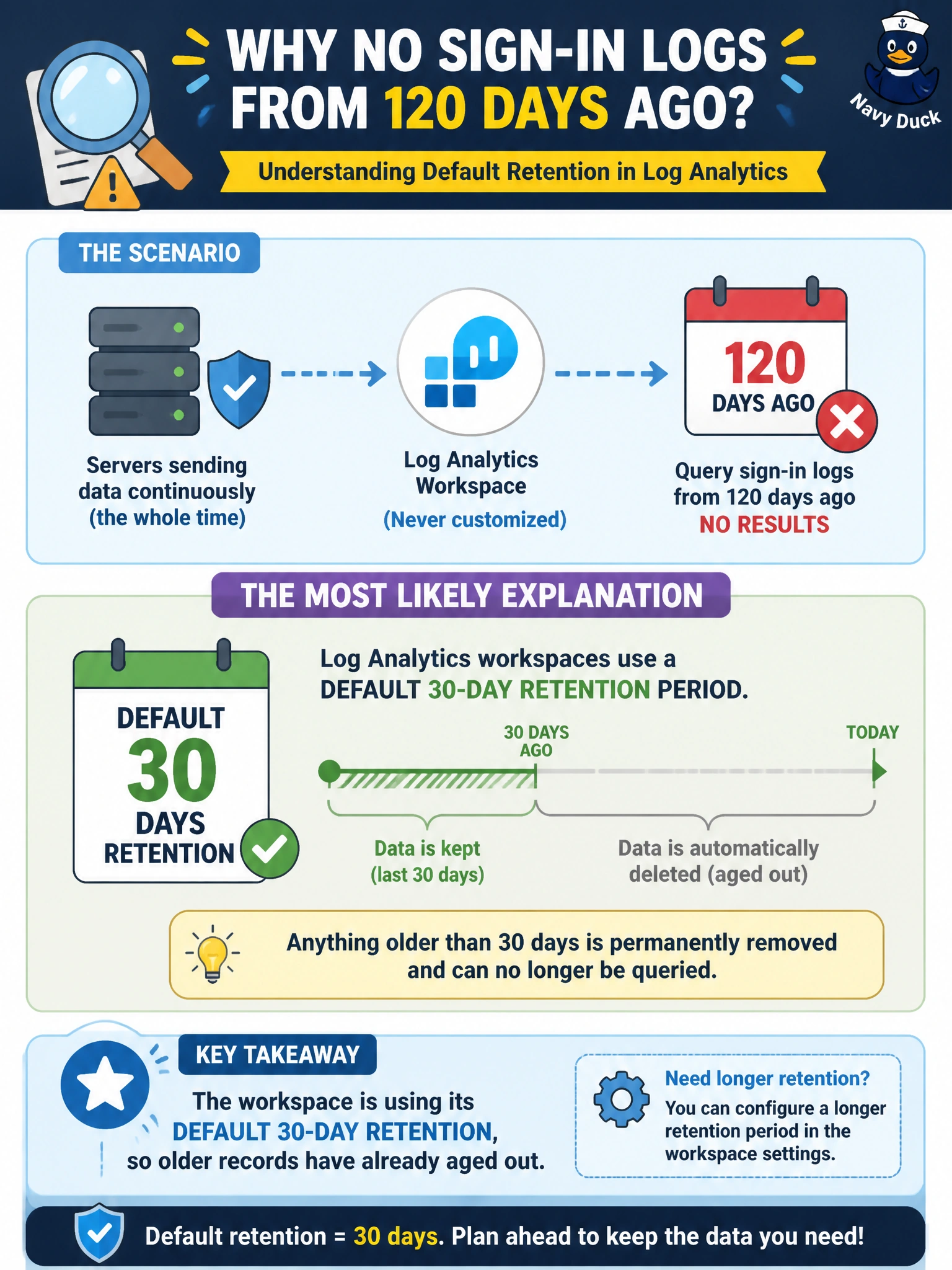
A Log Analytics workspace is like a mailbox with an auto-delete rule: out of the box, anything older than 30 days quietly disappears unless someone changes the setting. No error, no warning — the data just isn't there anymore.
Full Explanation
A newly created Log Analytics workspace defaults to a 30-day interactive retention period, after which ingested records age out and are no longer queryable unless retention was explicitly increased or an archive/long-term retention policy was configured on the table. Since the scenario states the workspace was never customized, 120-day-old records falling outside that default window is the straightforward explanation, and it requires no failure anywhere in the pipeline. The activity log is a separate, always-on record of control-plane operations that is unrelated to whether custom sign-in logs exist in a workspace, and disabling it would not explain missing log table data. Querying metrics instead of logs would produce a syntax or scope error rather than an empty result from a correctly targeted log query, so that does not fit the symptom either. Data collection rules control ongoing ingestion going forward; deleting one stops new data from arriving but does not retroactively delete records already stored, so it would not explain a gap in historical data. The operational fix is to raise the workspace or table-level retention setting and, for compliance needs, configure an archive tier so older data can still be queried when needed.