
Cascade Regional Airlines runs 40 web and application servers supporting the booking site across two regions. The operations team wants to run a single Kusto query that correlates failed sign-ins across every one of those servers at once. What should the servers be configured to send their logs to?
Select an answer to reveal the explanation.
Short Explanation
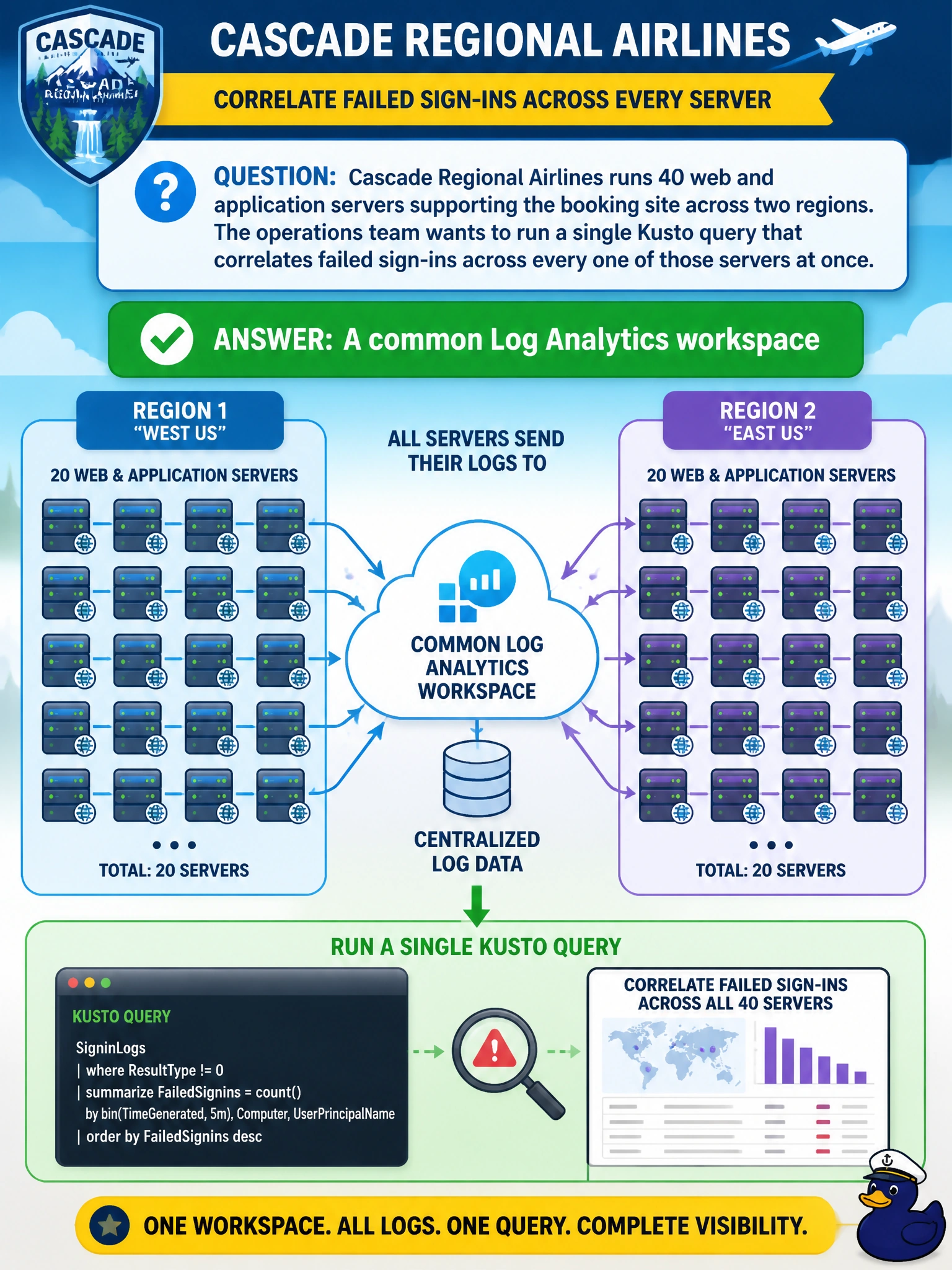
Picture one big filing cabinet instead of forty separate ones scattered around the building. Sending every server's logs into the same Log Analytics workspace means one KQL query can search across all of them at once instead of forty separate searches.
Full Explanation
A Log Analytics workspace is the query-able data store behind Azure Monitor logs, and pointing multiple resources at the same workspace lets a single Kusto query join and correlate records across all of them, which is exactly what cross-server correlation requires. An action group is only a notification target used by alert rules; it stores no data and cannot be queried. The Azure Resource Manager activity log records subscription-level control-plane events like resource creation or role assignment, not application sign-in events emitted by the servers themselves, so it would be empty for this use case. Individual per-server metric alert rules evaluate numeric thresholds one resource at a time and do not provide any mechanism to correlate log records across machines. In practice, the servers' data collection configuration (an Azure Monitor Agent data collection rule, or legacy agent configuration) is pointed at the shared workspace so their logs land in the same set of tables. A quick operational check is to run a query filtering by the servers' resource IDs and confirm records from all 40 machines appear in the results, not just a subset.