
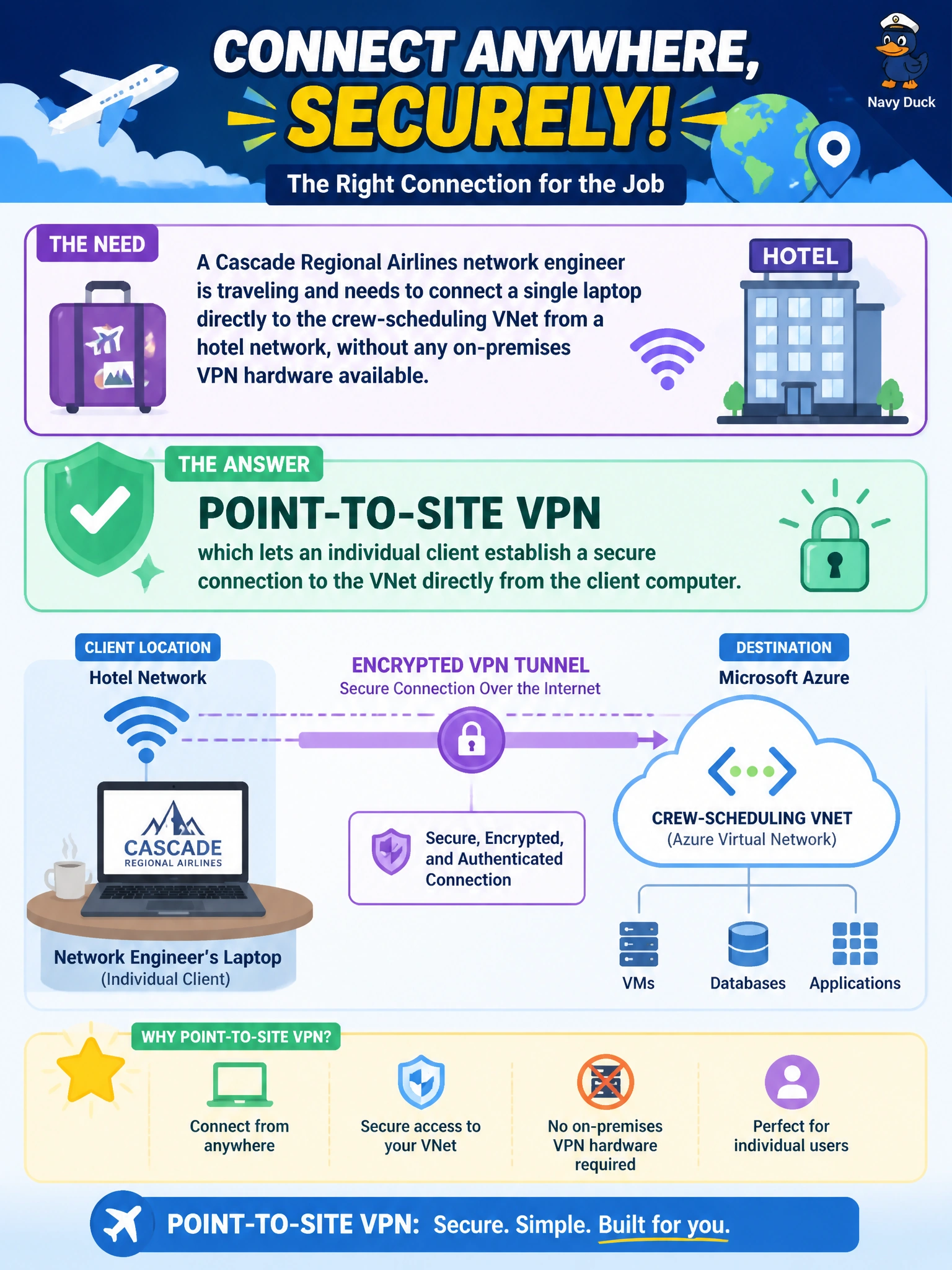
A Cascade Regional Airlines network engineer is traveling and needs to connect a single laptop directly to the crew-scheduling VNet from a hotel network, without any on-premises VPN hardware available. Which connection type fits this need?
Select an answer to reveal the explanation.
Short Explanation
No router, no office network, just one laptop needing in — that's exactly what point-to-site VPN was built for. The client software runs right on the laptop and tunnels straight into the VNet, no on-prem hardware required anywhere.
Full Explanation
Point-to-site VPN lets an individual client computer establish a secure VPN connection directly to an Azure VNet using client software (such as the Azure VPN client), without requiring any on-premises VPN device — which is exactly the scenario described, since the engineer only has a single laptop and no office VPN hardware while traveling. Site-to-site VPN requires a VPN device on the remote end to terminate the tunnel; a laptop in a hotel room has no such device and cannot serve that role, making a temporary site-to-site setup impractical and unnecessary for a single client. ExpressRoute Direct involves provisioning dedicated physical circuits through a connectivity provider, a process that takes real infrastructure and lead time, and is wildly disproportionate for a single traveling engineer's laptop. VNet peering connects two Azure virtual networks to each other; a hotel's guest network is not an Azure VNet and cannot participate in peering at all. Cascade's engineer would configure point-to-site VPN using Microsoft Entra ID authentication, a native Azure certificate, or a shared RADIUS server, and should confirm connectivity by verifying the client's assigned VPN IP falls within the configured point-to-site address pool.