
A Cascade Regional Airlines engineer exports a template from an existing outstation resource group and, before reusing it, redeploys the exported template unmodified against a brand-new resource group to see what happens. The deployment fails on several resources. What is a known limitation of exported templates that most likely explains this?
Select an answer to reveal the explanation.
Short Explanation
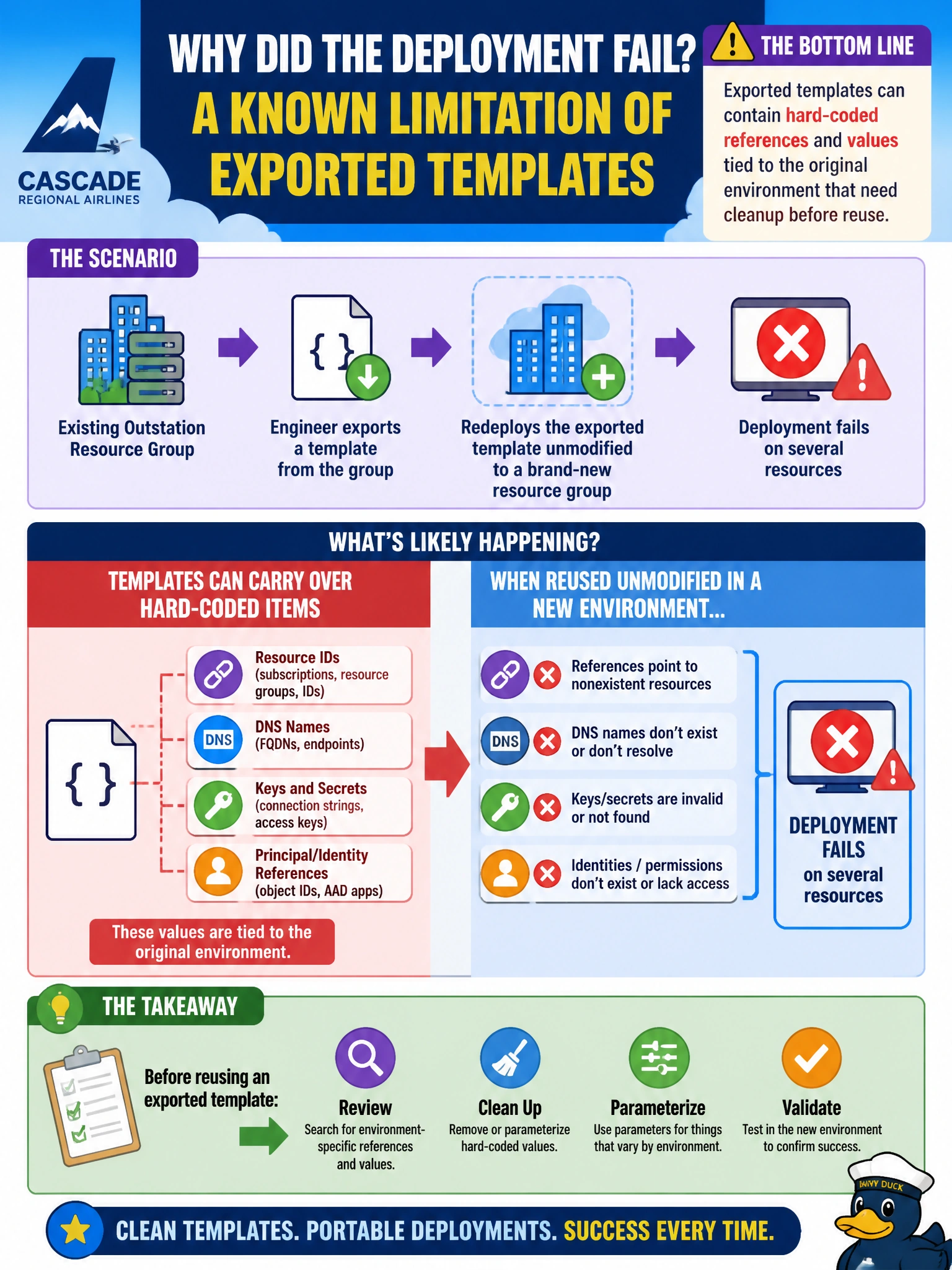
An exported template is a snapshot of exactly what's there, warts and all — including environment-specific values and hard references baked in as literals rather than clean parameters. That's why it's a starting point to clean up, not a finished template to deploy as-is.
Full Explanation
Export template is a convenience feature, not a guarantee of a production-ready template. It can capture values that are specific to the original environment, such as literal resource IDs, region-specific settings, or dependencies expressed as hard-coded references rather than clean parameters, which can cause the same template to fail or misbehave when pointed at a new resource group where those exact references don't exist. This is why the standard practice is to review and refactor an exported template, moving environment-specific values into parameters, before treating it as reusable. Export template does not set a deployment mode at all, since deployment mode is chosen at deployment time, not baked into the exported file, so the Complete mode claim is incorrect. Exported templates are ordinary JSON files with no restriction limiting them to their original resource group; the failure here comes from the environment-specific content within the file, not an artificial deployment restriction. There is no encryption or authorship lock on exported templates; they are plain text and fully editable. A practical check is diffing the exported template's resource IDs and settings against what the new resource group actually contains before attempting the deployment again.