
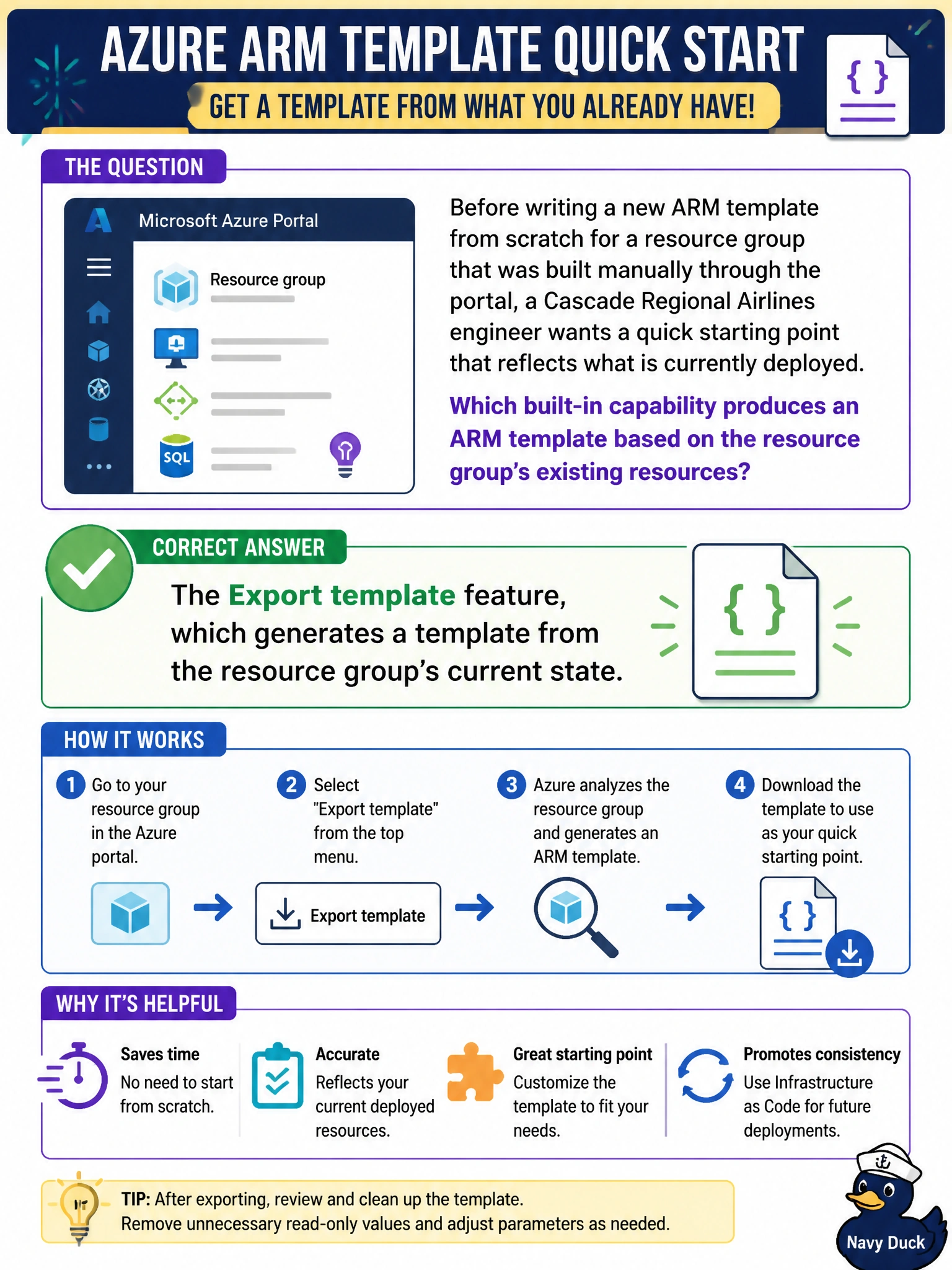
Before writing a new ARM template from scratch for a resource group that was built manually through the portal, a Cascade Regional Airlines engineer wants a quick starting point that reflects what is currently deployed. Which built-in capability produces an ARM template based on the resource group's existing resources?
Select an answer to reveal the explanation.
Short Explanation
Export template is exactly what it sounds like: point it at a resource group and it hands back an ARM template describing what's already sitting there, a handy starting point instead of authoring from a blank file.
Full Explanation
Export template reads the current configuration of resources in a resource group, or a selected subset of them, and generates an ARM JSON template reflecting that state, which is a fast way to get a starting point for infrastructure that was originally built by hand. The deployment history blade only stores a record of deployments that were run through ARM; it does not retroactively generate a template for resources created manually outside of a deployment, so it would not help here since the resource group was never deployed via a template. What-if compares a template the engineer already has against the current state to preview what a deployment would change; it requires a template to exist first and does not generate one from scratch. Complete mode is a deployment setting that deletes resources absent from a template during a deployment; it plays no role in generating a template and would be actively dangerous to invoke here since no template exists yet to define what should be kept. After exporting, the standard next step is reviewing the generated JSON carefully rather than deploying it unmodified, which the next scenario covers.