
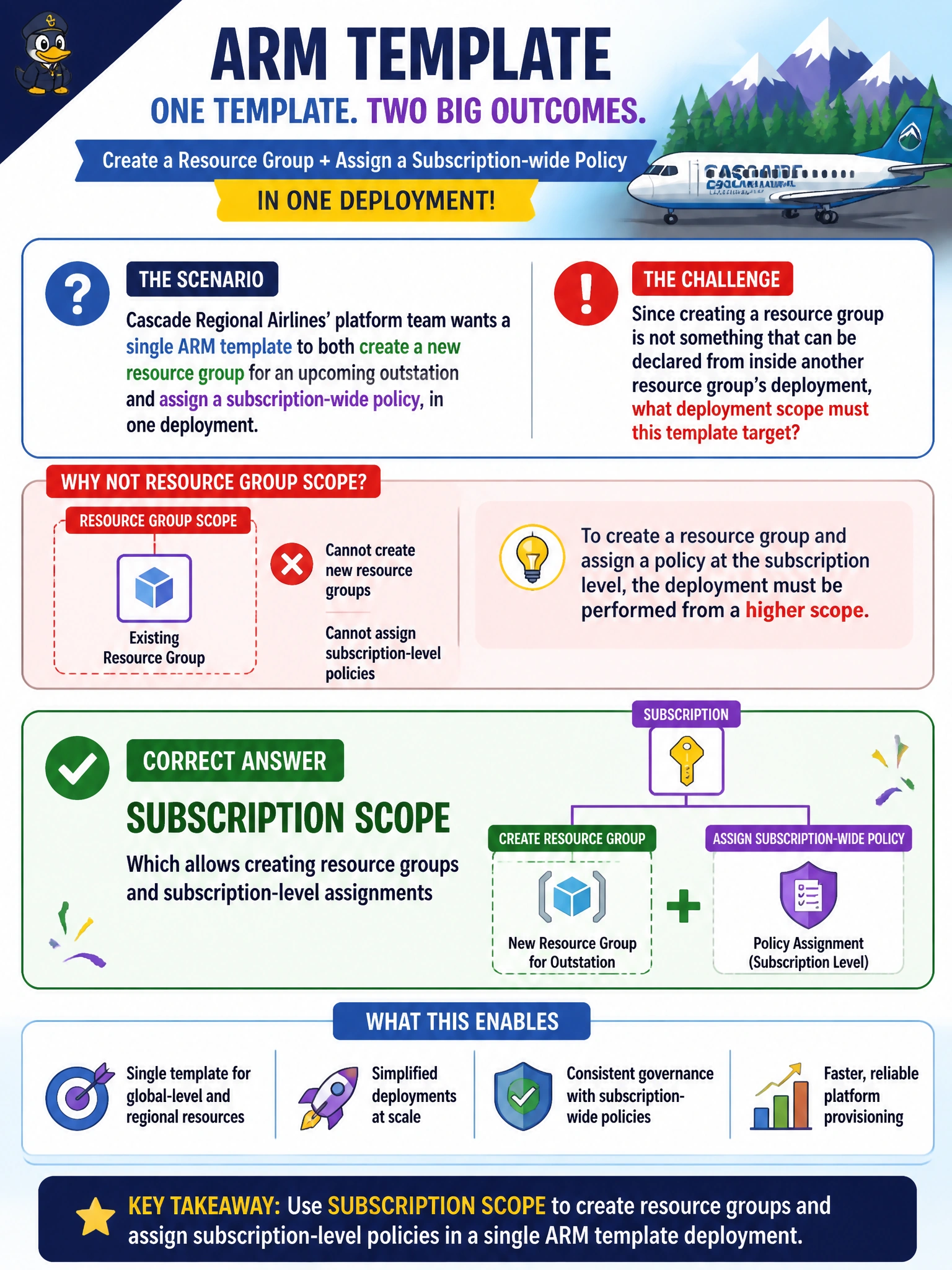
Cascade Regional Airlines' platform team wants a single ARM template to both create a new resource group for an upcoming outstation and assign a subscription-wide policy, in one deployment. Since creating a resource group is not something that can be declared from inside another resource group's deployment, what deployment scope must this template target?
Select an answer to reveal the explanation.
Short Explanation
Creating a resource group is itself a subscription-level action — you can't nest "create a resource group" inside a deployment that already targets one. Subscription scope is built for exactly this: standing up the resource group and assigning subscription-wide policy in the same template.
Full Explanation
Subscription-scope deployments target the subscription itself rather than a specific resource group, which makes them the right tool for actions that operate above the resource group level, such as creating new resource groups or assigning a policy that applies across the whole subscription. A resource-group-scope deployment cannot create a sibling resource group from within its own template, since it is already nested one level below that. Tenant scope is a separate, broader target used for deployments that must act across multiple subscriptions or the whole directory; ordinary subscription-wide policy assignments do not require it, and reaching for tenant scope here would be broader than the task needs. Management group scope sits above subscriptions and is meant for governance that spans multiple subscriptions at once; it is not required simply to create a resource group inside one subscription, and using it would be the wrong altitude for this task. A practical check after running a subscription-scope deployment is confirming the new resource group appears under the subscription and that the policy assignment shows the subscription, not a resource group, as its assignment scope.